Help › Employee portal
Employee self-service
hayaterp.com/portal ↗For every staff member — mark attendance, see your roster, apply for leave, download payslips and raise requests from your phone.
▶Employee self-service on a phone0:20
Open the portal
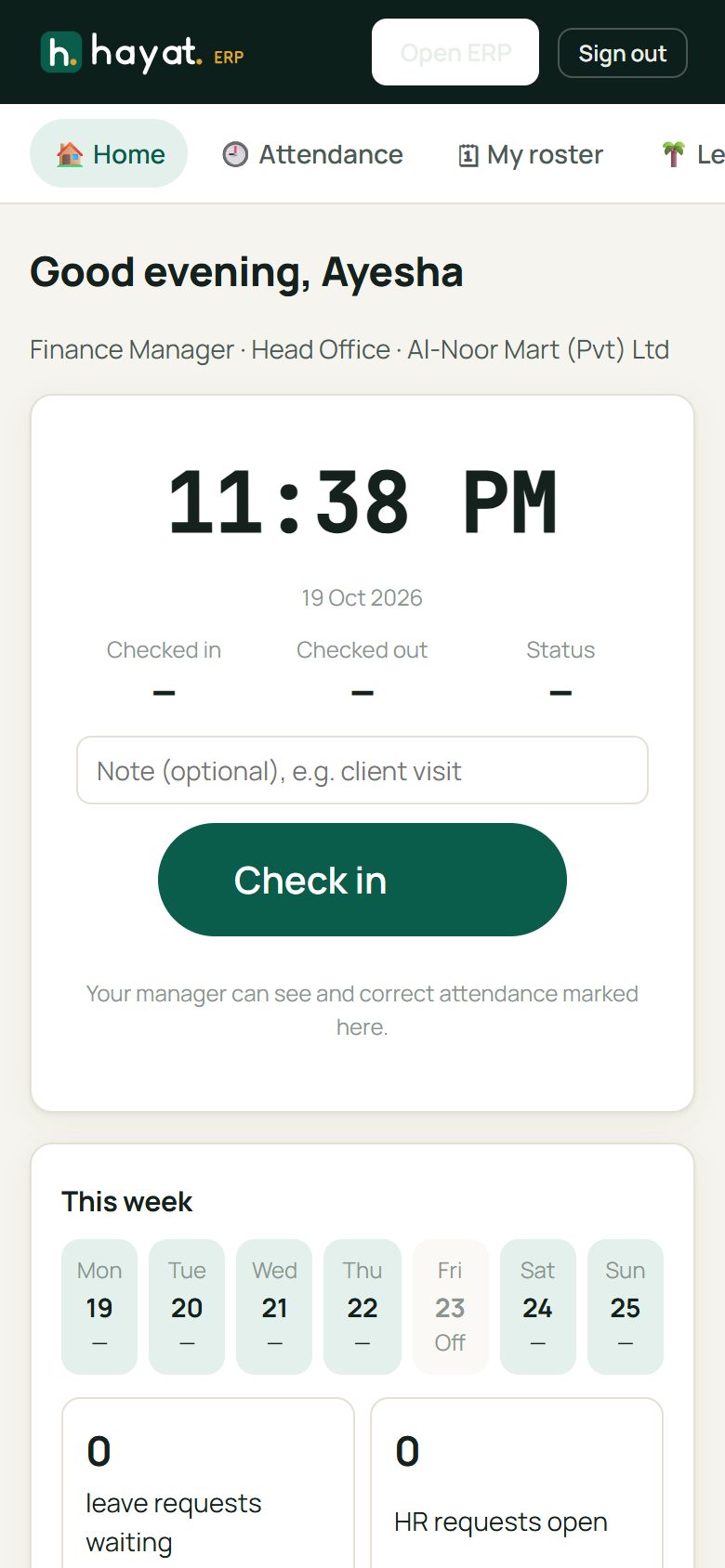
Open hayaterp.com/portal on your phone and sign in with your Hayat email and password. Install it as an app (how) so it is one tap away and works offline.
Mark attendance
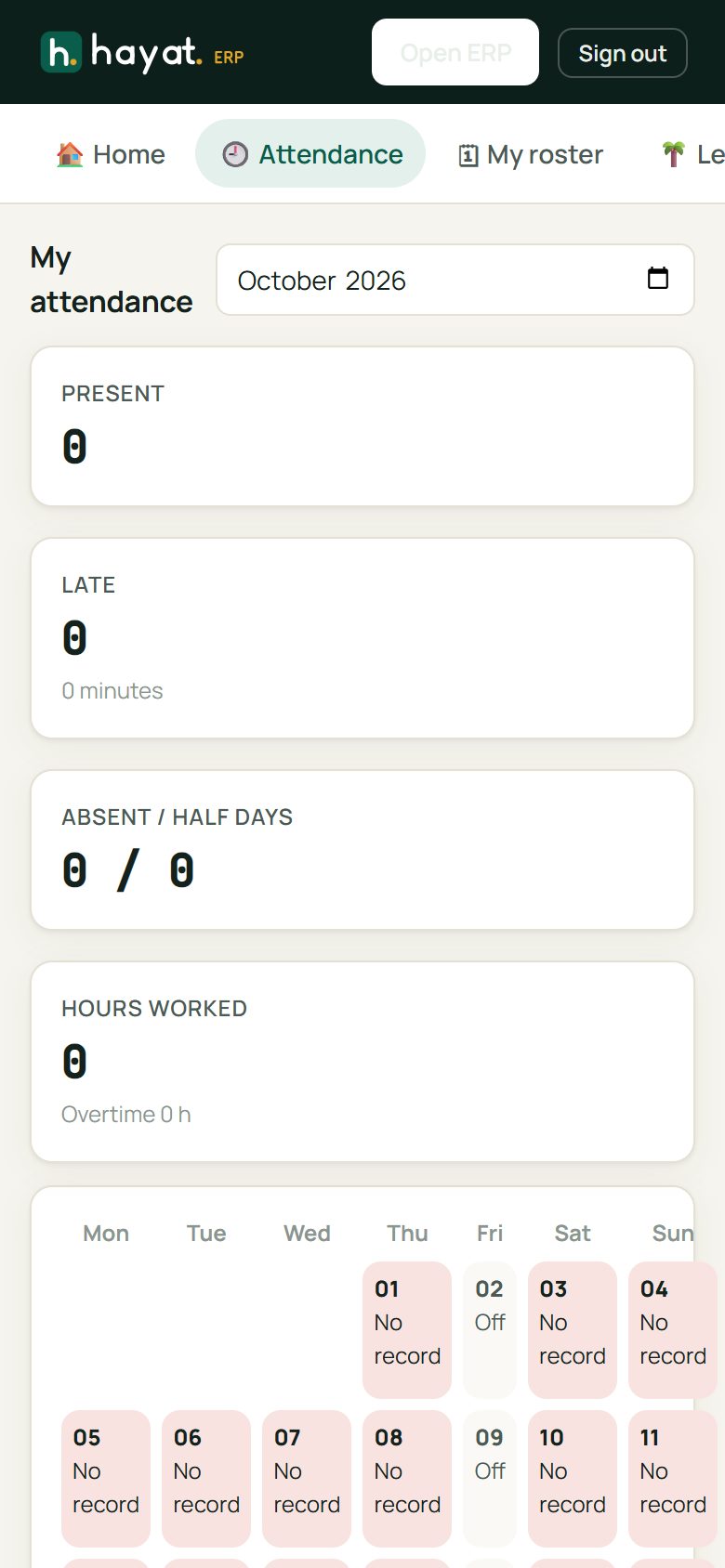
Open Attendance and tap Check in when you arrive and Check out when you leave. The month view shows each day as present, late, half day, leave or absent.
Your roster
My roster shows your shifts and days off for the coming weeks, as published by your manager.
Apply for leave
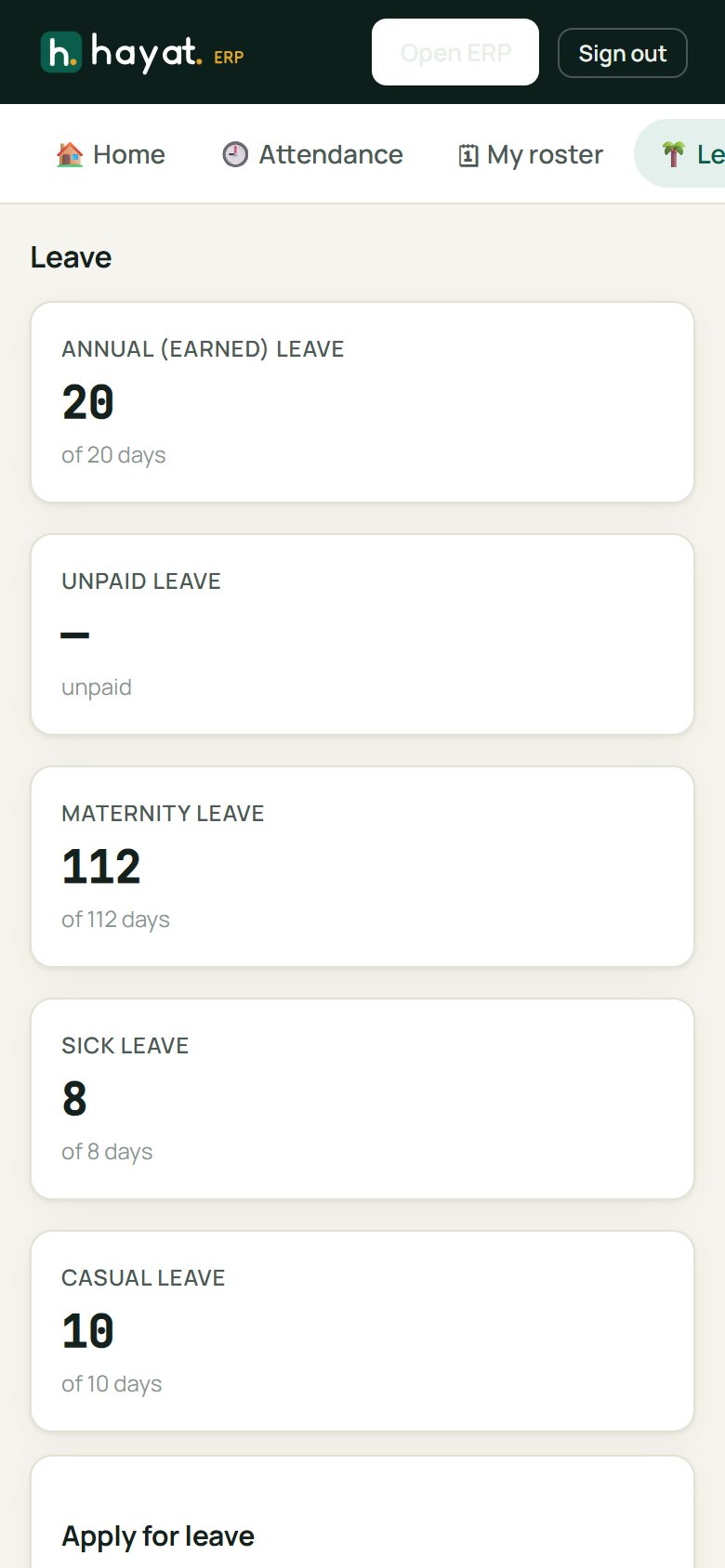
- Open Leave.
- Choose the leave type and the from and to dates (tick Half day if needed) and write a reason.
- Tap Send to my manager. You get a notification when it is approved or rejected.
Short leave is for a few hours — a doctor's appointment or a gate pass during the day.
Payslips
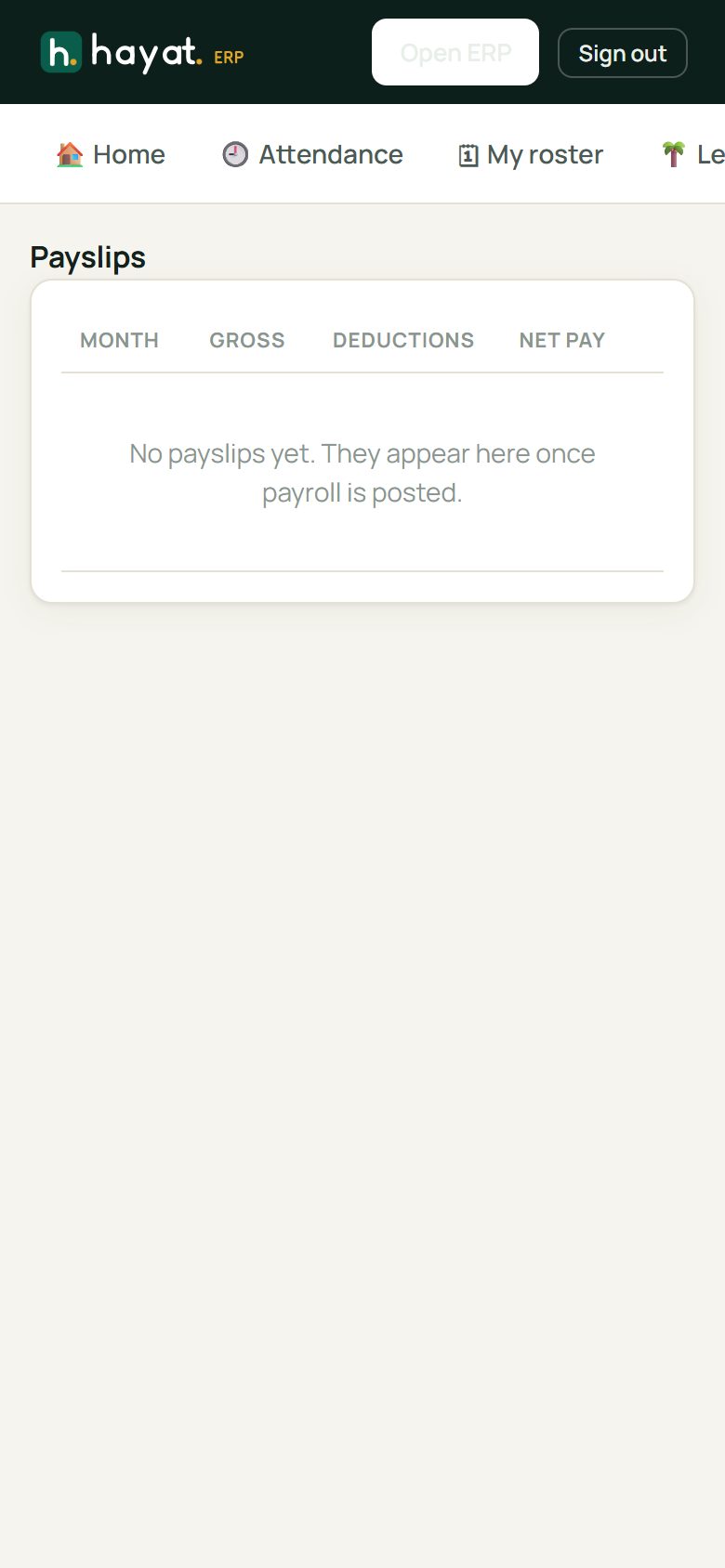
Payslips lists every month with gross pay, deductions and net pay. Tap one to see the breakdown or download the PDF.
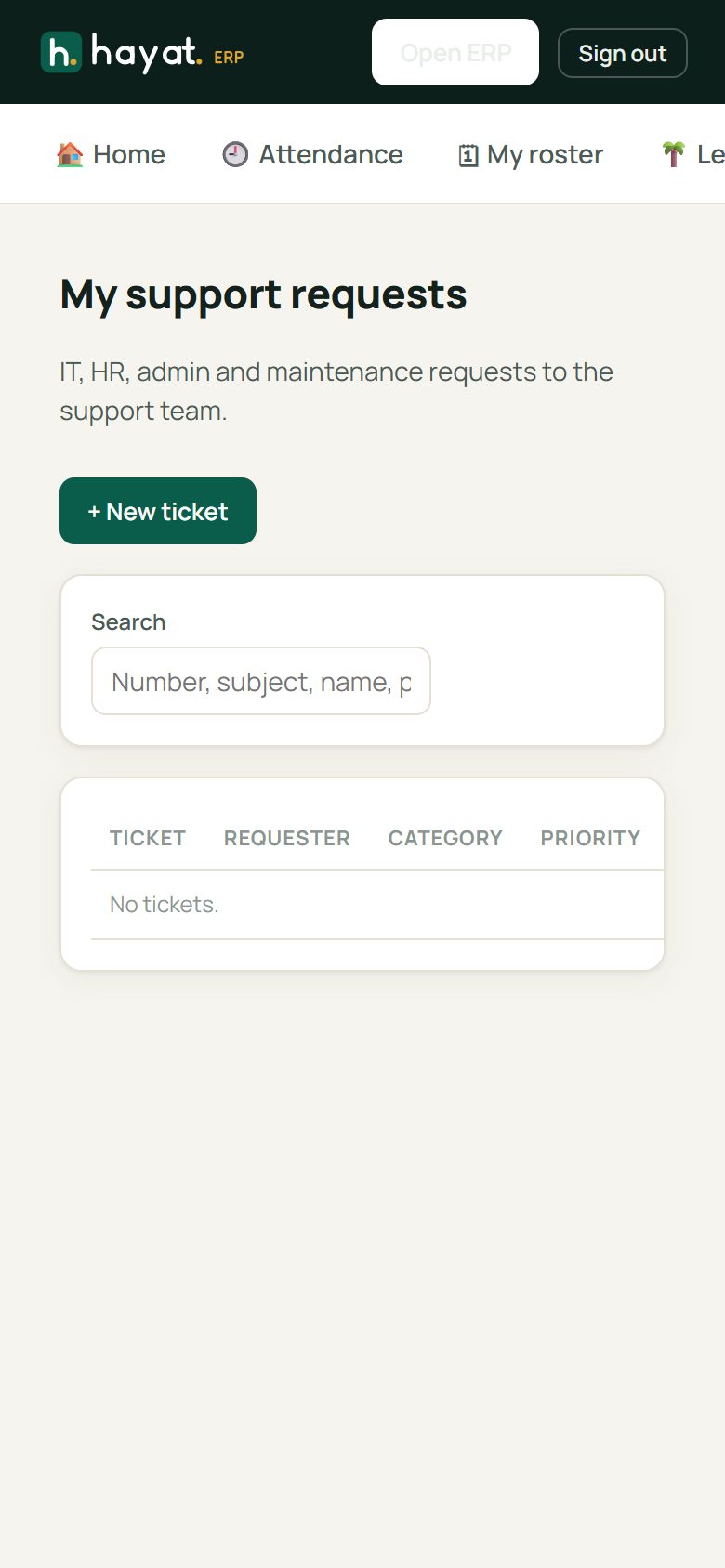
Requests and support tickets
- Requests — salary certificate, experience letter, correction of your details.
- Tickets — IT, HR or maintenance problems ("Till 2 printer not printing"). Your ticket goes to the helpdesk and you can follow the replies here.