Items and registers
hayaterp.com ↗Set up the things you sell and buy — items, sizes and colours, categories, brands, units, price lists, customers and suppliers.
Items
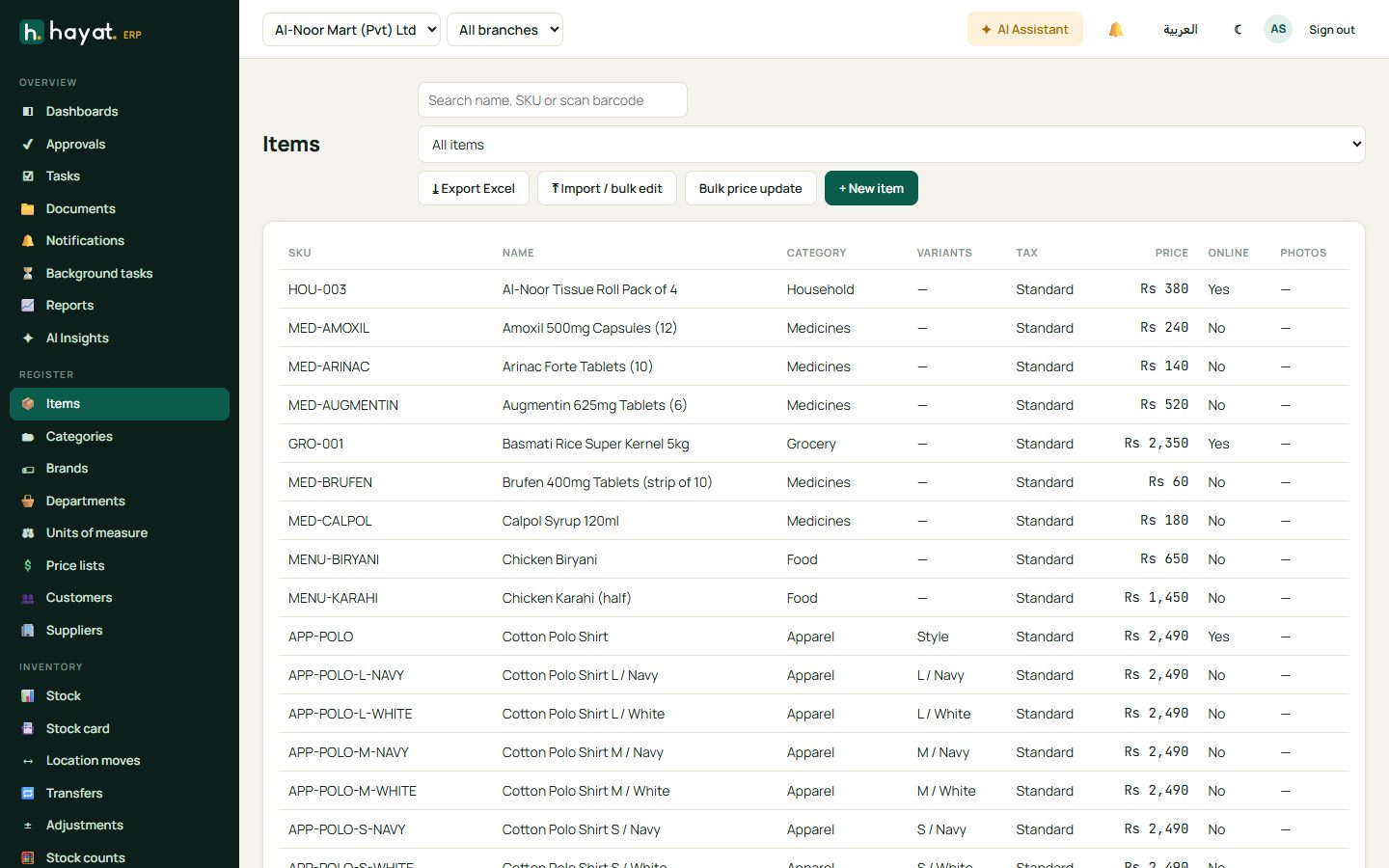
Register → Items lists every product and service with SKU, name, category, tax treatment, price, and whether it is online and has photos.
Add an item
- Click + New item.
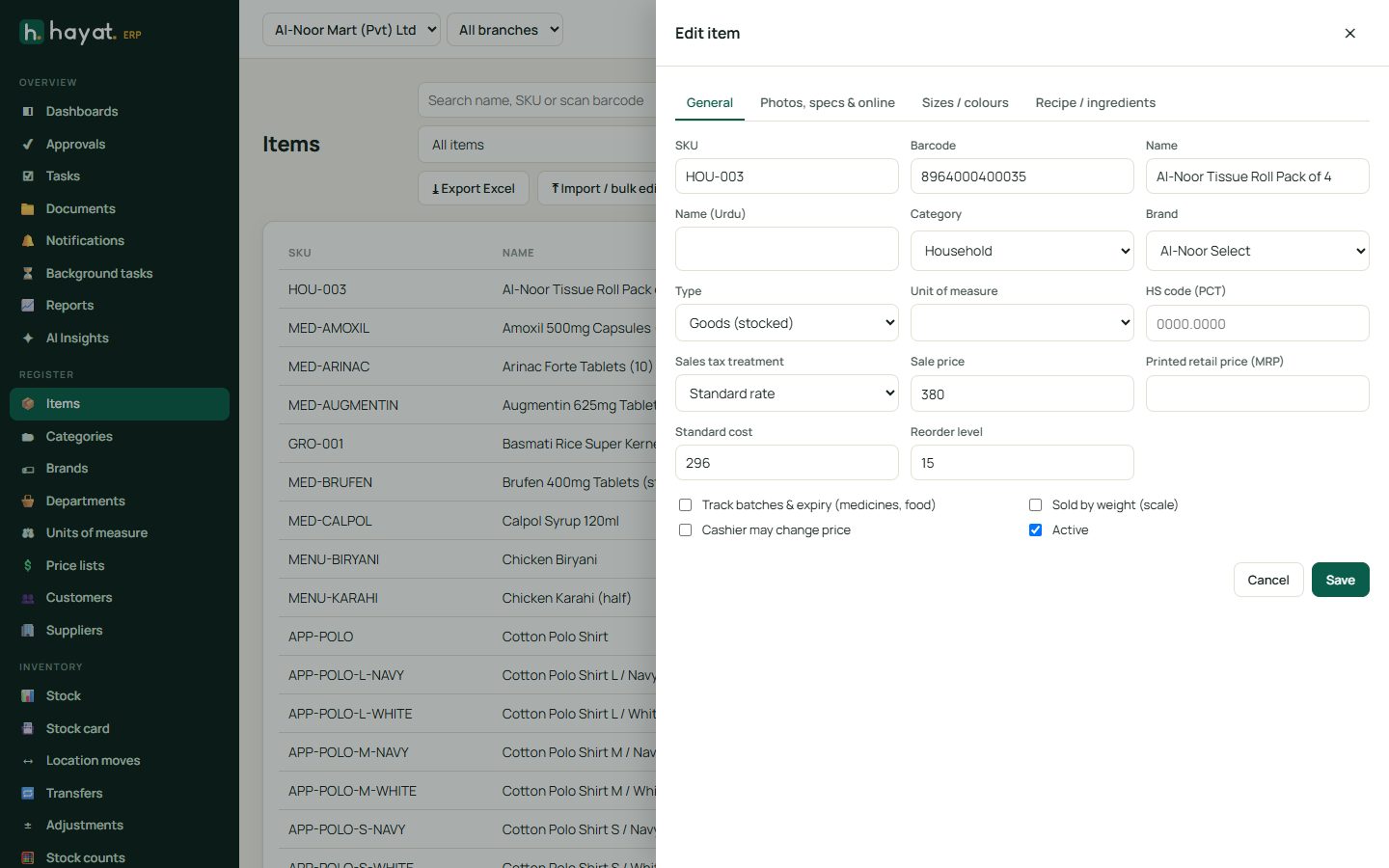
- On General fill in the SKU (your code), barcode, name (and Urdu name if you print Urdu receipts), category, brand and unit of measure.
- Choose the type: Goods (stocked) for things you keep in stock, Service for work such as a haircut or a consultation.
- Set the sale price, standard cost and reorder level. The reorder level drives the "below reorder" alerts.
- Tick the options you need: Track batches & expiry (medicines, food), Sold by weight (loose rice, vegetables), Cashier may change price.
- Click Save.
The other tabs:
- Photos, specs & online — pictures, description and specifications for the online shop, and the Show online switch.
- Sizes / colours — for clothes and shoes. Enter options like
Size: S, M, L, XL; Colour: Navy, Whiteand Hayat creates one variant per combination, each with its own barcode and stock. - Recipe / ingredients — for restaurant dishes: the stock used each time the dish is sold.
Categories, brands and departments
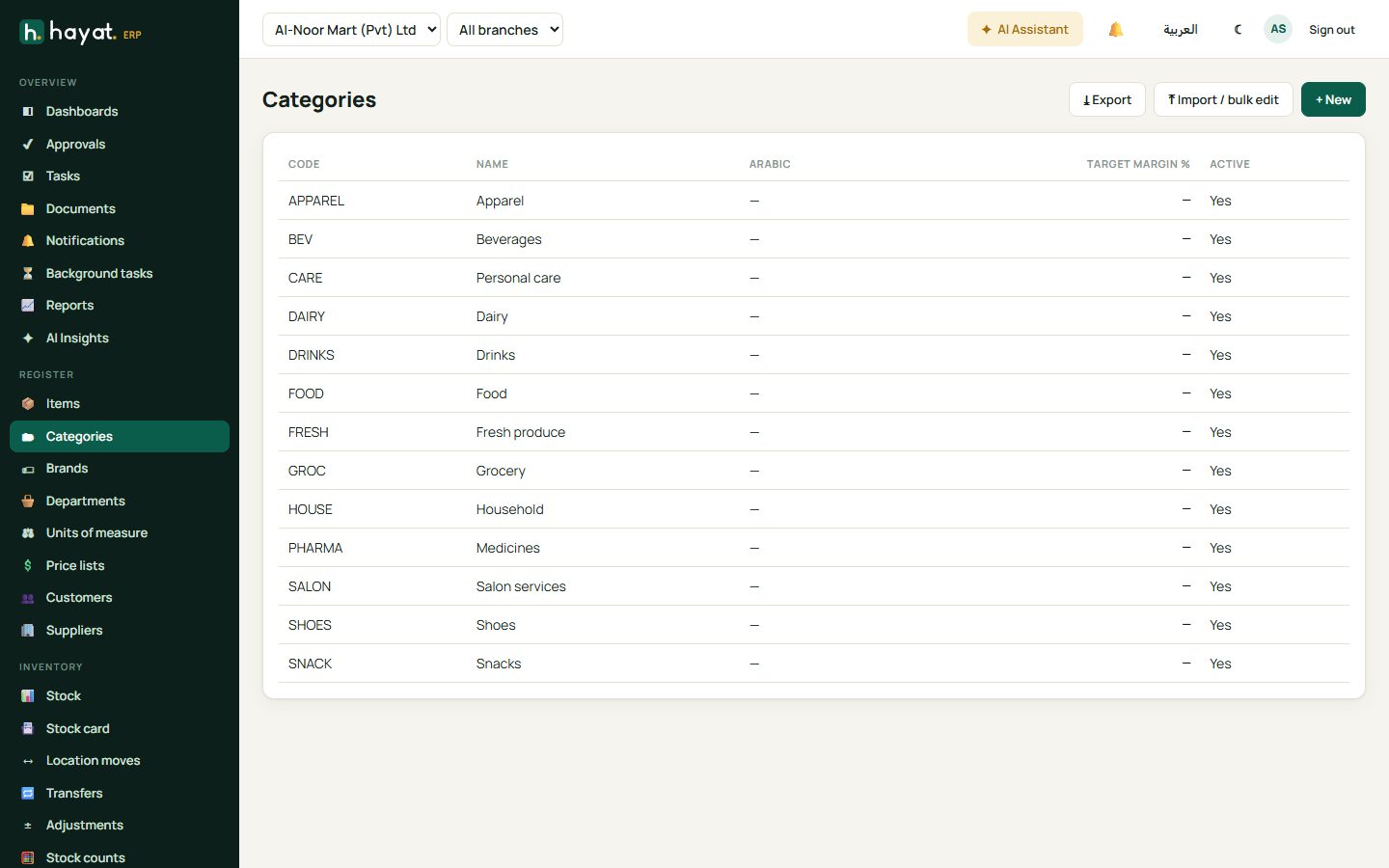
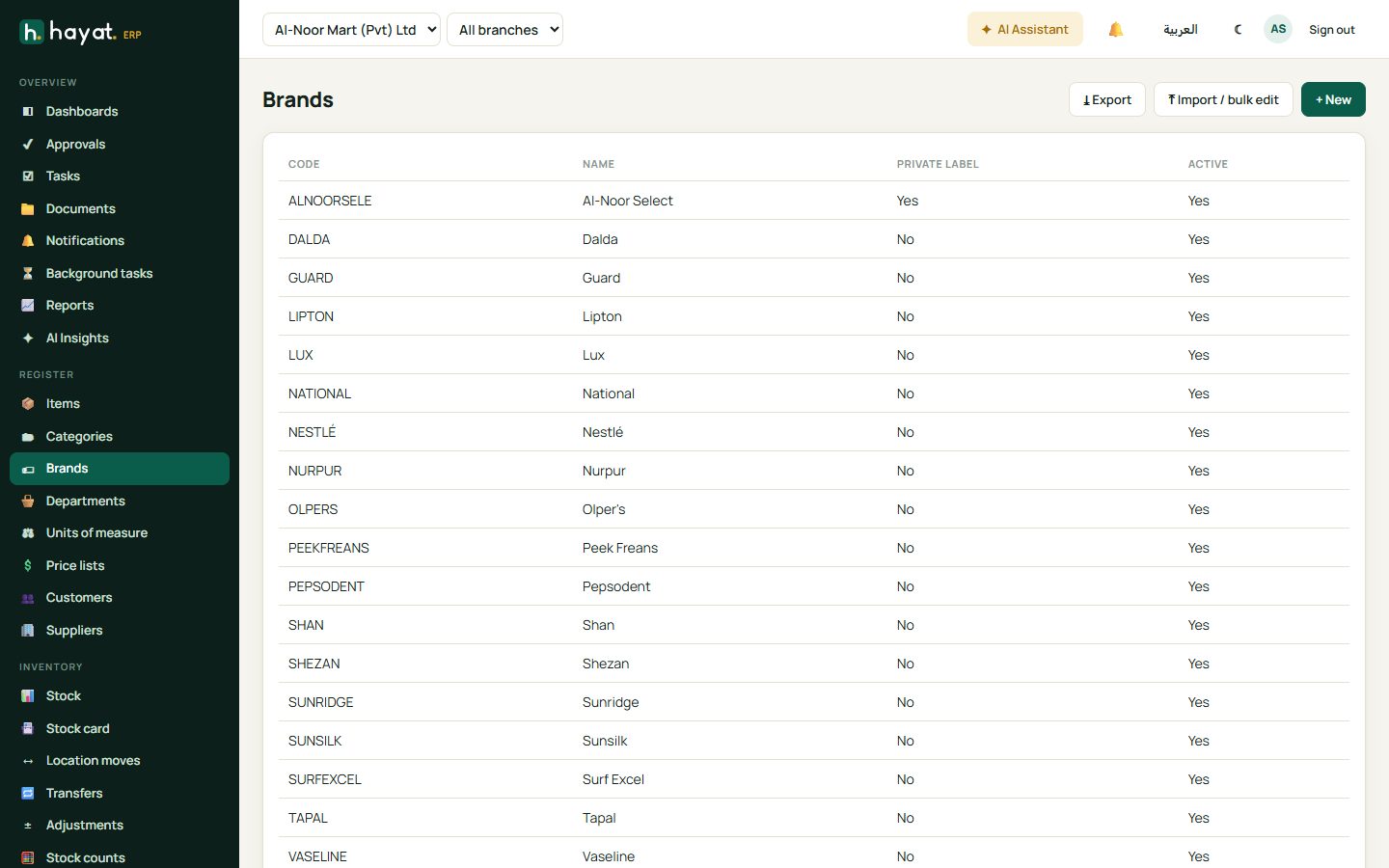
Categories group items on reports, the POS and the online shop. Brands are used for supplier claims and filtering. Departments are a higher grouping (e.g. Grocery, Pharmacy, Apparel) for department sales reports.
Price lists
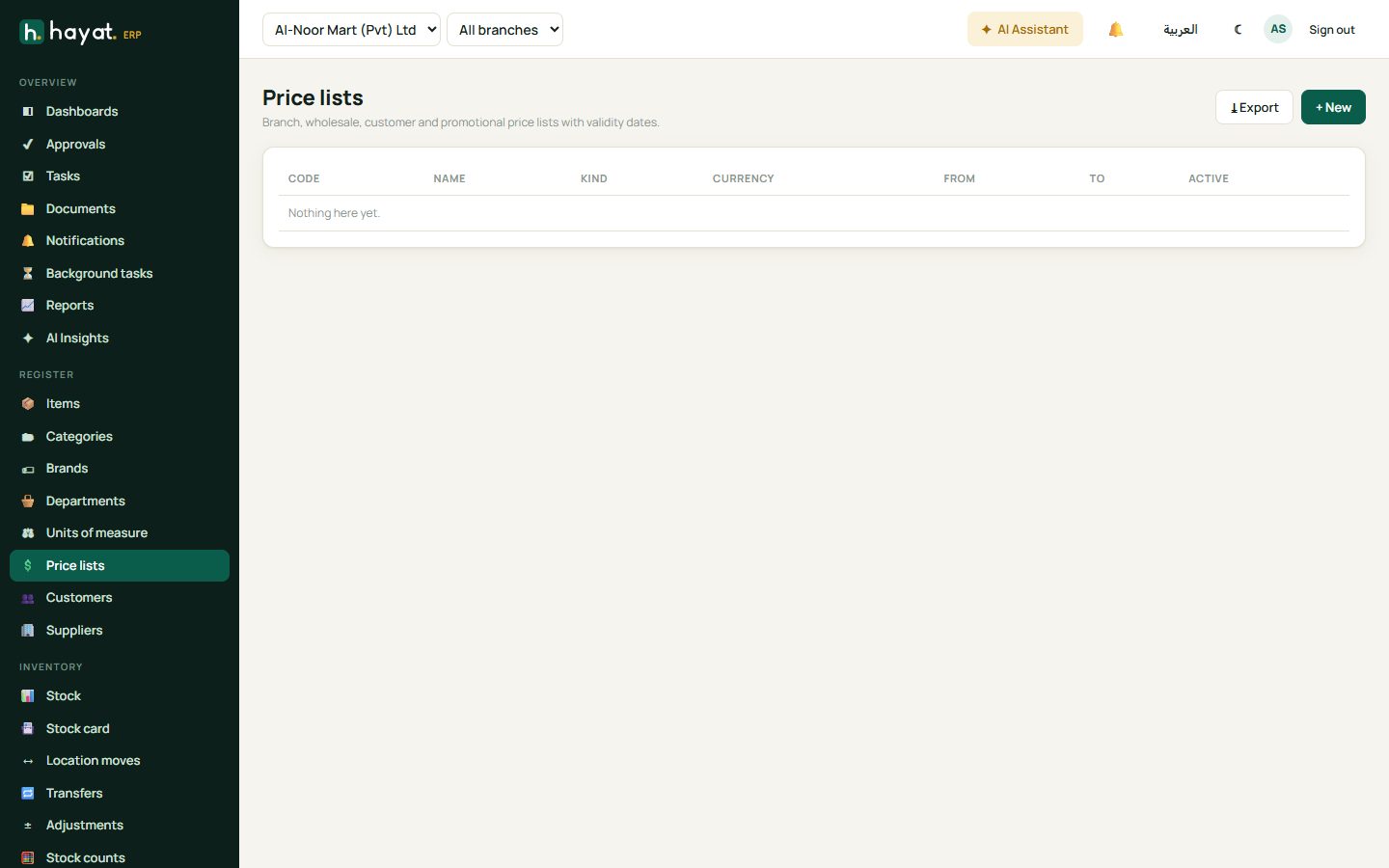
A price list holds special prices — wholesale, a customer group, a branch or a promotion period — with start and end dates. Give a customer a price list and their invoices use it automatically.
Customers
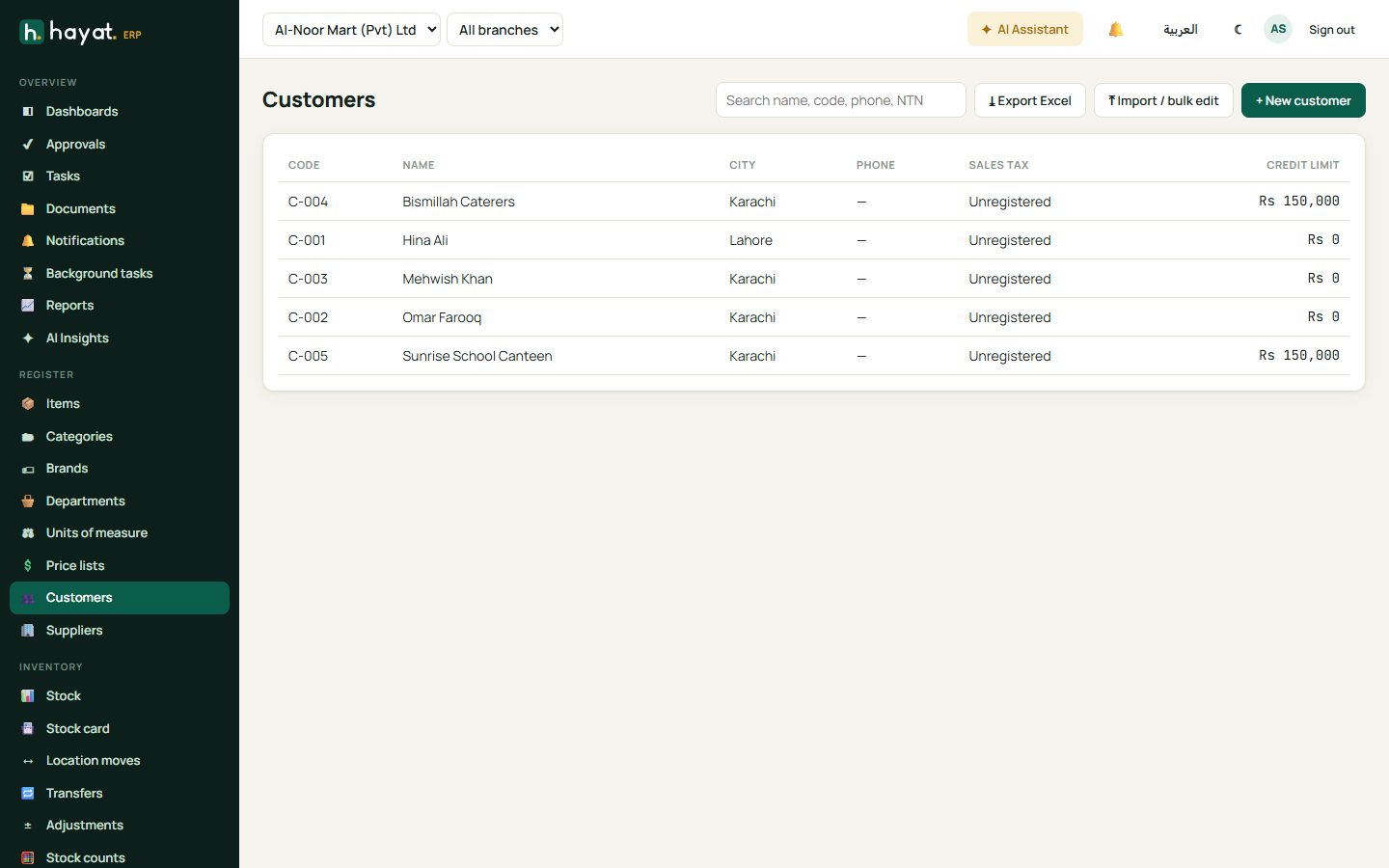
Customers stores name, phone, NTN/CNIC, city, sales-tax status, credit limit and price list. Open a customer to see their invoices, receipts and balance. CRM users also see the Customer 360 view (leads, deals, service jobs and tickets).
Suppliers
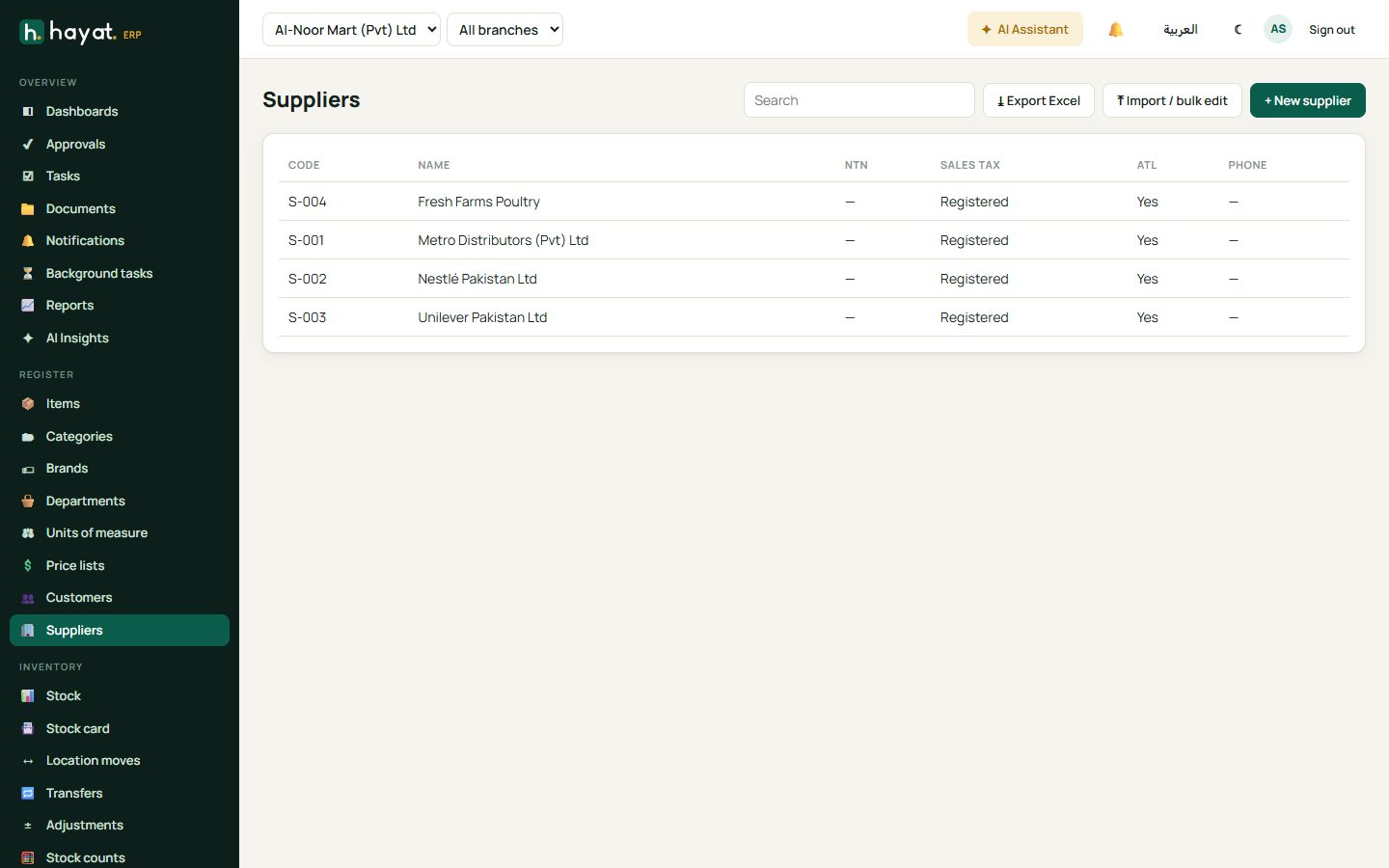
Suppliers stores contact, NTN, sales-tax registration, payment terms and whether income tax is withheld on payments. Open a supplier to see orders, bills and the outstanding balance.
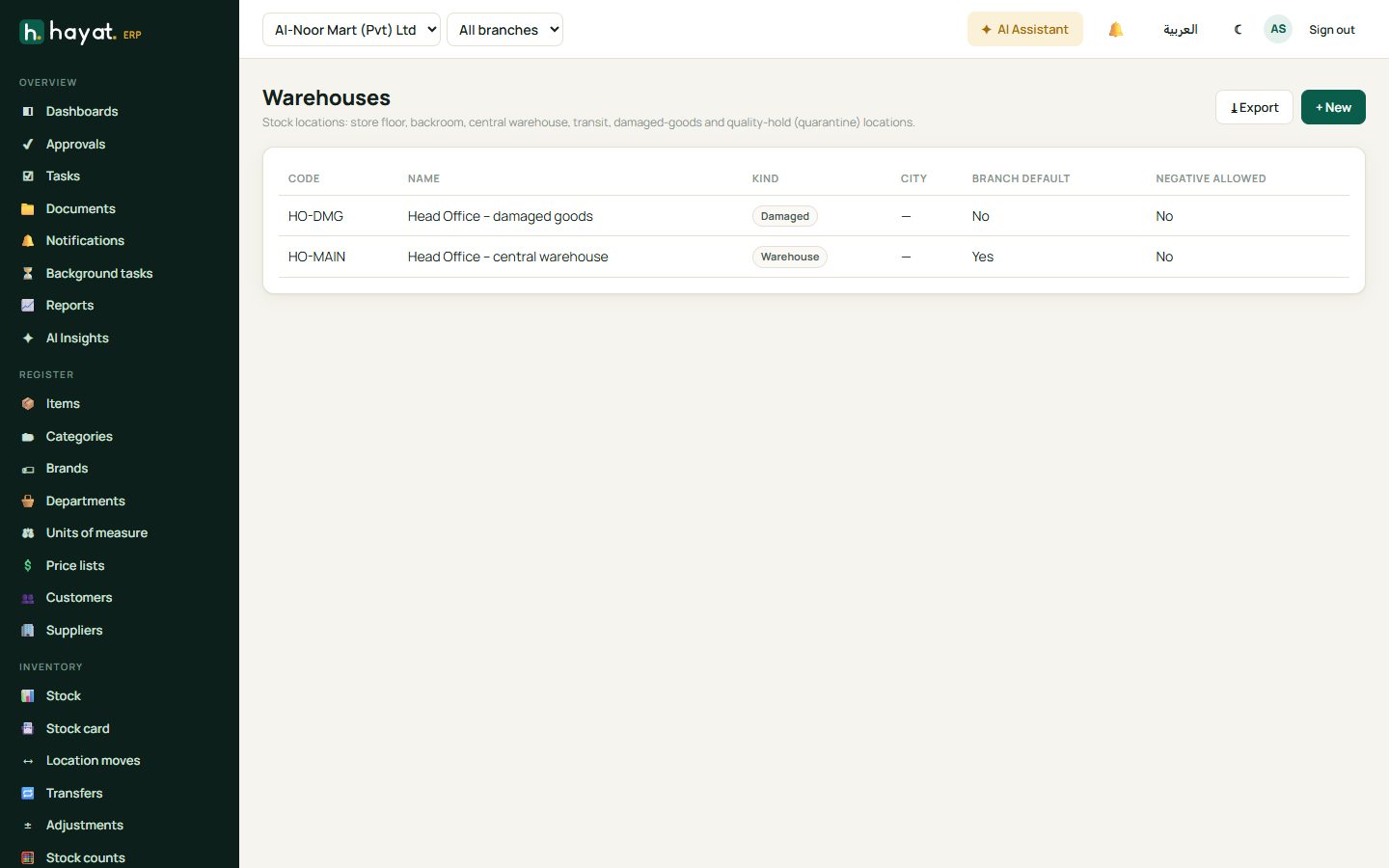
Warehouses
Each branch has a main warehouse; you can add others (central store, damaged goods, quarantine). Stock is always held in a warehouse and moved between them with transfers.