
Help › Hayat ERP
Restaurant, salon and other POS screens
hayaterp.com/pos ↗Tables and kitchen display for restaurants, and appointments with staff commissions for salons and services.
Restaurant tables
POS → Restaurant shows the floor plan by hall. Each table shows its seats and status (free, occupied, bill printed).
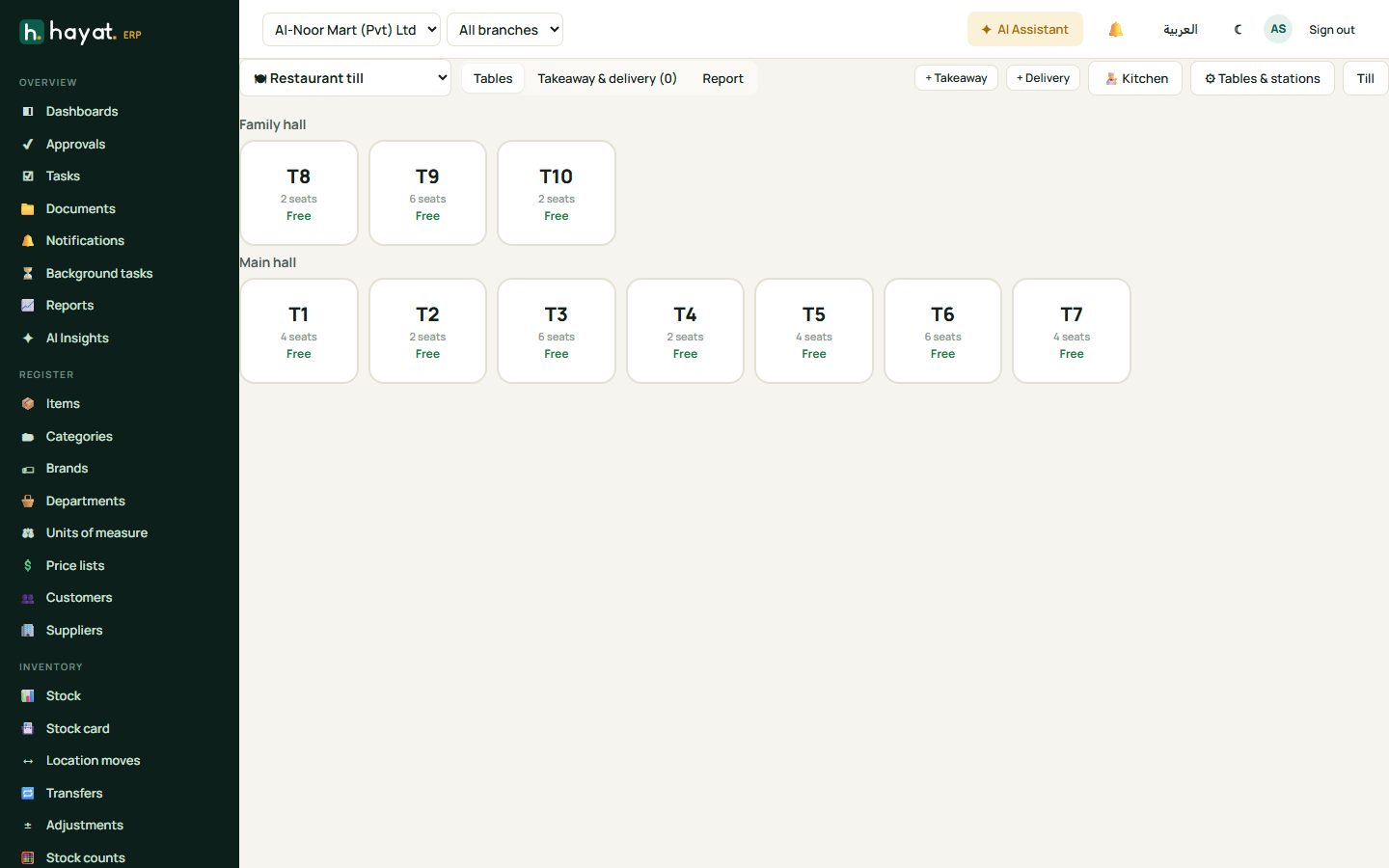
- Click a free table to open an order, or + Takeaway / + Delivery for orders without a table.
- Add dishes. Type a note on a line, e.g. less spicy.
- Click 🔔 Send to kitchen — a kitchen slip (KOT) prints or appears on the kitchen display.
- Add more items at any time; only the new ones go to the kitchen.
- When the guests are done, print the bill, take payment and close the table.
Dishes are services with a recipe: each sale uses the ingredients from stock, so you see food cost and wastage.
Kitchen display
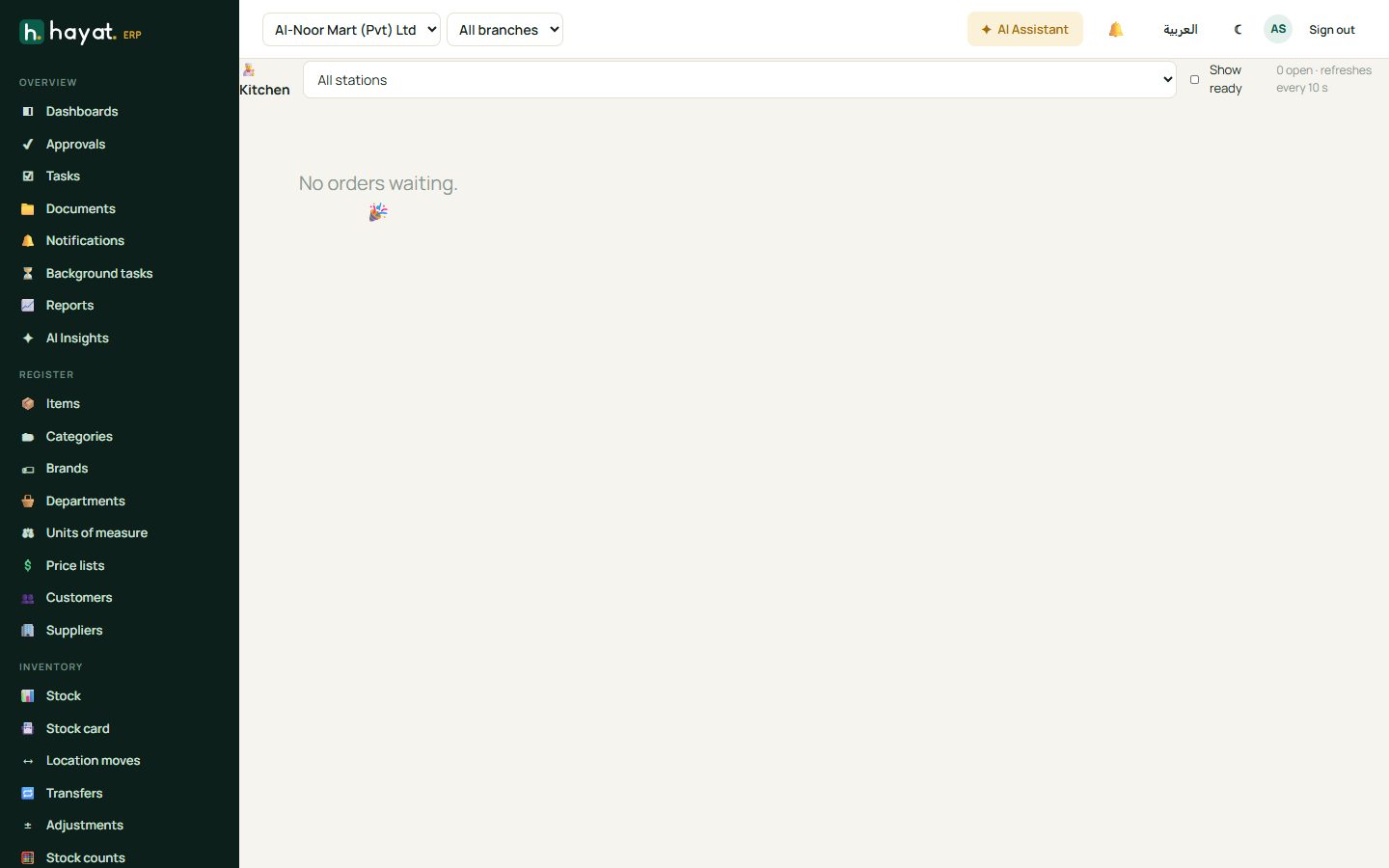
POS → Kitchen is for a screen in the kitchen. Orders arrive by station (grill, tandoor, drinks) in the order they were placed; tap Ready ✓ when a dish is done and Served once it has gone to the table.
Salon appointments
POS → Appointments shows the day for each staff member.
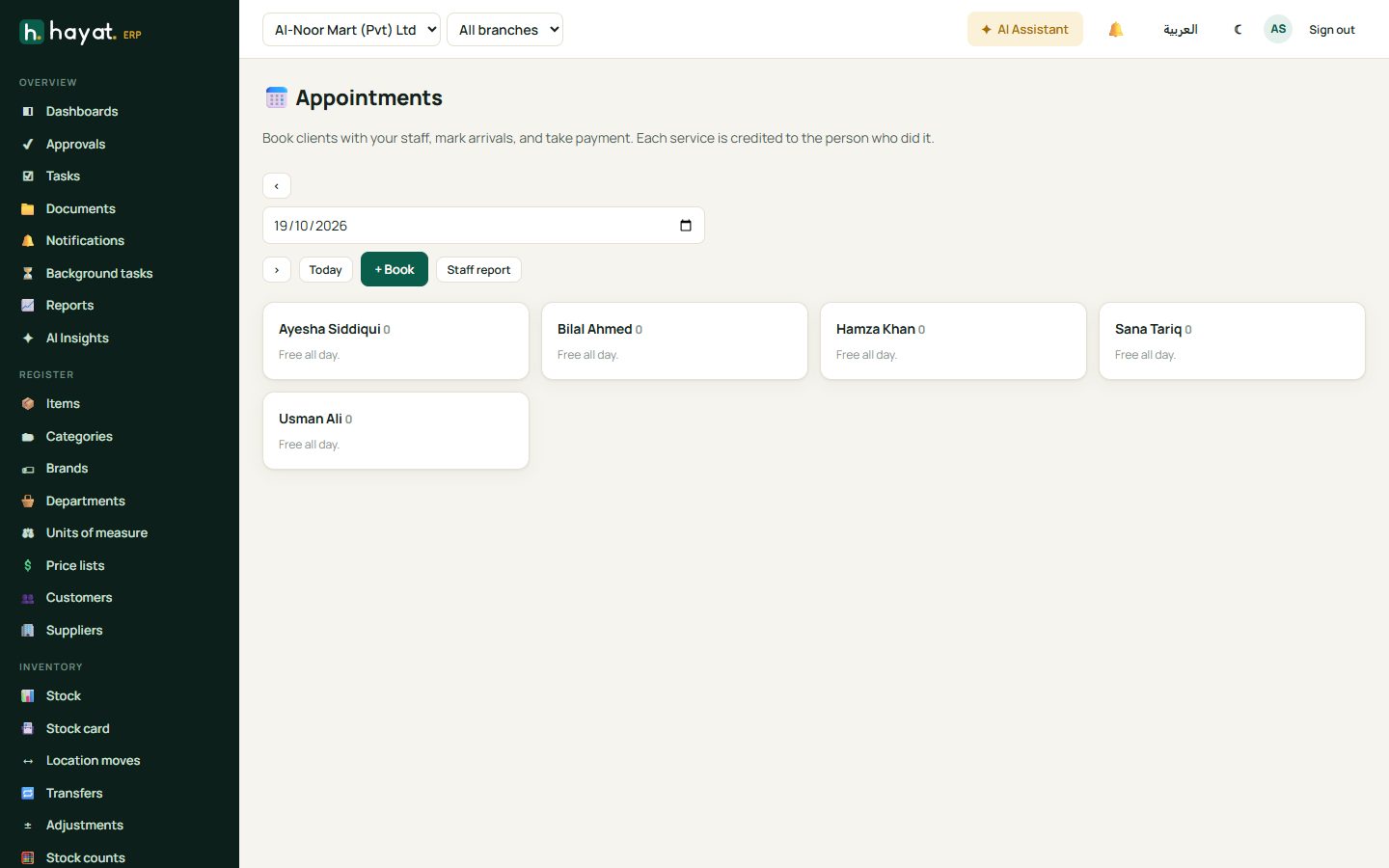
- Click + Book, choose the client, the service, the staff member and the time.
- When the client arrives, mark them arrived.
- At checkout the services go to the till with the staff member on each line, so commissions are calculated for payroll.
Staff report shows each person's services, sales and commission for the period.