Stock and warehouses
hayaterp.com ↗See what is in stock, follow every movement on the stock card, and move, count and adjust stock.
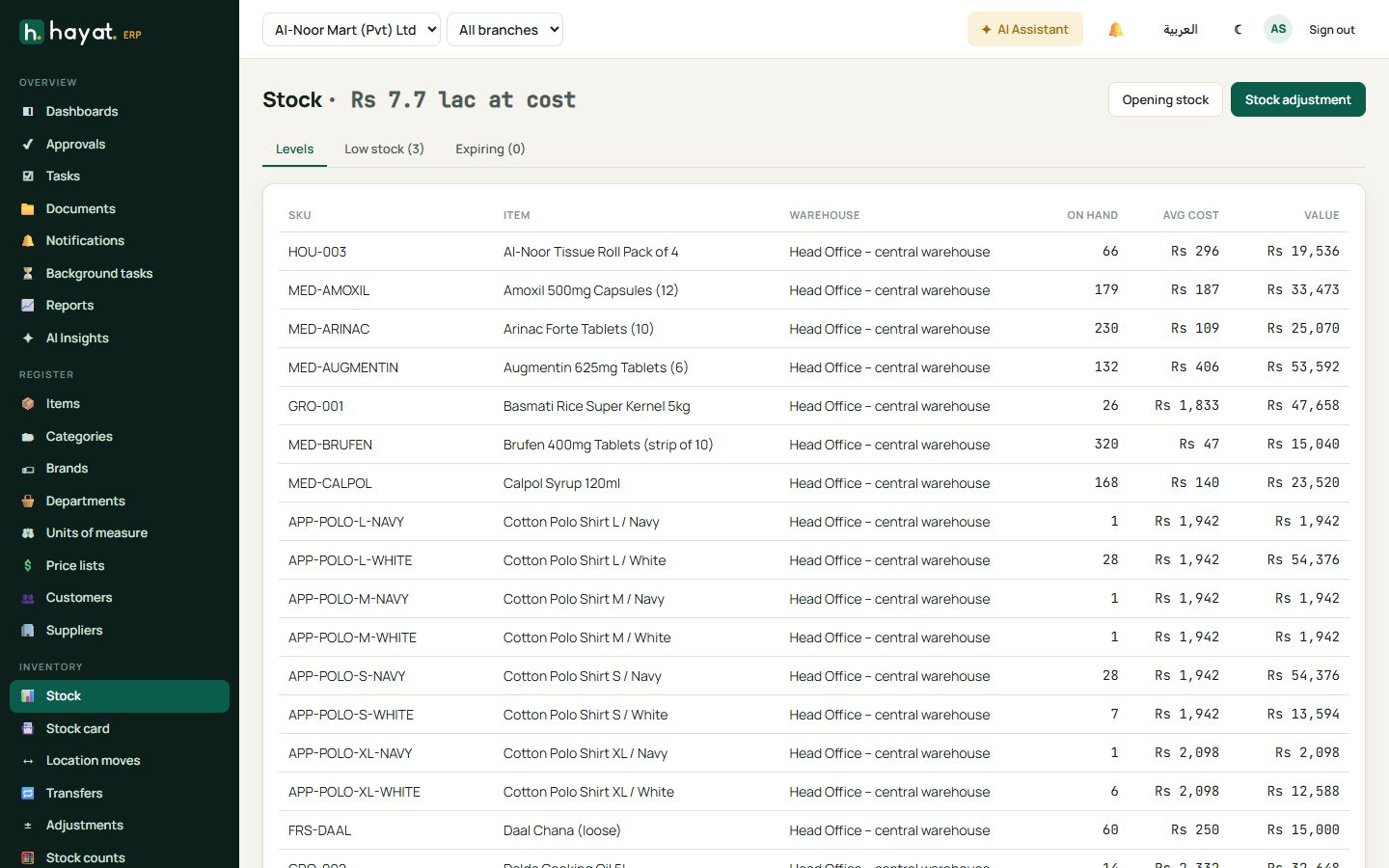
Stock on hand
Inventory → Stock shows each item in each warehouse with quantity, average cost and value. The tabs show Low stock (below reorder level) and Expiring batches.
Stock card
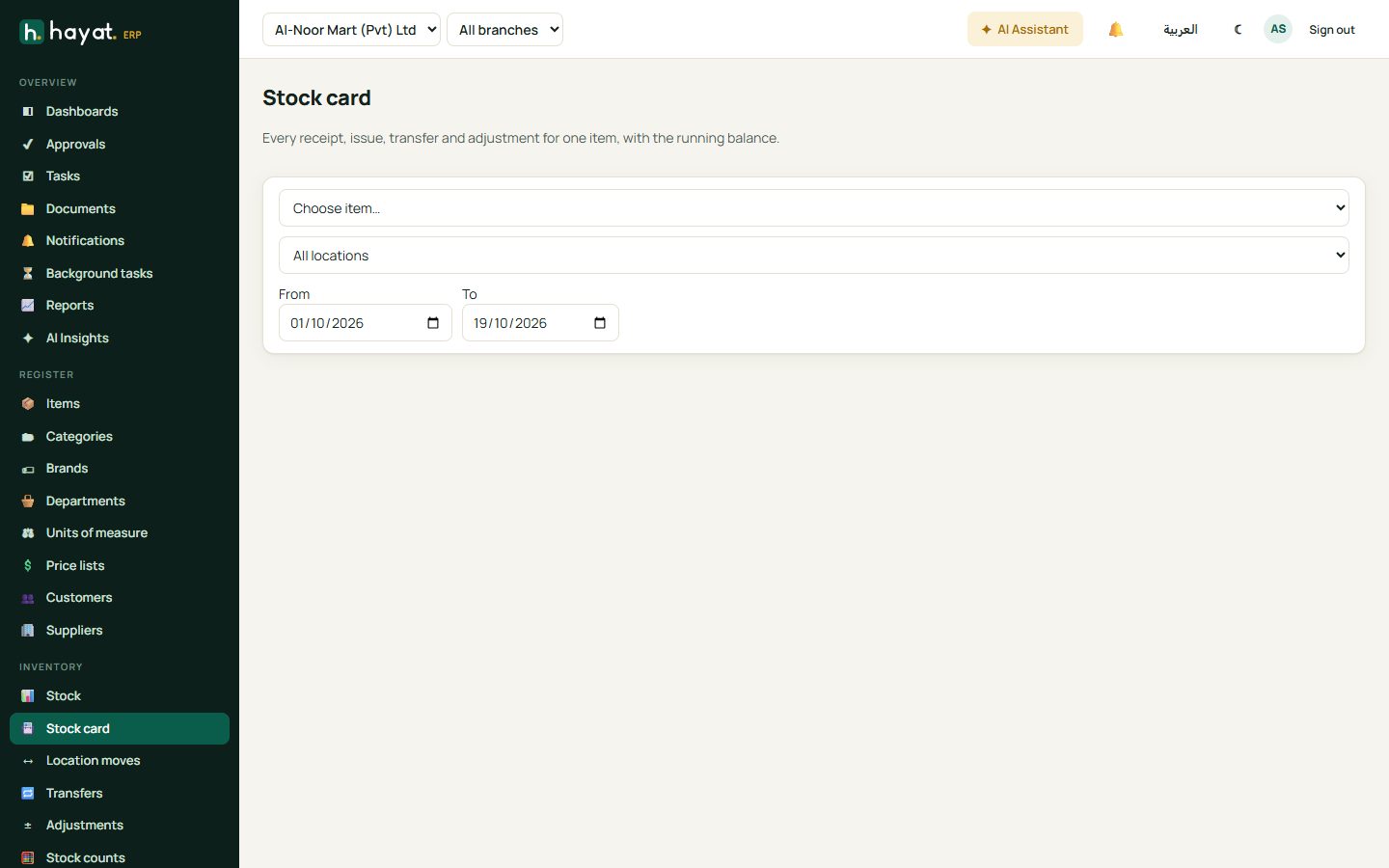
The stock card is the history of one item: every purchase, sale, return, transfer and adjustment with the running balance. Use it to answer "where did these 10 pieces go?".
- Open Inventory → Stock card.
- Choose the item, the warehouse (or all) and the dates.
- Click any line to open the document behind it.
Transfers between branches
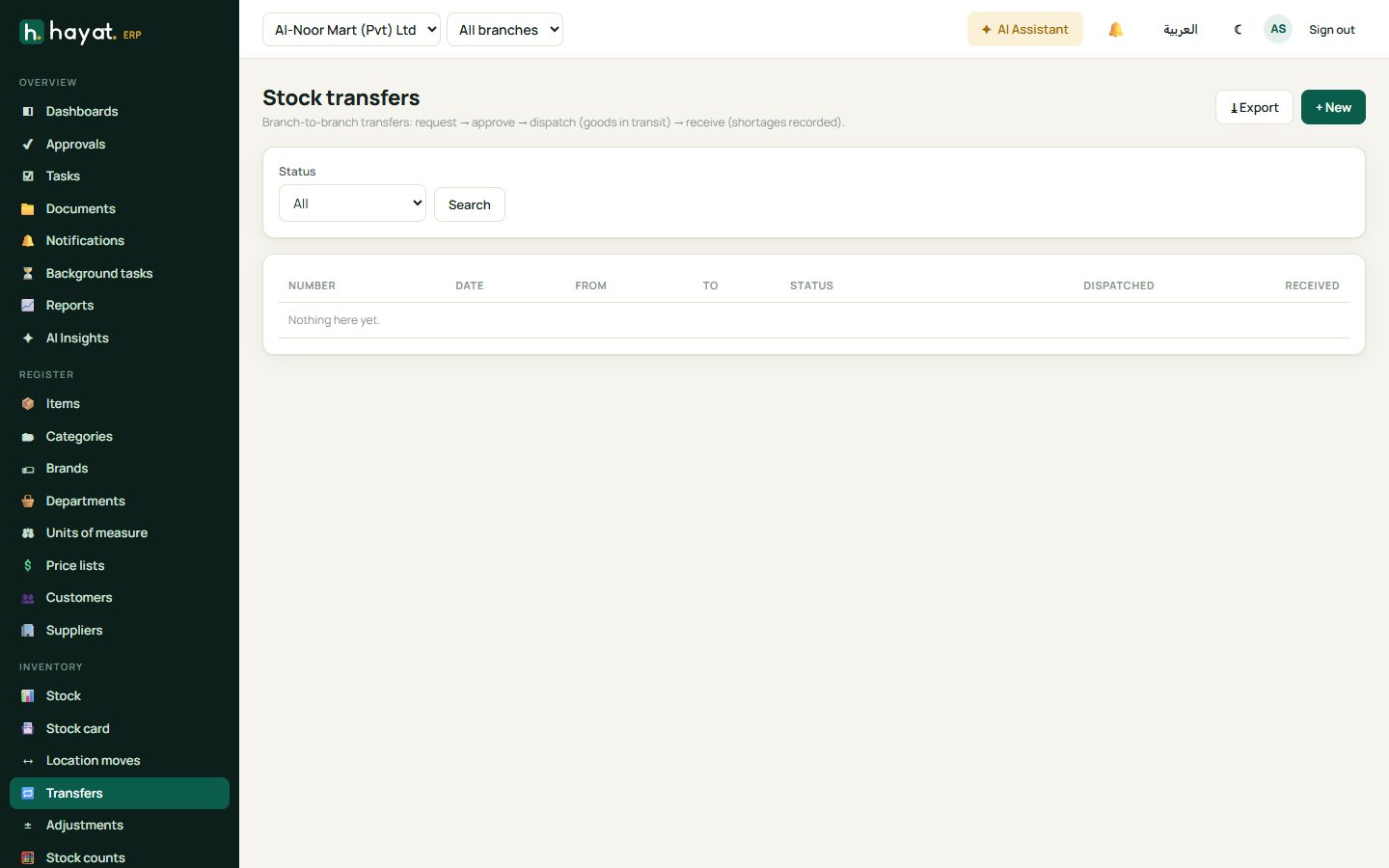
A transfer moves stock from one branch or warehouse to another in steps: request → approve → dispatch (goods in transit) → receive. Differences on receipt (damaged, short) are recorded.
- Inventory → Transfers → + New.
- Pick from and to, add the items and quantities, and save.
- The sending branch dispatches; the stock is now in transit.
- The receiving branch opens the transfer, checks the quantities and receives it.
Adjustments and write-offs
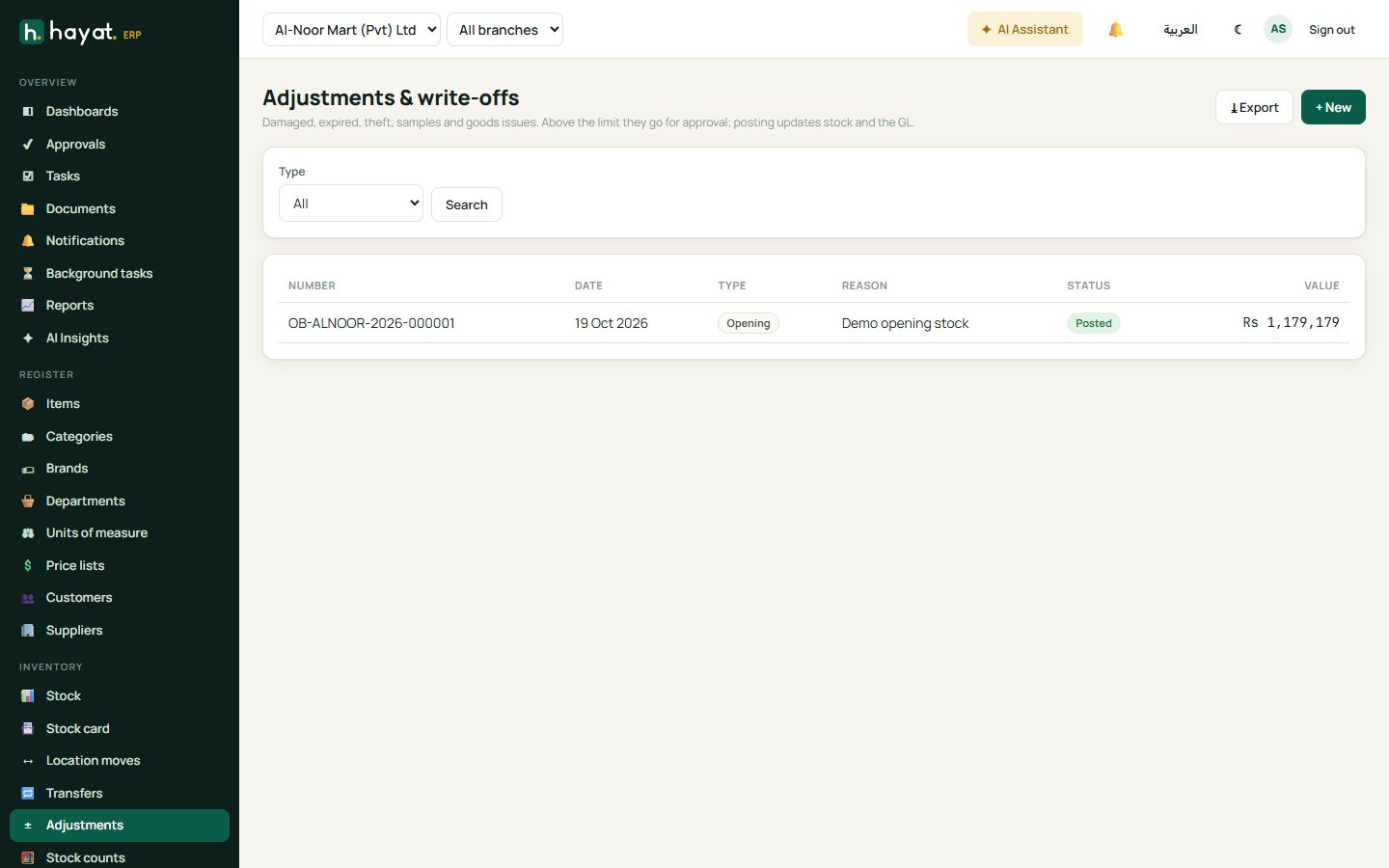
Use Adjustments for damaged, expired, sample or lost stock and for opening stock. Each adjustment has a type and reason, posts to the accounts, and large adjustments need approval.
Stock counts
A stock count compares what is on the shelf with what Hayat expects.
- Inventory → Stock counts → + New. Choose a full count, a category or a cycle count.
- Print the count sheet or count on a phone; enter the counted quantity for each item.
- Review the variance (quantity and value).
- Post the count — Hayat adjusts the stock to the counted quantity.