
Set up the hospital
hospital.hayaterp.com/hospital/setup ↗Hospital profile and patient portal, doctors and their timings, wards and beds, and the lab test catalogue.
Hospital profile and patient portal
Hospital & patient portal holds the name, address, tagline, phone and emergency number, logo and colour. They print on prescriptions, lab reports and bills, and appear on your patient portal.
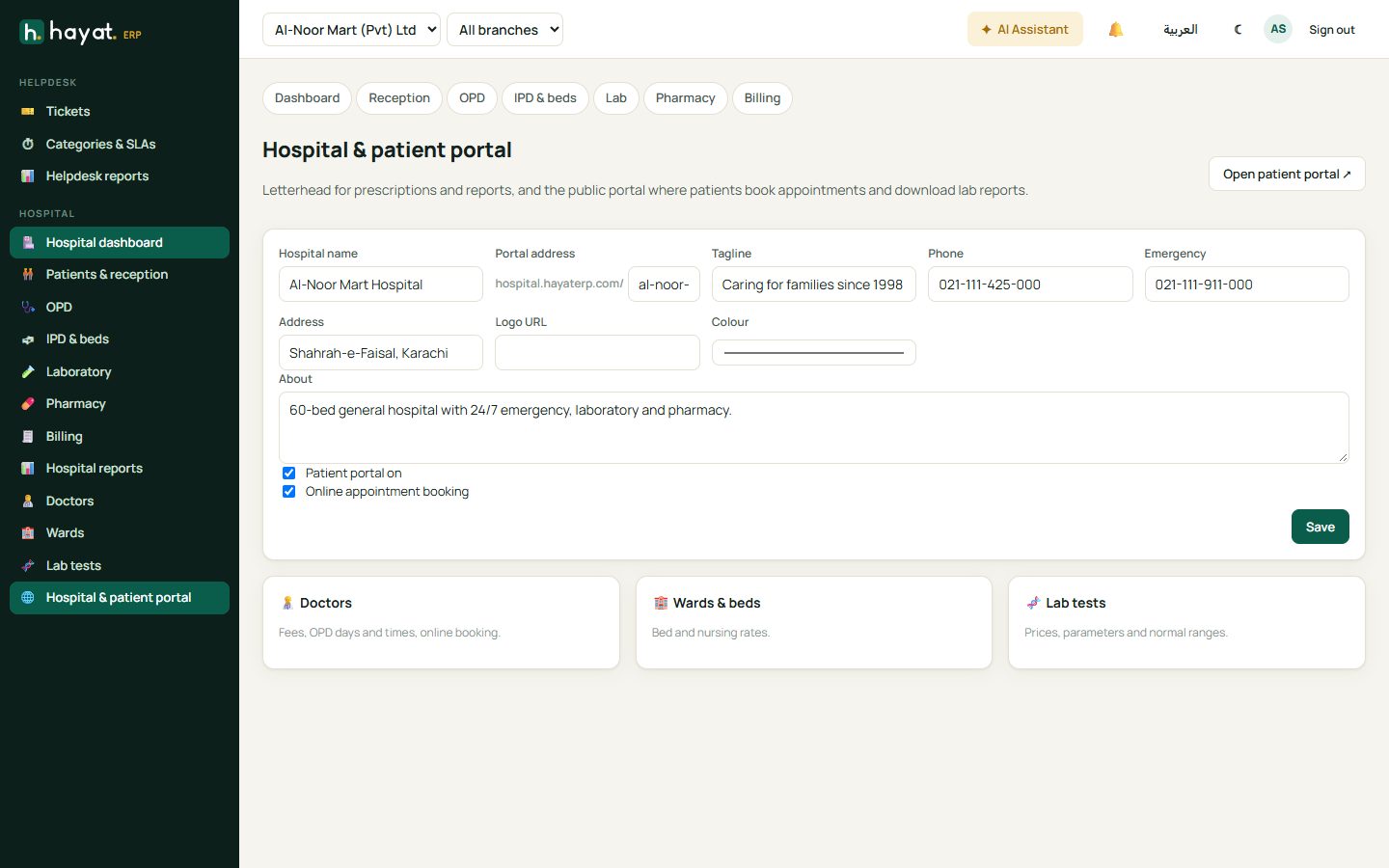
- Portal address — your patients' page, e.g. hospital.hayaterp.com/al-noor-mart-hospital. Open patient portal shows it.
- Tick Patient portal to let patients sign in and see lab reports, and Online appointment booking to let them book.
Doctors
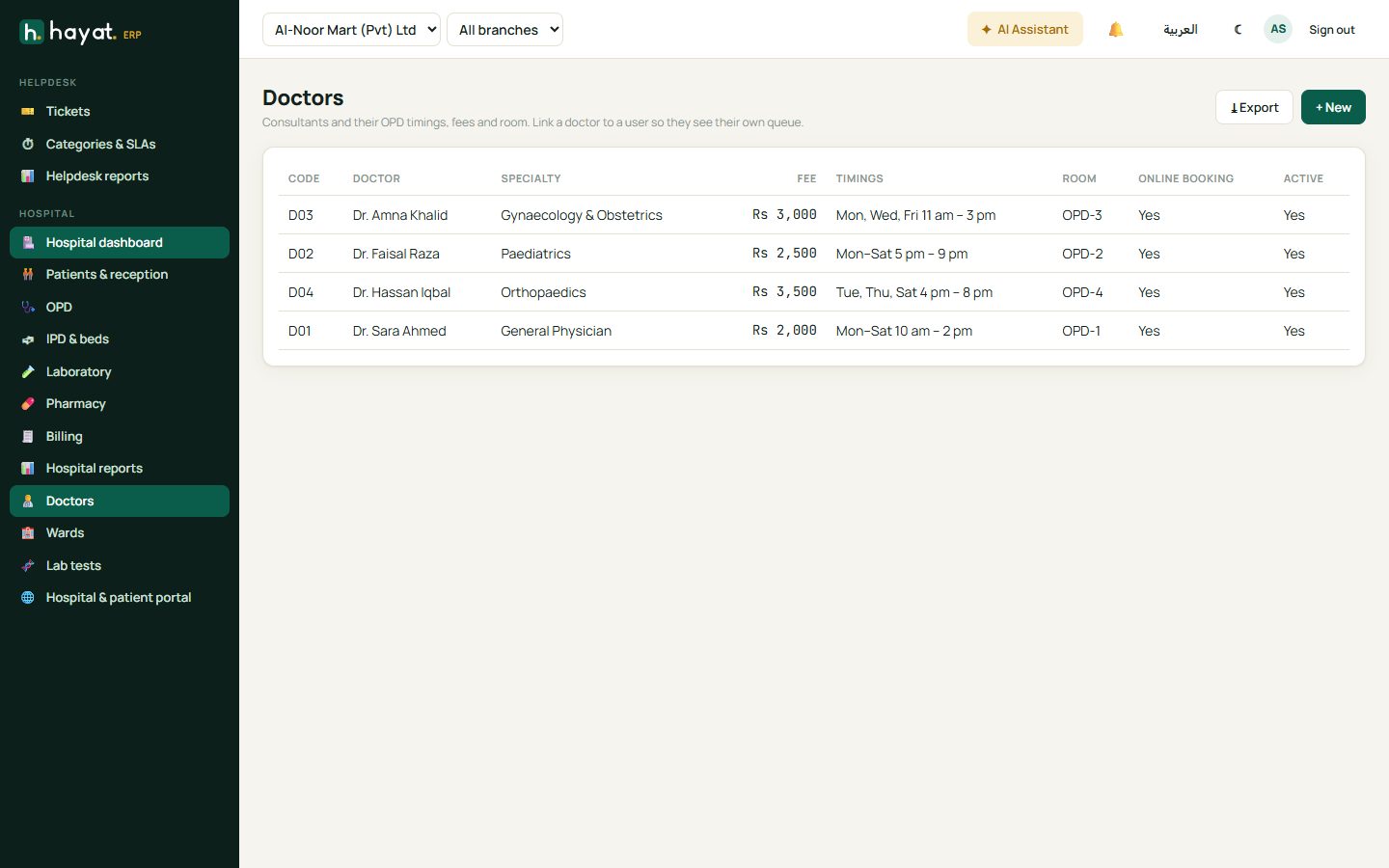
Add each consultant with specialty, qualifications, consultation fee, OPD days and timings and room. Online booking decides whether the doctor appears on the patient portal. Link the doctor to a Hayat user so they see My patients in OPD.
Wards and beds
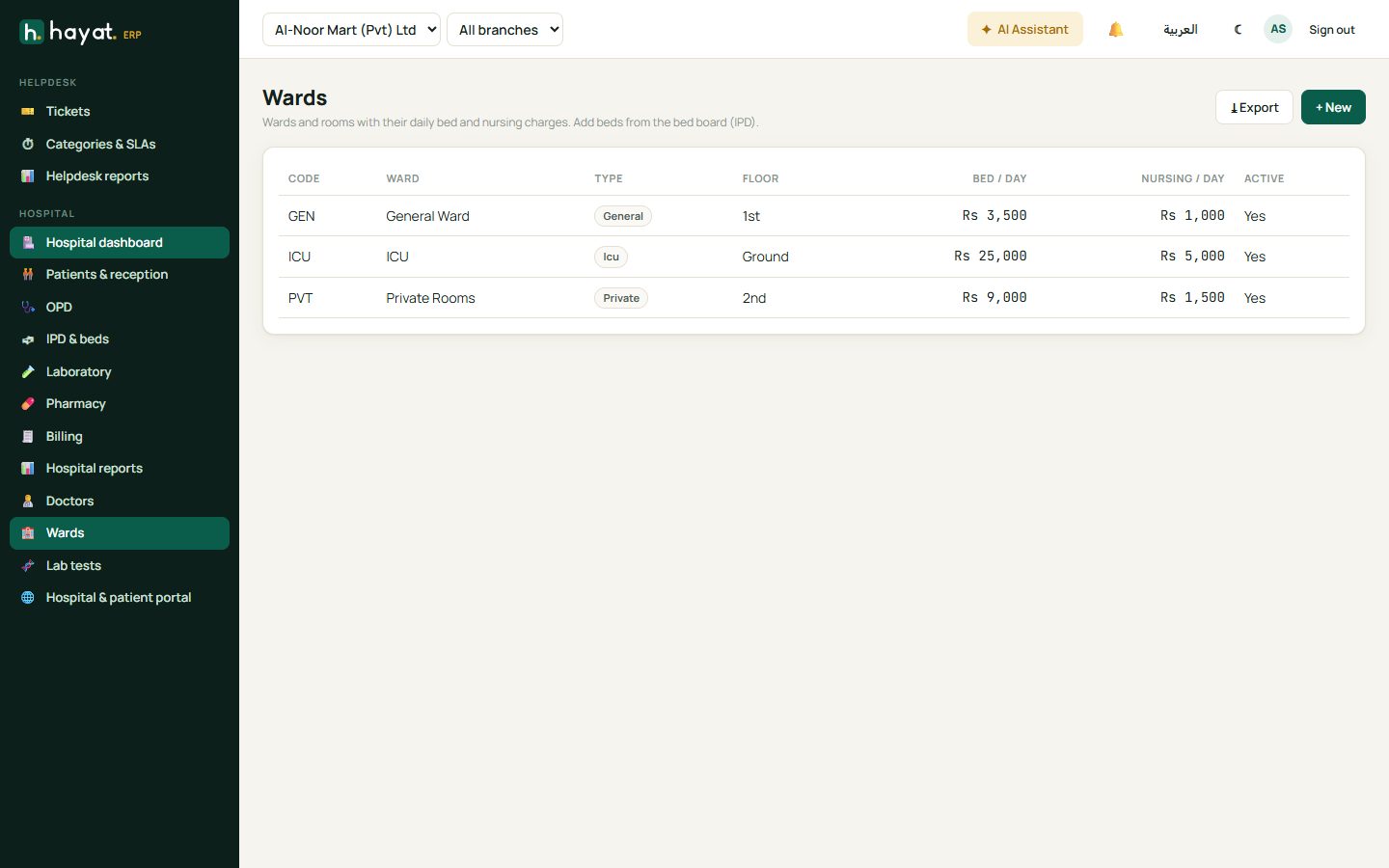
Create wards (general, private, ICU, maternity…) with floor, bed charge per day and nursing charge per day, then add the beds. Beds appear on the IPD board.
Lab tests
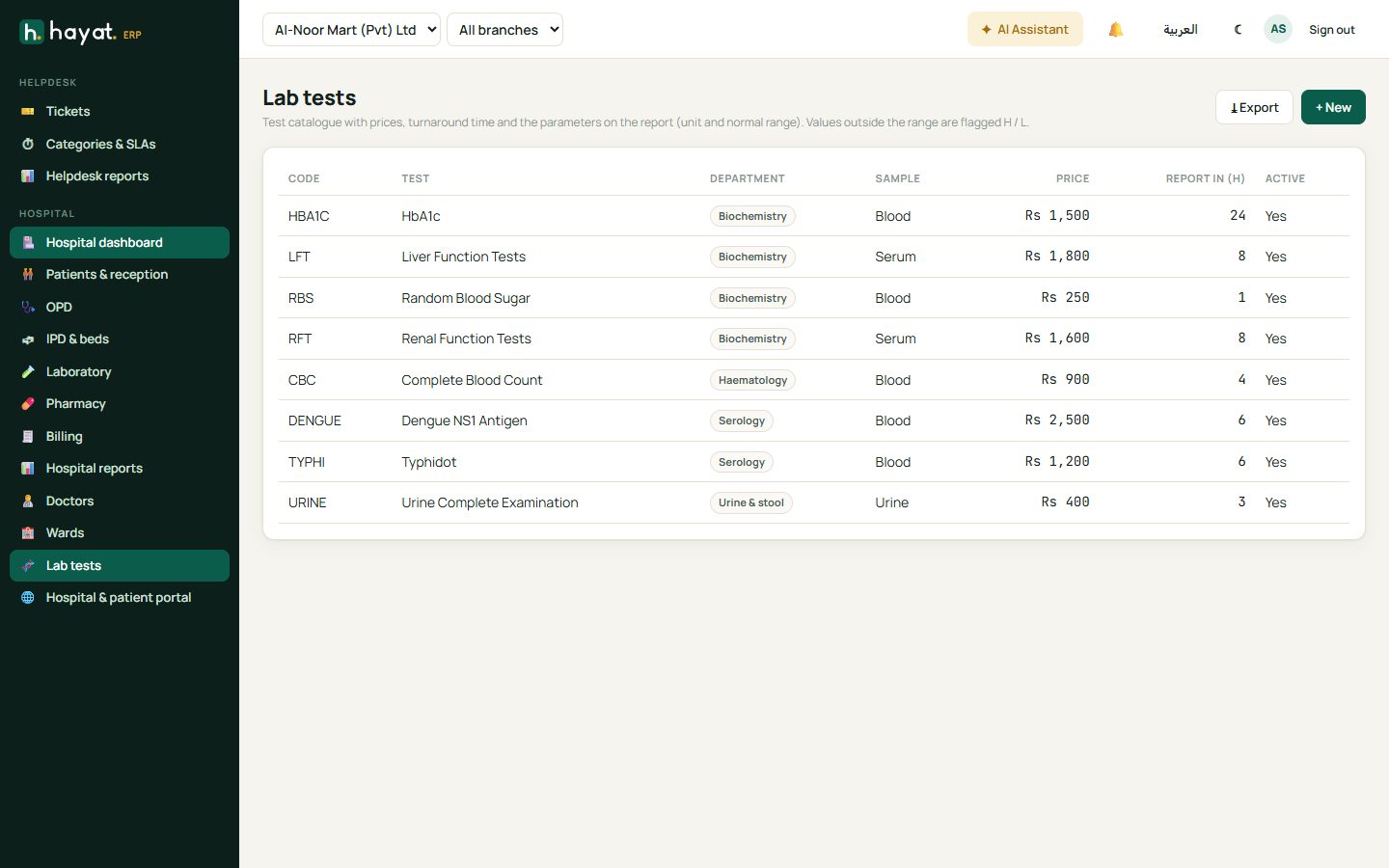
The test catalogue: code, name, department, sample type (blood, serum, urine), price, turnaround time and the parameters with units and normal ranges. Results outside the range are flagged automatically.
Staff roles
Give each person the right role in Settings → Users on hayaterp.com: Hospital Reception, Doctor, Nurse, Lab Technician, Pharmacist. See Who uses which portal.