
Buying from suppliers
hayaterp.com ↗From requisition to purchase order, goods receipt, supplier bill and payment.
How buying flows
Requisition → (quotations) → Purchase order → Goods receipt → Bill → Payment
You can start at any step — small shops often go straight to a goods receipt or a bill — but following the flow gives you approvals, three-way matching (order = receipt = bill) and accurate costs.
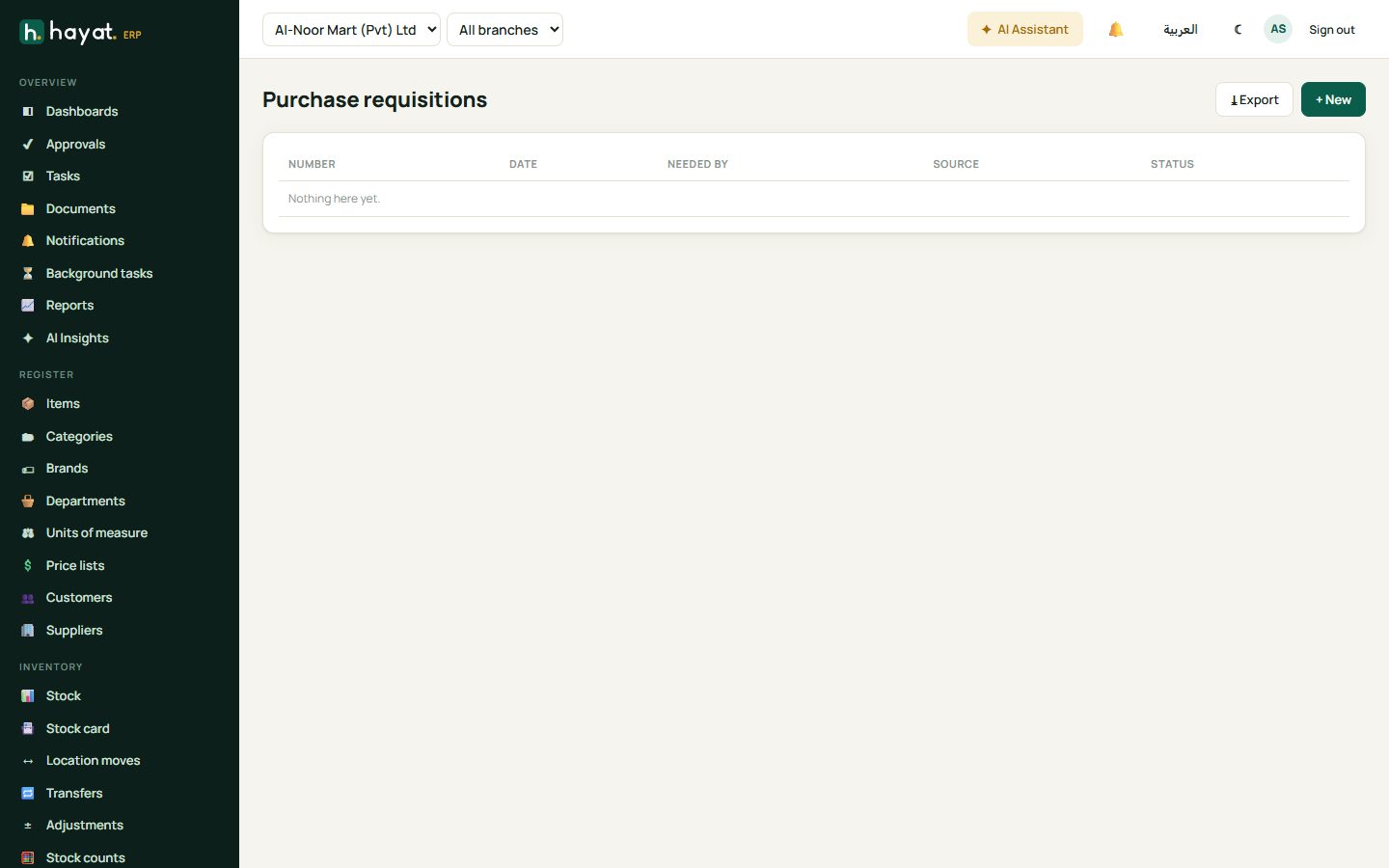
Requisitions and quotations
A requisition is a request from a branch or department: "we need 50 cartons of cooking oil". Buyers can then send a request for quotation (RFQ) to several suppliers, compare their prices and award the best one, which creates the purchase order.
Create a purchase order
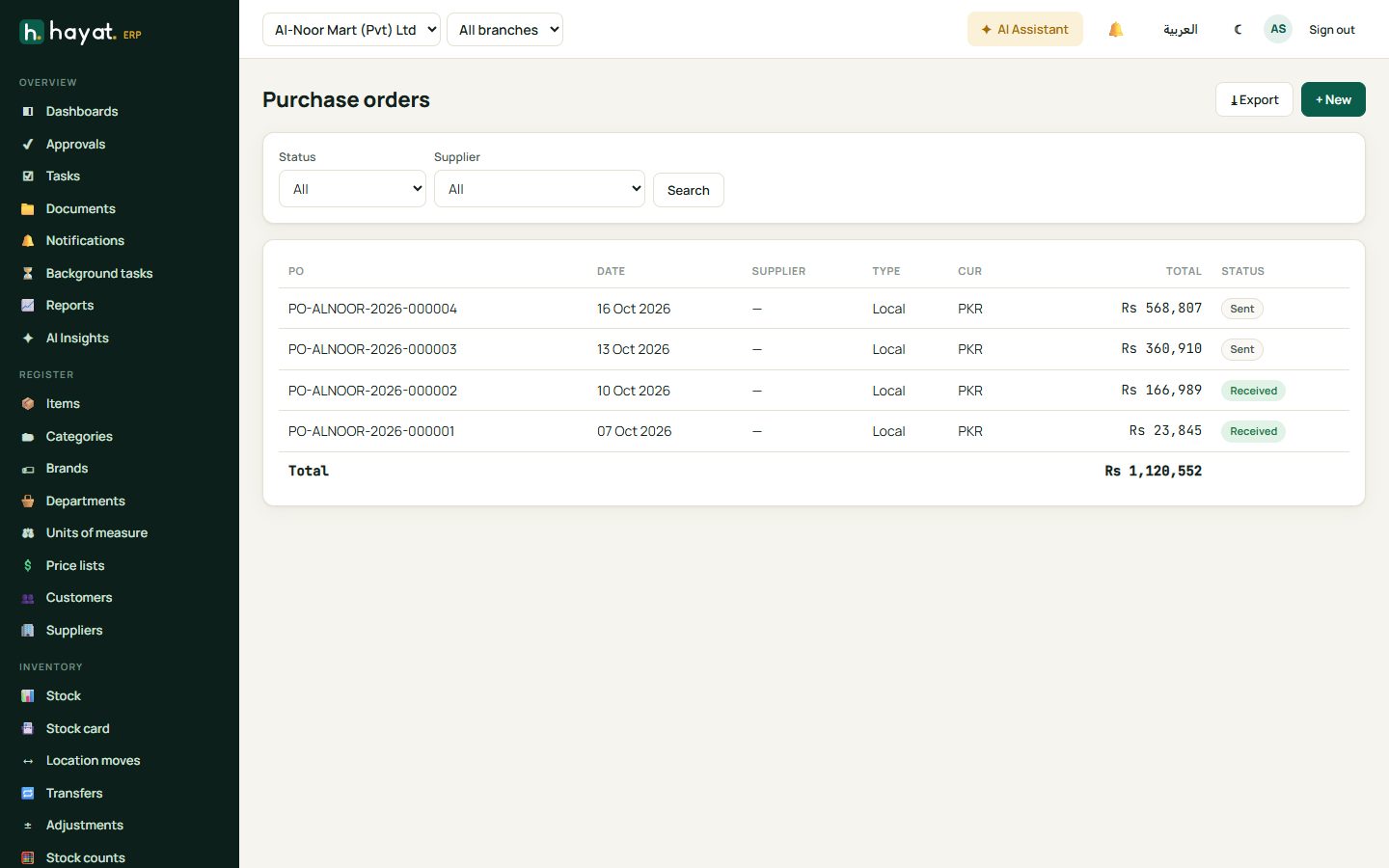
- Trading → Purchase orders → + New.
- Choose the supplier, the warehouse that will receive it and the expected date.
- Add items, quantities and prices. Tax is calculated per line.
- Save. Orders above your approval limit go to Approvals first.
- Send the order — it is emailed or shared as a PDF with the supplier.
Receive the goods
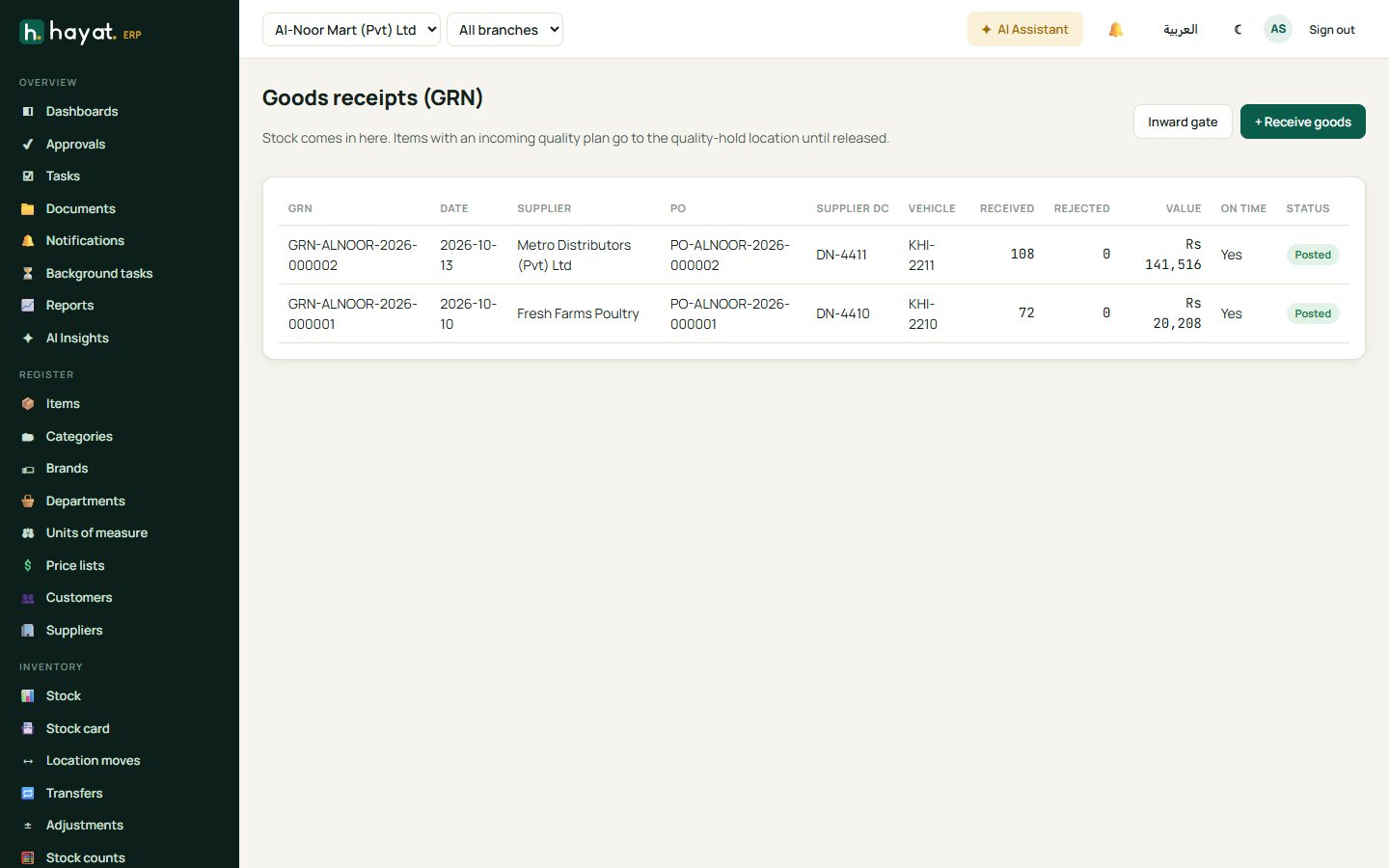
When the delivery arrives, record a goods receipt (GRN).
- Trading → Goods receipts → + Receive goods, or open the purchase order and click Receive.
- Enter the quantity received and any rejected quantity with a reason. Add batch and expiry for medicines and food.
- Type the supplier's delivery note number and vehicle number.
- Post. Stock goes up and the item cost is updated. Items that need quality checks go to the quality-hold location until released.
Supplier bills
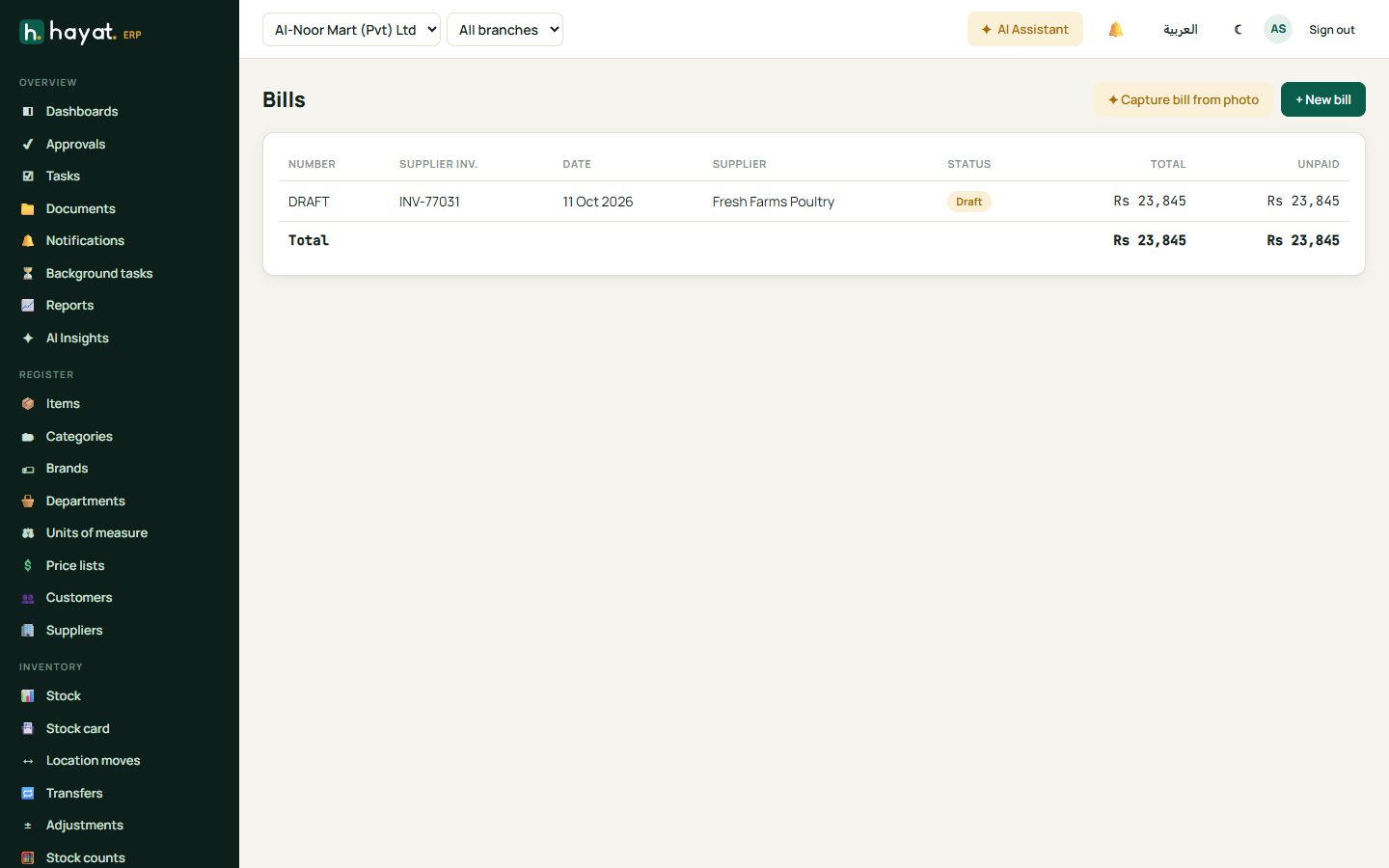
Enter the supplier's invoice as a bill. Linked to the order and receipt, Hayat warns if quantities or prices differ beyond your tolerance. You can also capture a bill from a photo — the AI reads the supplier's invoice and fills the lines for you to check.
Pay suppliers
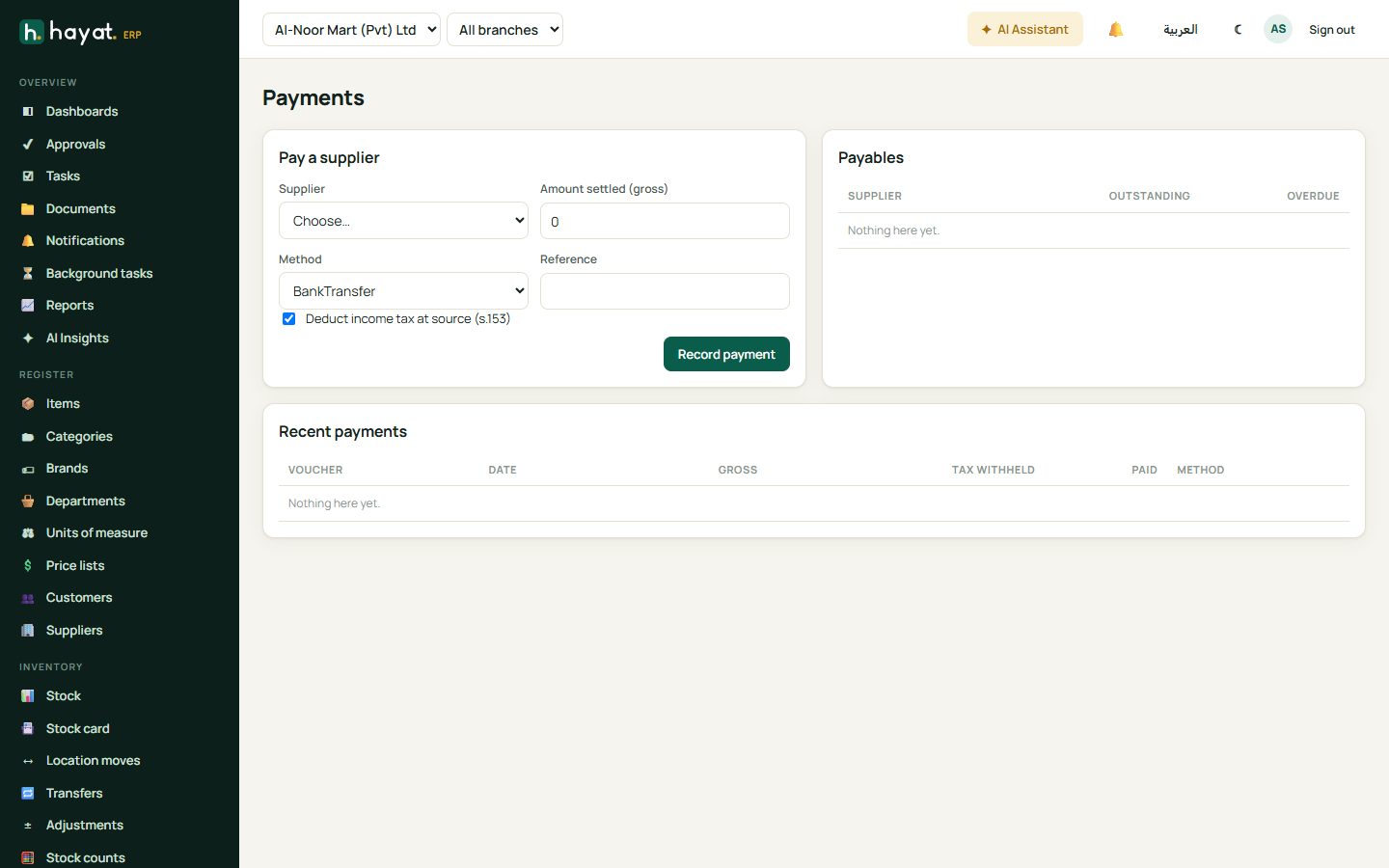
Trading → Payments shows what you owe each supplier. Choose the supplier, the amount, the method (cash, bank transfer, cheque) and the bills it settles. Income tax withheld at source is calculated when the supplier is marked for withholding.
Returns and landed costs
- Returns sends goods back to a supplier and reduces the amount you owe.
- Landed costs spreads freight, customs and clearing charges over the items of a receipt so their cost is correct.