
Tax and FBR
hayaterp.com ↗Monthly sales-tax figures, FBR digital invoicing, FBR POS and tax rates.
Monthly sales tax
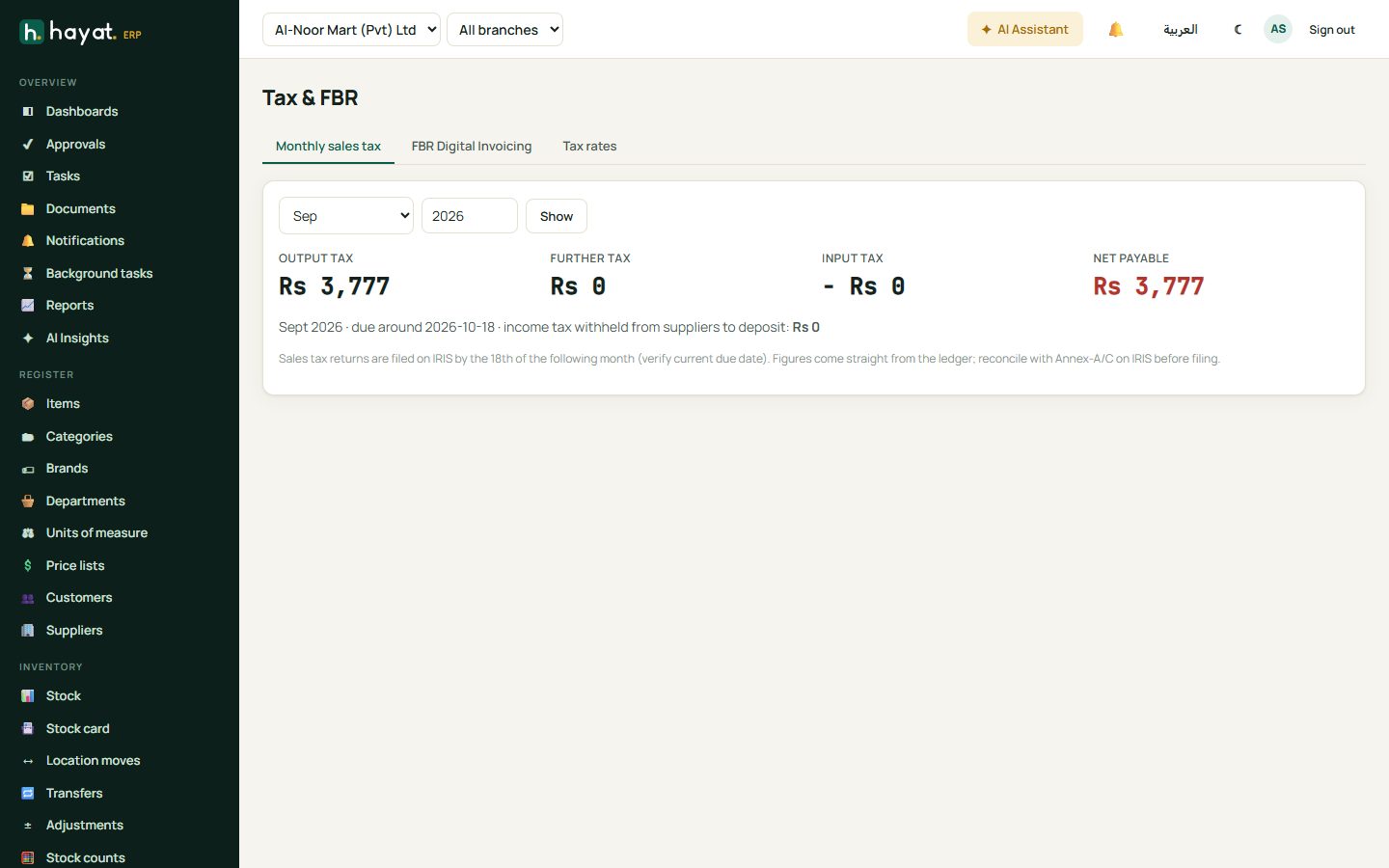
Compliance → Monthly sales tax shows, for the month you choose, output tax, further tax, input tax and the net amount payable, with the due date. Figures come straight from posted invoices, POS sales and supplier bills.
FBR digital invoicing
When turned on for your company, every posted sales invoice is sent to FBR. The FBR invoice number and QR code print on the invoice. Failed submissions show on the FBR Digital Invoicing tab with the reason, and can be resent.
FBR POS
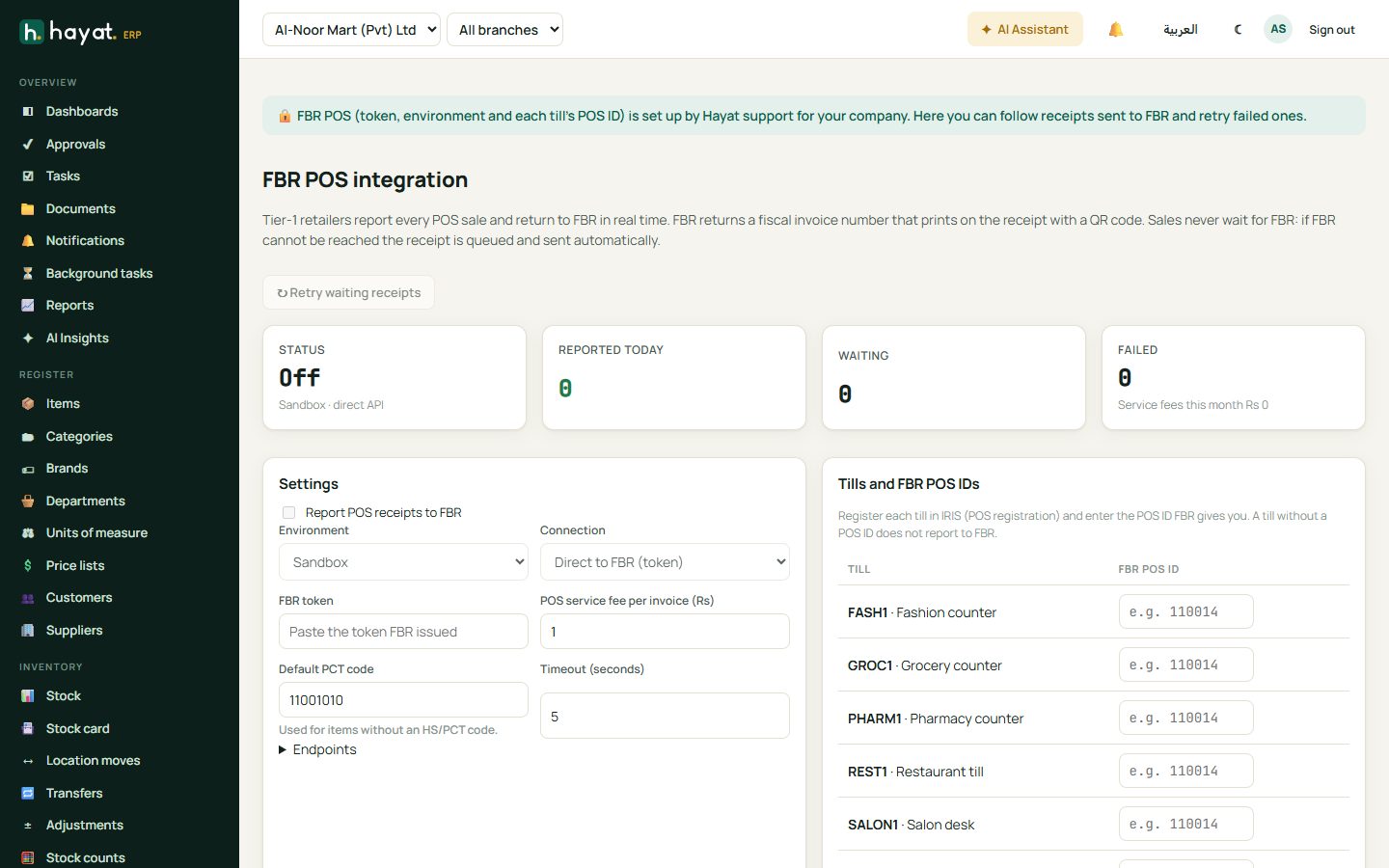
For Tier-1 retailers, every POS receipt is reported to FBR in real time and the fiscal invoice number prints on the receipt. If FBR cannot be reached the sale still completes; the receipt is queued and sent automatically. POS → FBR POS shows receipts reported today, waiting and failed.
Tax rates
Tax rates lists sales-tax rates by item category (standard, reduced, exempt, zero-rated, third schedule on MRP) and provincial rates for services. Set an item's tax treatment on the item form.