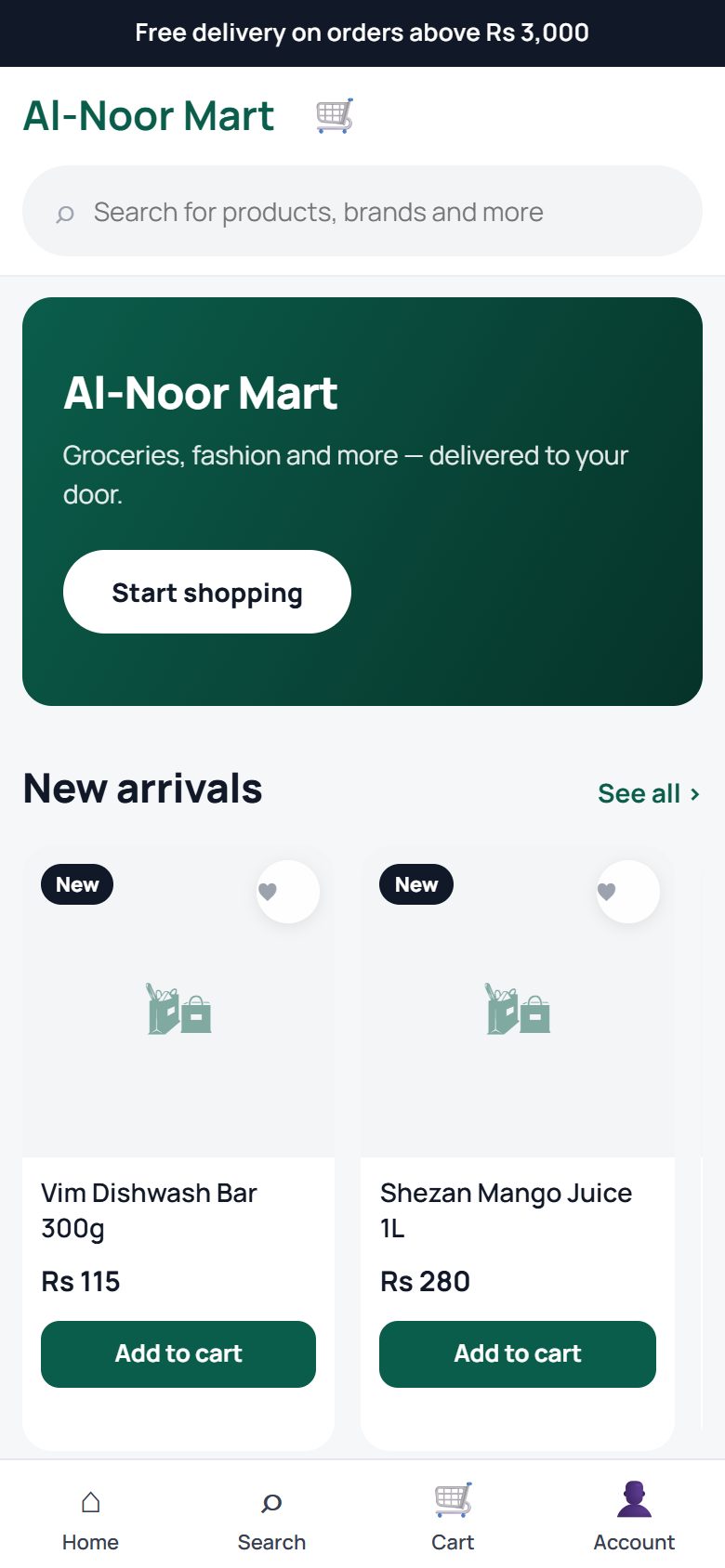
Shopping at shop.hayaterp.com
shop.hayaterp.com ↗For shoppers — browse a shop, order, pay, track your order and ask for help. Store owners see Running your online store.
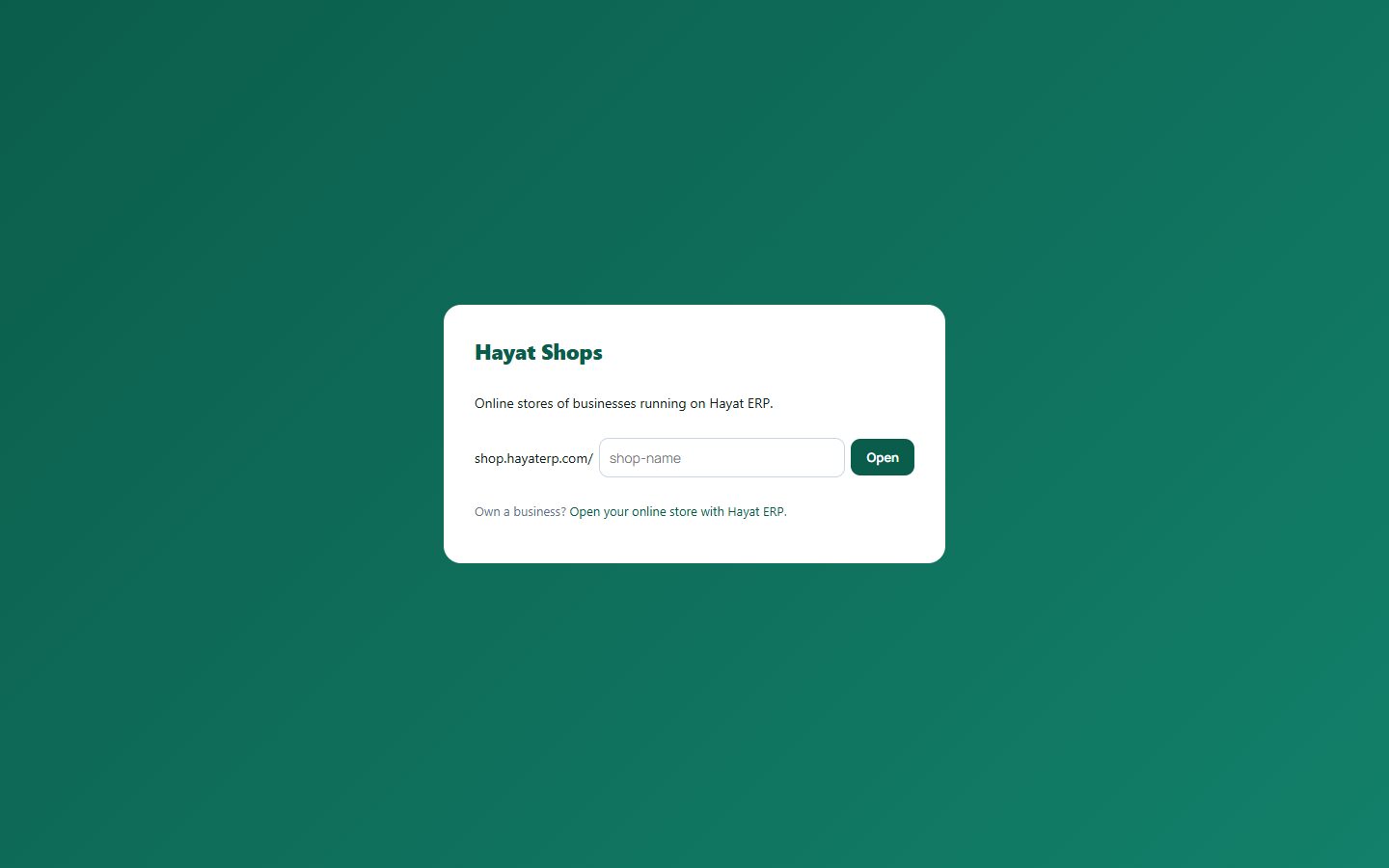
Find the shop
Each business has its own address: shop.hayaterp.com/shop-name. If you only know the name, open shop.hayaterp.com and type it.
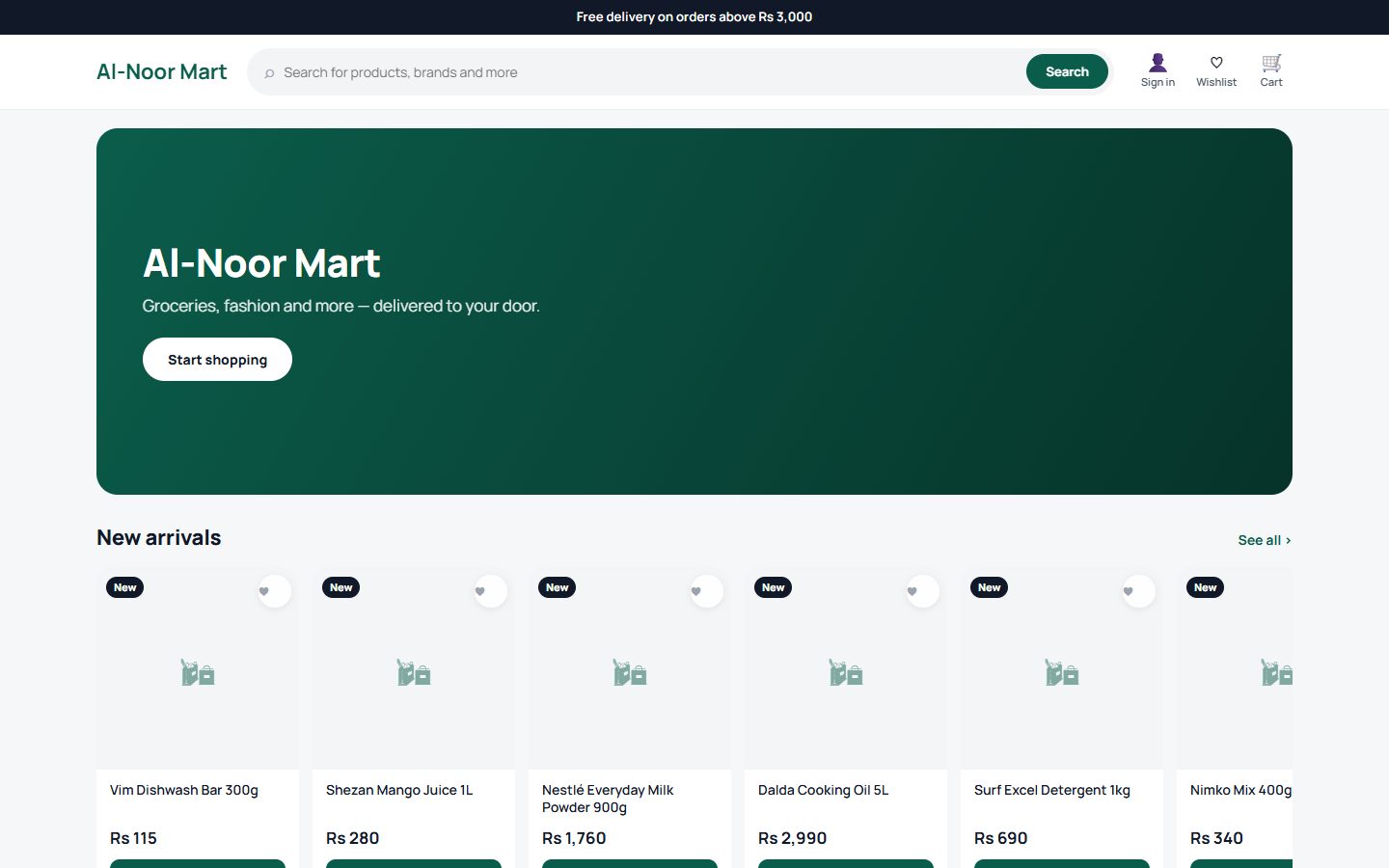
Browse
The home page shows the shop's banner, categories and new arrivals. Use the search bar for products and brands, or tap a category.
Open a product to see photos, price, specifications, delivery information and reviews. For clothes and shoes, pick the size and colour first.
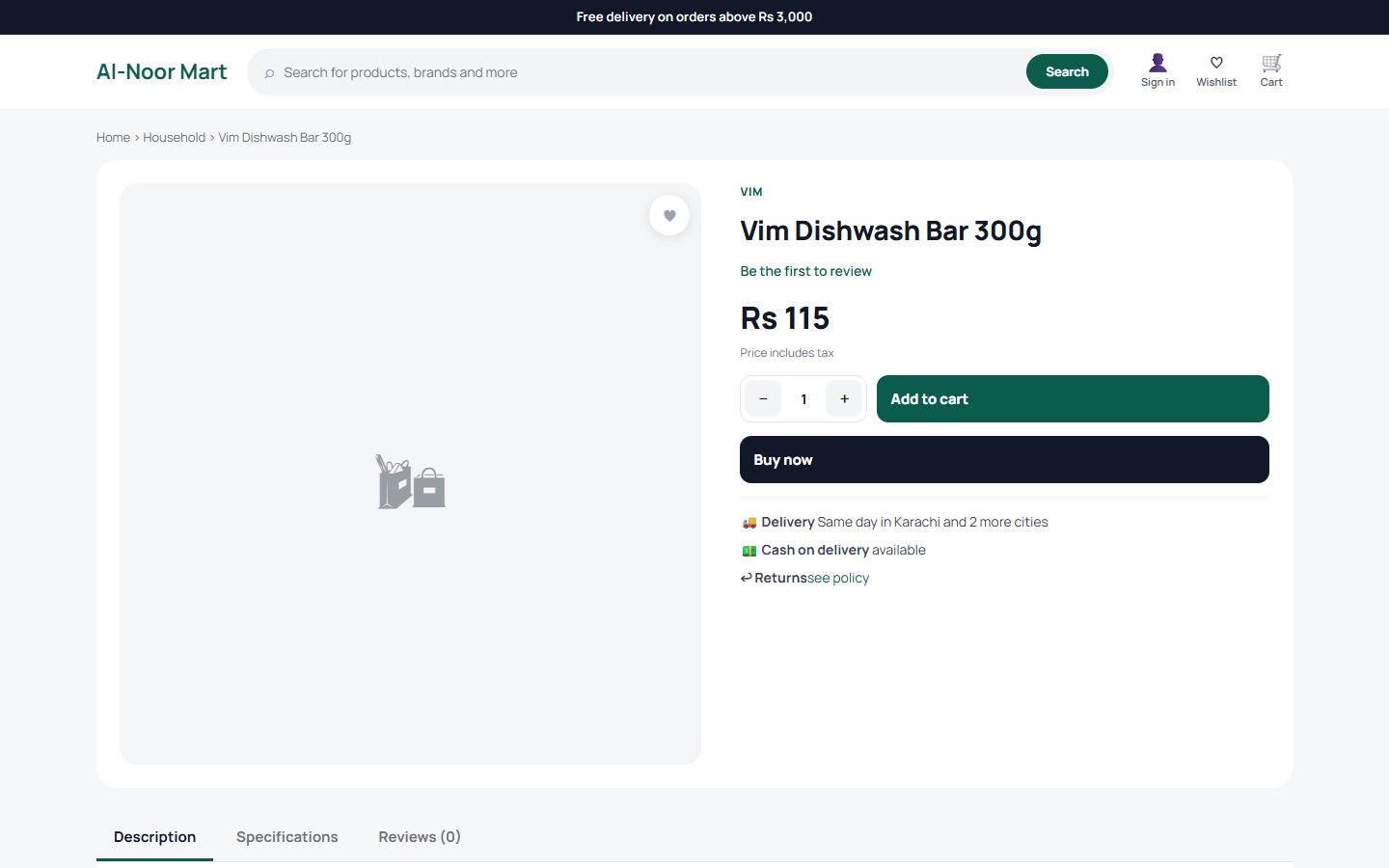
Order
- Tap Add to cart (or Buy now to go straight to checkout).
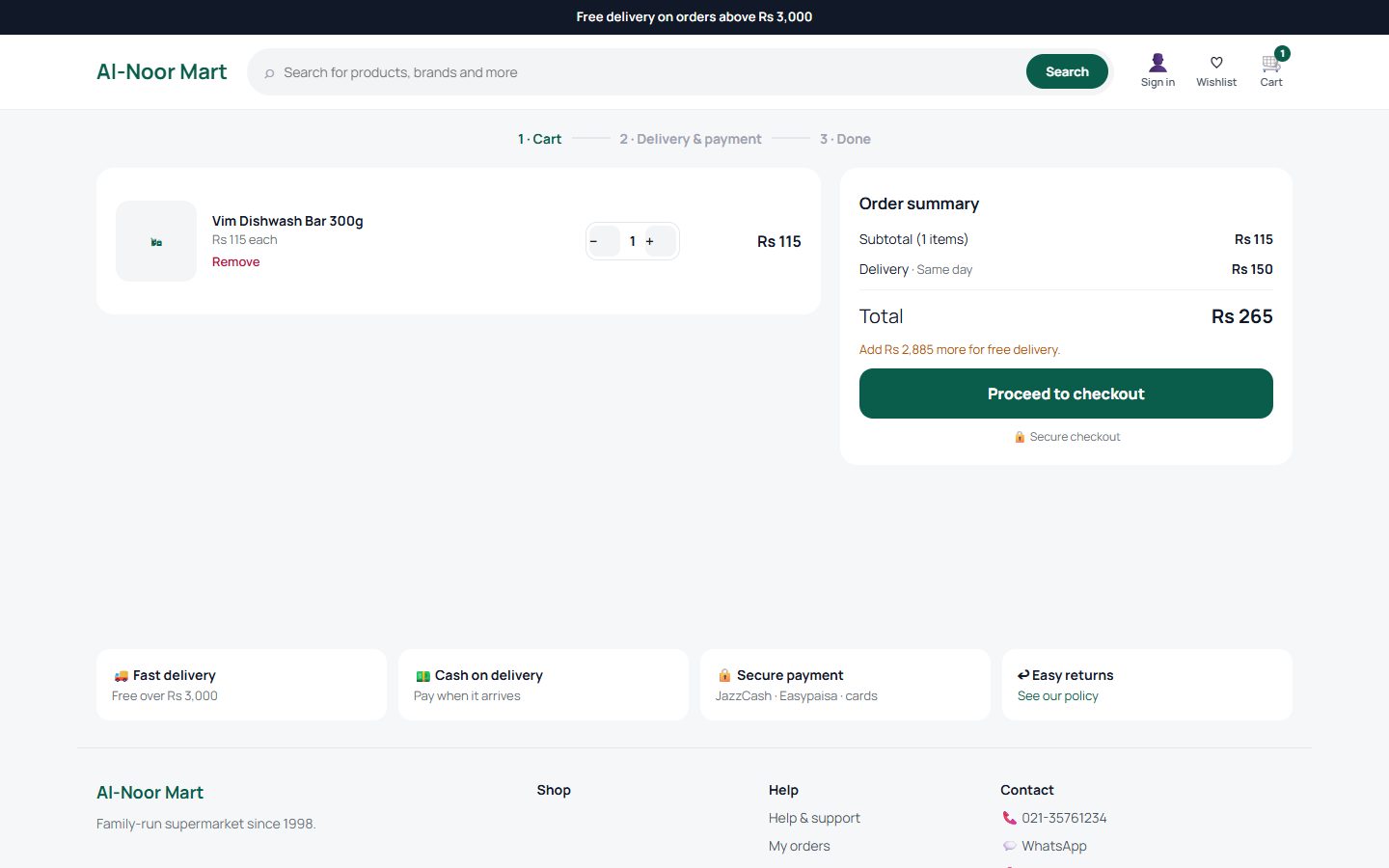
- Open the Cart. Change quantities or remove items. The order summary shows delivery charges and how much more you need for free delivery.
- Tap Proceed to checkout, sign in or continue as a guest, and enter the delivery address.
- Choose how to pay: cash on delivery, bank transfer, card or JazzCash / Easypaisa.
- Place the order. You get an order number by SMS, WhatsApp or email.
Track your order and account
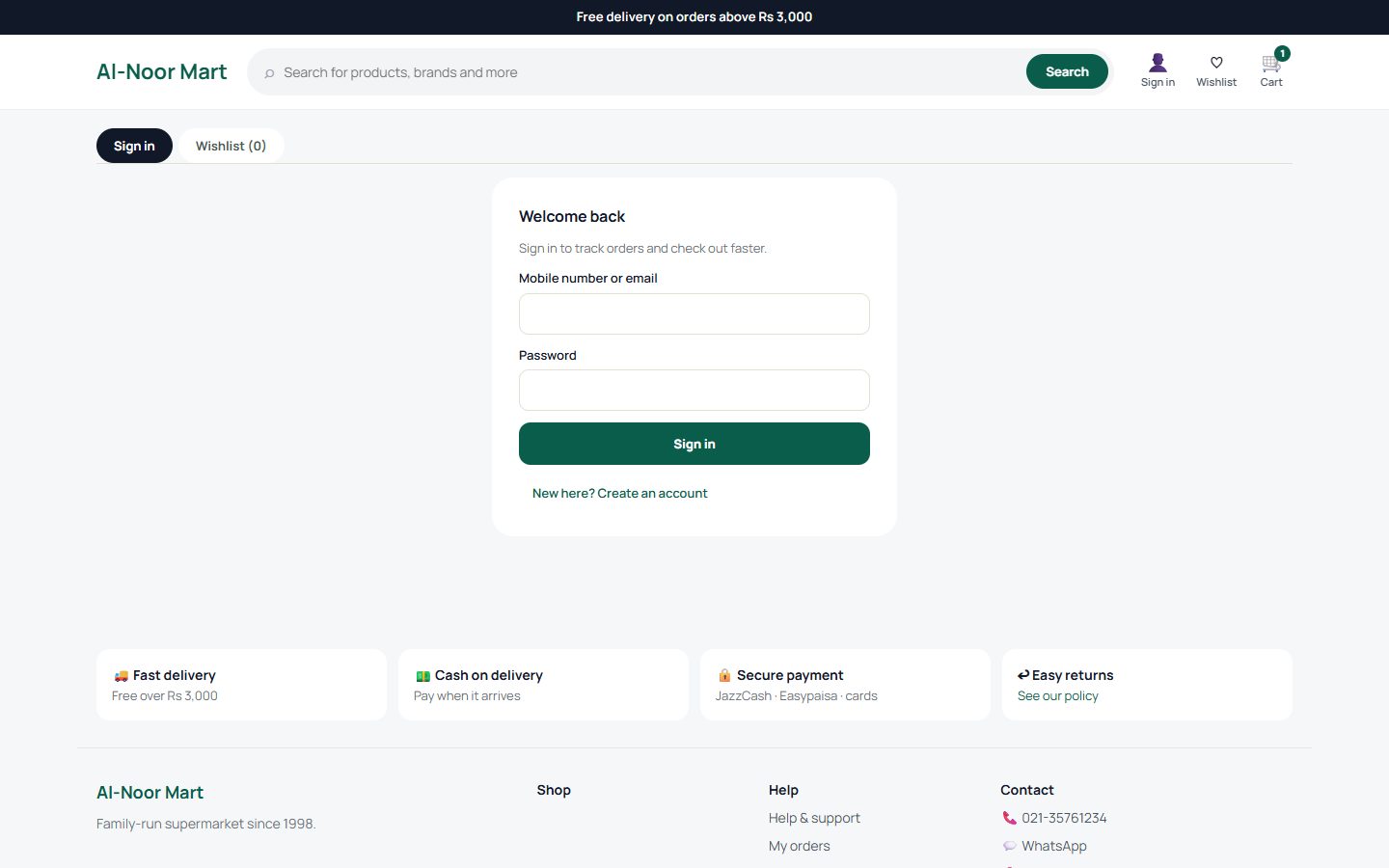
Account (top right) lets you sign in with your mobile number or email. Your account shows orders and their status — confirmed, packed, shipped, delivered — your wishlist and saved addresses.
Help and support
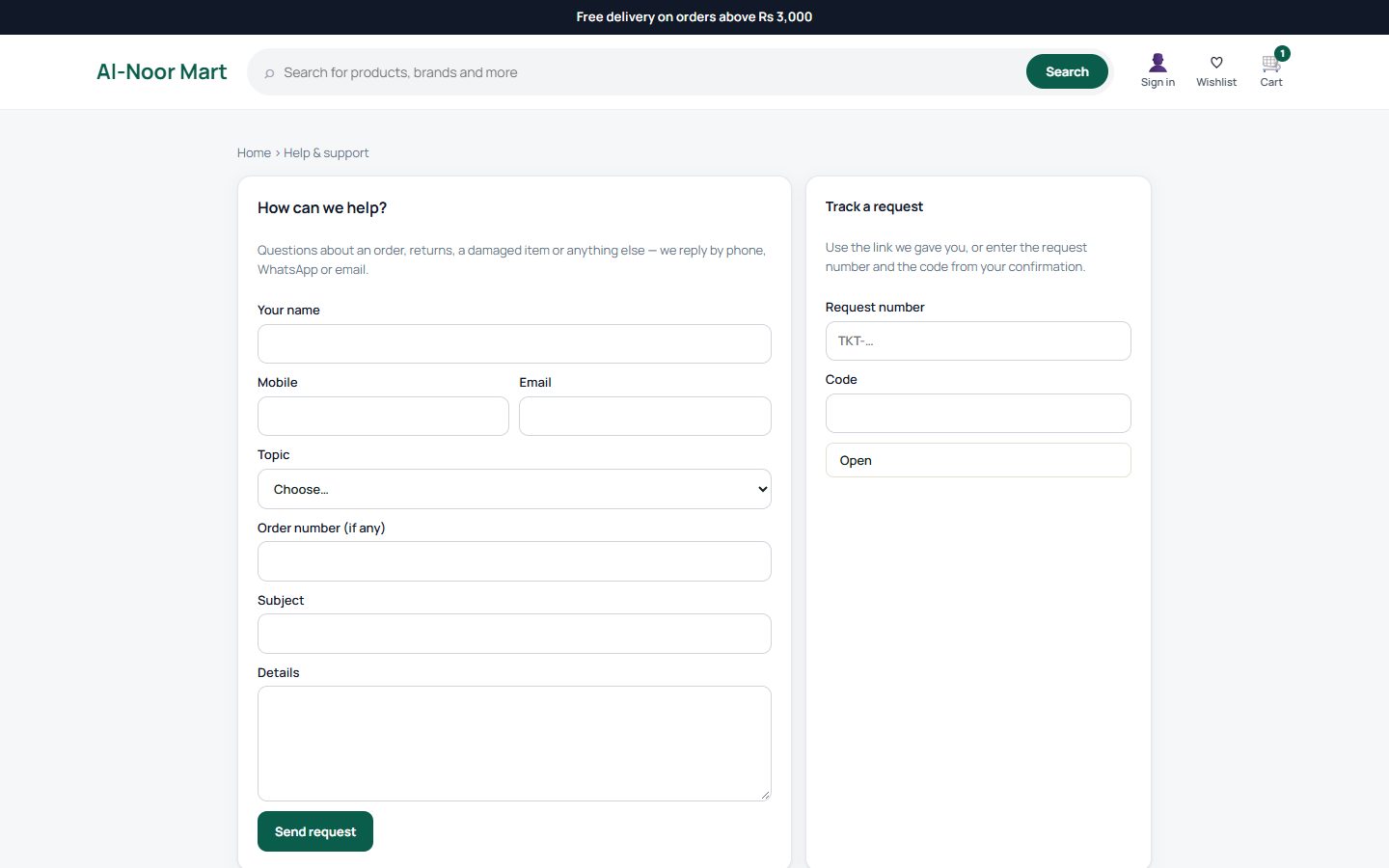
Help & support (in the footer) sends a question about an order, a return or a damaged item to the shop. You get a request number and a code; use them in Track a request to follow the reply.
On your phone
The shop is made for phones — the menu moves to the bottom bar. Add it to your home screen to open it like an app.