Running your online store
hayaterp.com/store-admin ↗Publish items to your shop at shop.hayaterp.com/your-shop, manage online orders, reviews, branding, delivery and payments.
Your shop address
Every business gets a shop at shop.hayaterp.com/your-shop-name (the demo is shop.hayaterp.com/al-noor-mart). Stock, prices and orders are the ERP's own — there is nothing to sync.
Overview
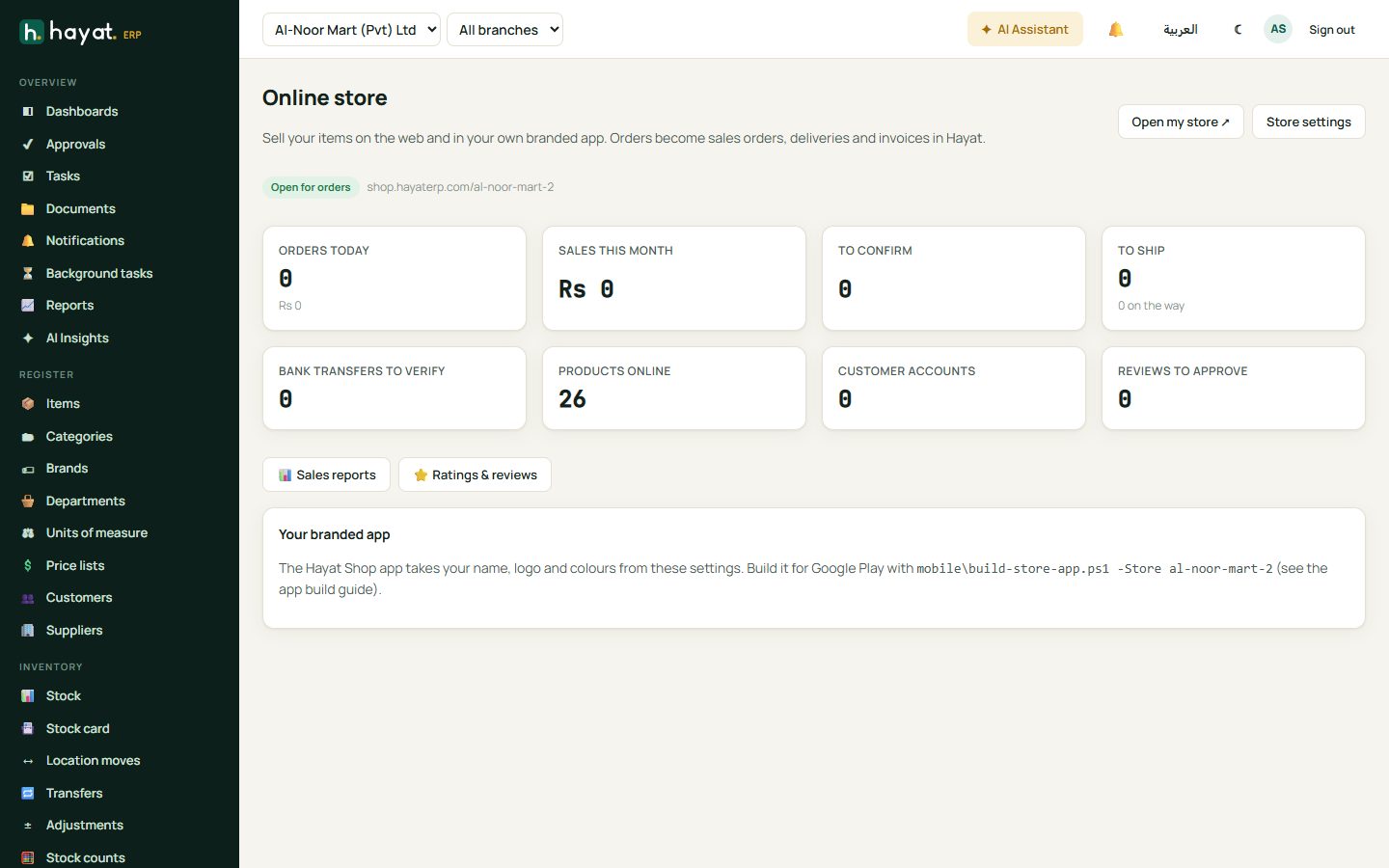
Online store shows orders today, sales this month, orders to confirm and ship, bank transfers to verify, products online, shopper accounts and reviews waiting for approval. Open my store opens the live shop.
Choose what is online
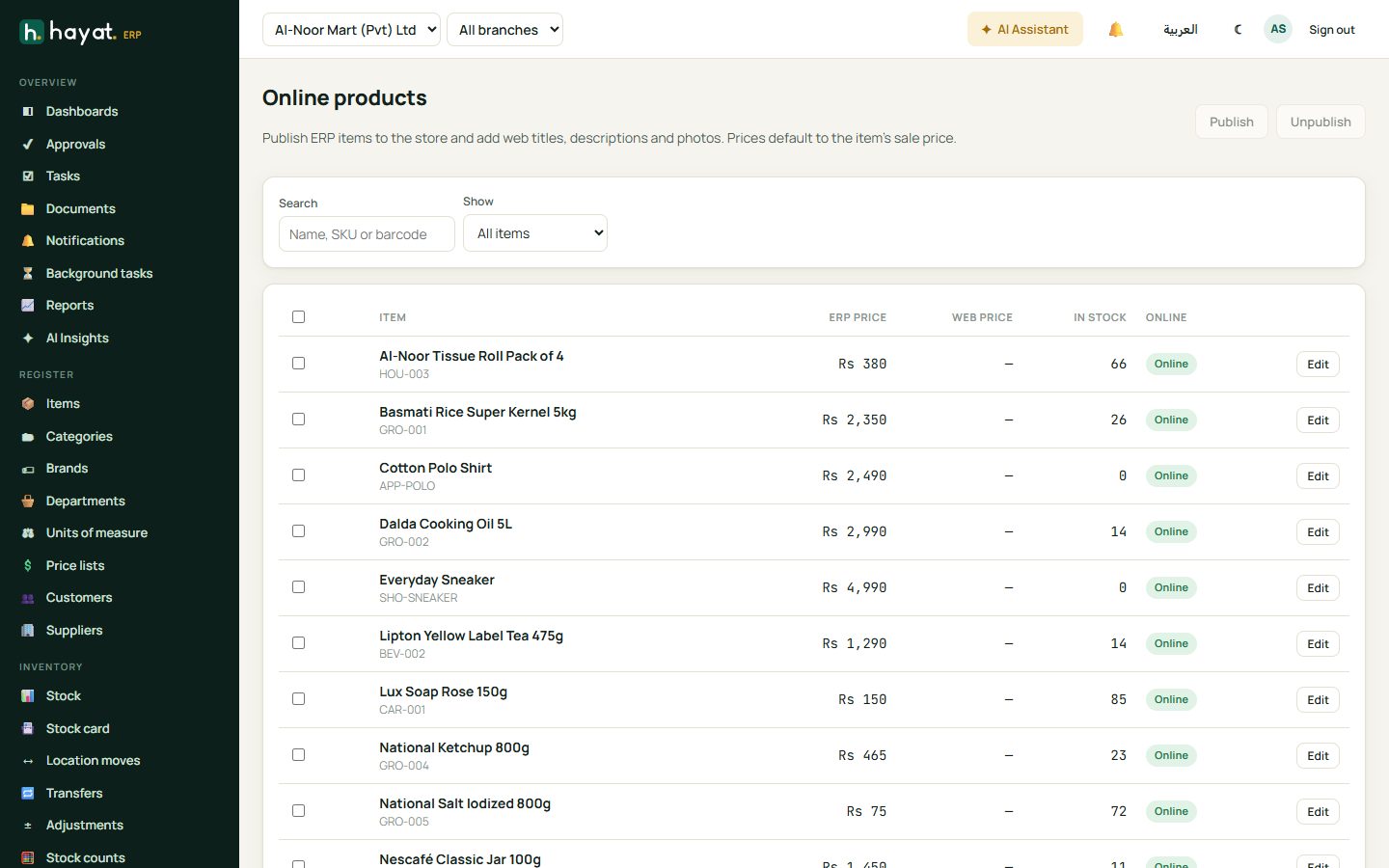
Online store → Products lists your items with ERP price, web price, stock and online status. Tick items and click Publish or Unpublish; click Edit to add a web title, description and photos. Items with sizes and colours show a picker in the shop.
Handle online orders
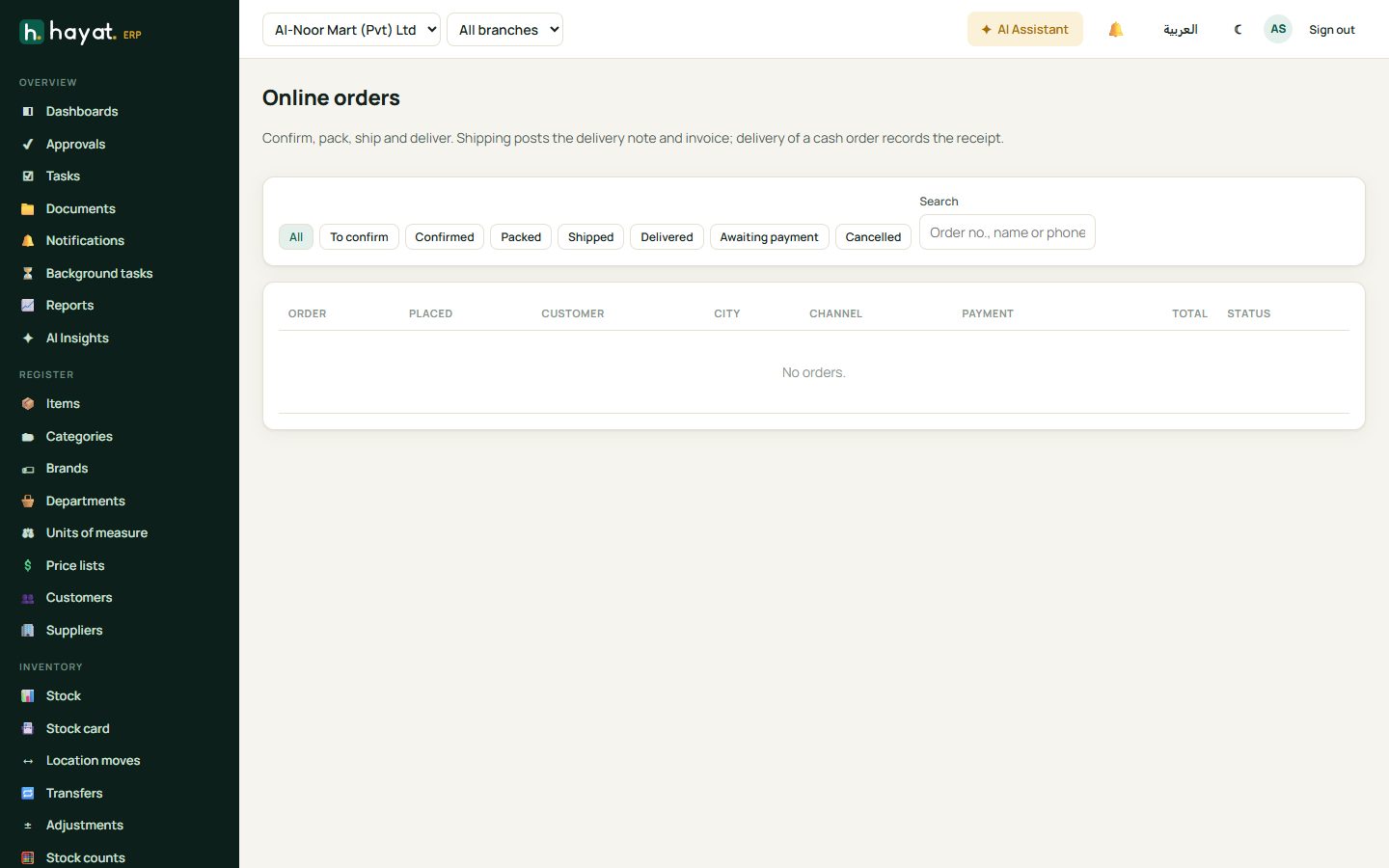
- New orders arrive with a notification. Open Online store → Orders; the tabs follow the order: To confirm, Confirmed, Packed, Shipped, Delivered, plus Awaiting payment and Cancelled.
- Confirm order — it becomes a sales order and reserves the stock.
- Mark it Packed, then Ship & invoice. Shipping posts the delivery note and invoice.
- Mark it Delivered (for cash on delivery, Delivered & cash collected records the receipt).
The shopper is notified at each step by email, SMS or WhatsApp if those are set up.
Settings and branding
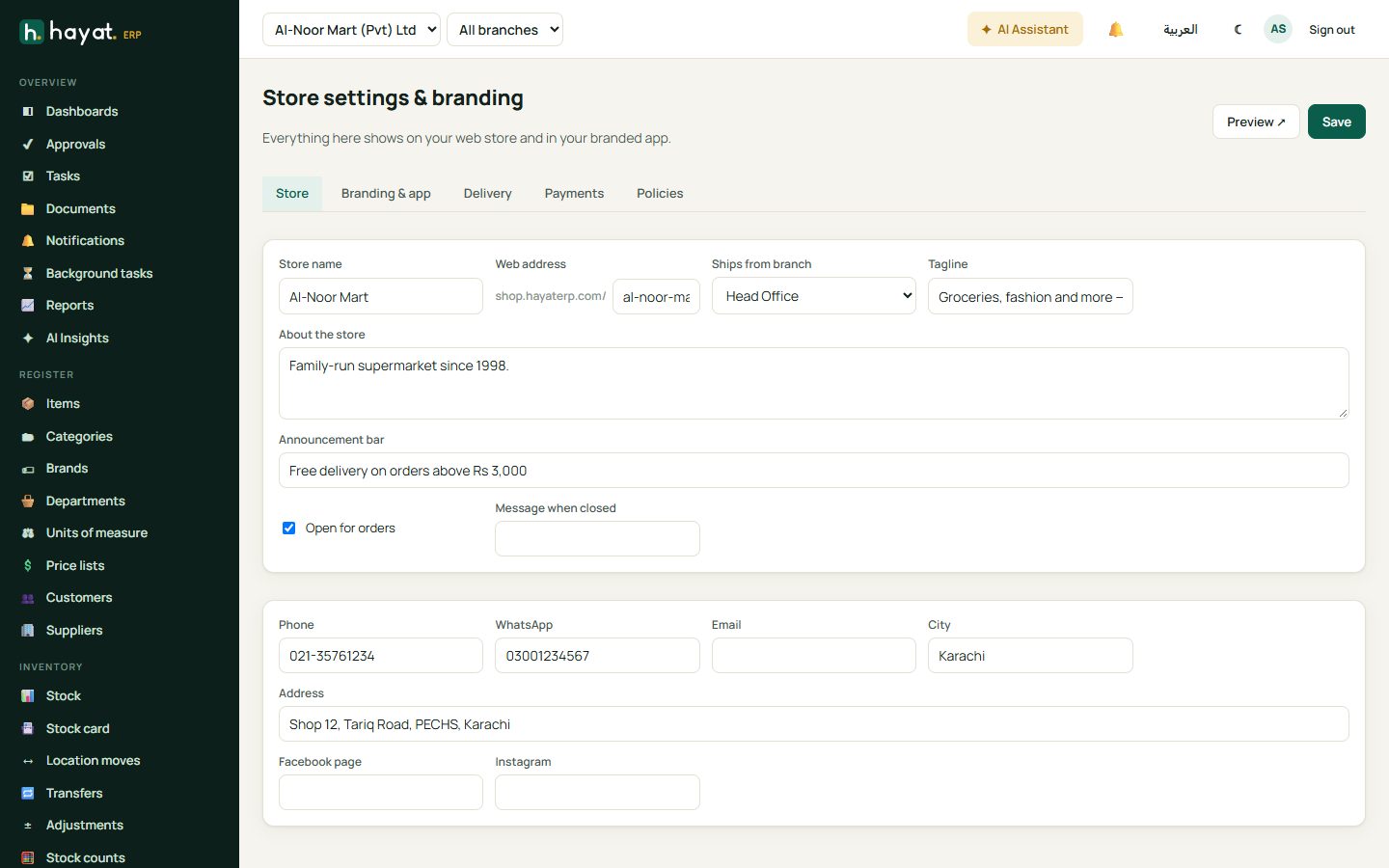
Store settings has tabs for:
- Store — name, web address, the branch it ships from, tagline, about text, announcement bar (Free delivery above Rs 3,000), open for orders.
- Branding & app — logo, colours and banners. The same branding is used for your own shop app.
- Delivery — cities, charges and free-delivery threshold.
- Payments — cash on delivery, bank transfer, cards and wallets.
- Policies — delivery, returns and privacy pages.
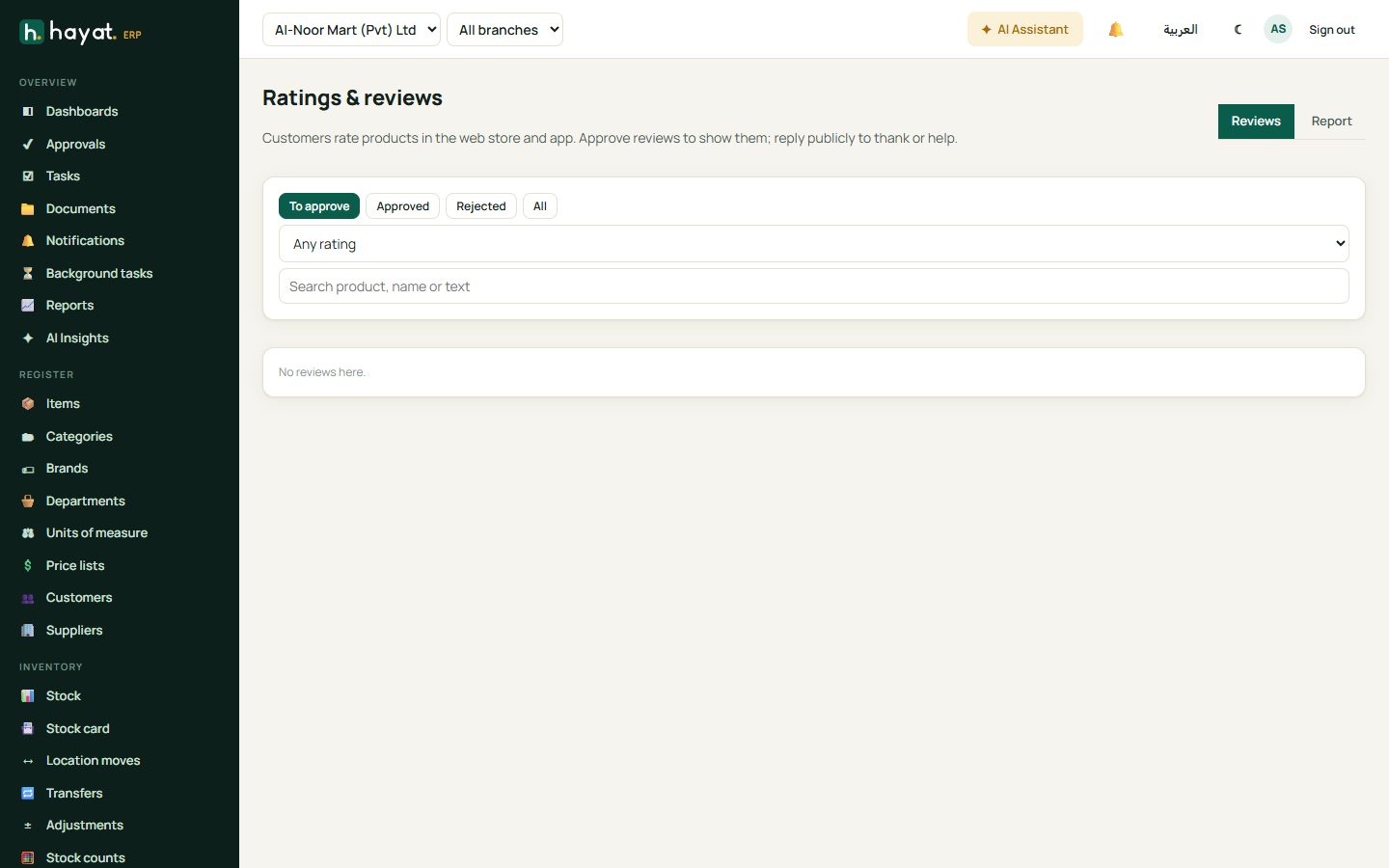
Reviews
Shoppers rate products after buying. Ratings & reviews lets you approve or reject each review before it shows, and reply publicly.