HR, attendance and payroll
hayaterp.com ↗Employees, duty rosters, attendance, leave and short leave, employee requests and monthly payroll.
Employees
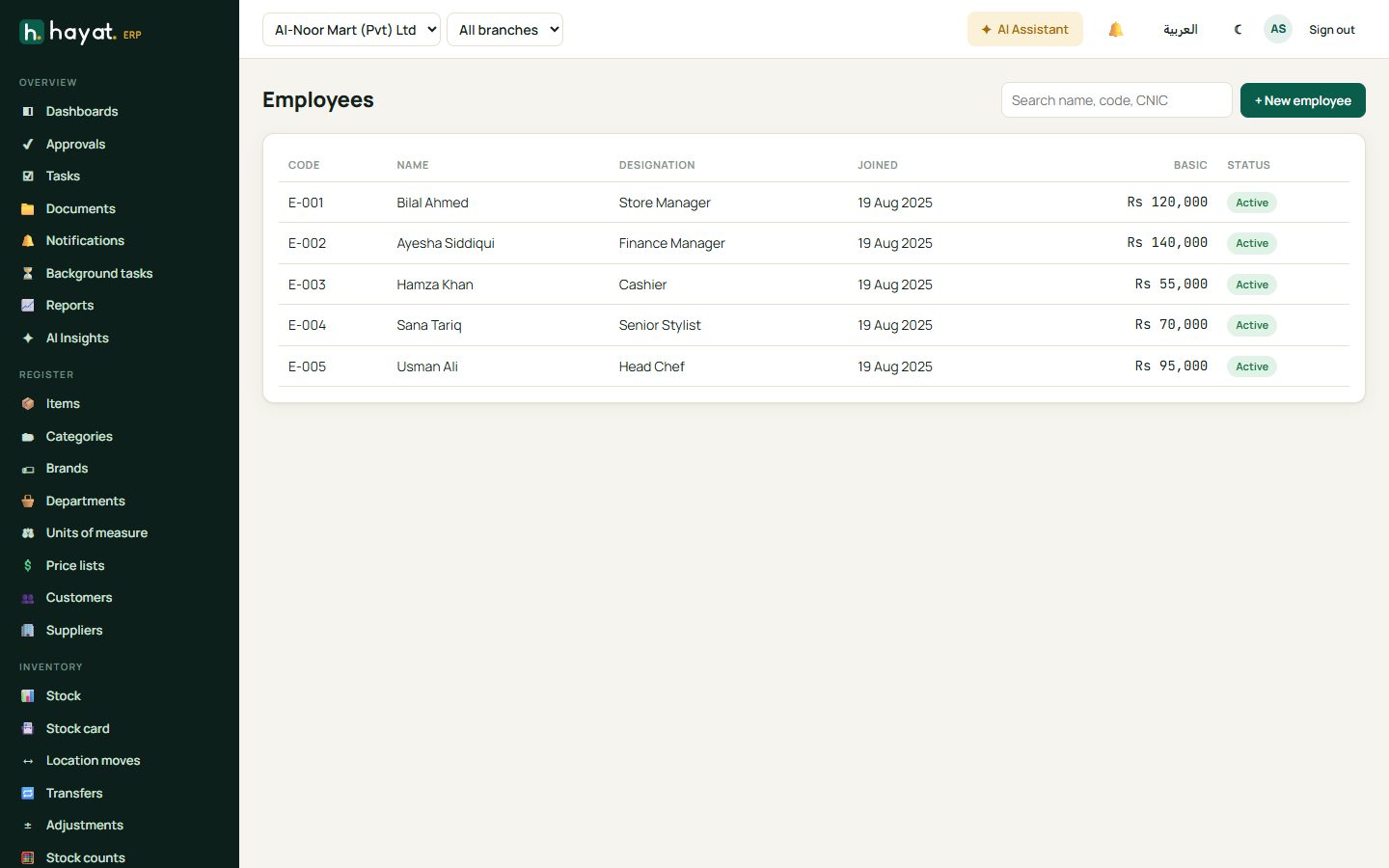
HR → Employees keeps each person's code, designation, joining date, basic salary, allowances, bank details and documents. Link an employee to a user in Settings so they can use the employee portal.
Duty roster
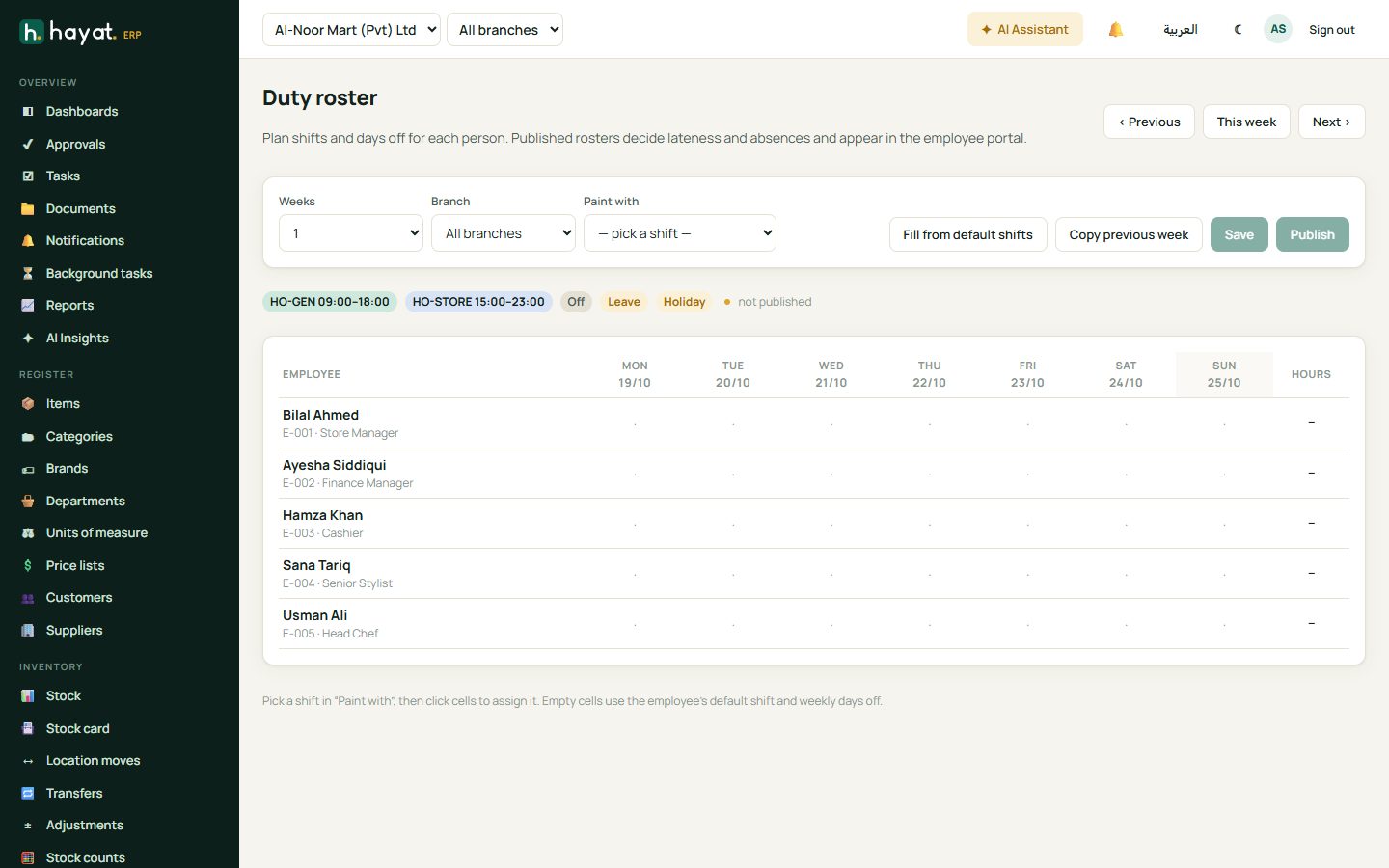
HR → Rosters plans shifts and days off week by week. Pick a shift in Paint with and click cells to assign it, or Fill from default shifts and Copy previous week. Publish the roster — published rosters decide lateness and absence and appear in the employee portal.
Attendance
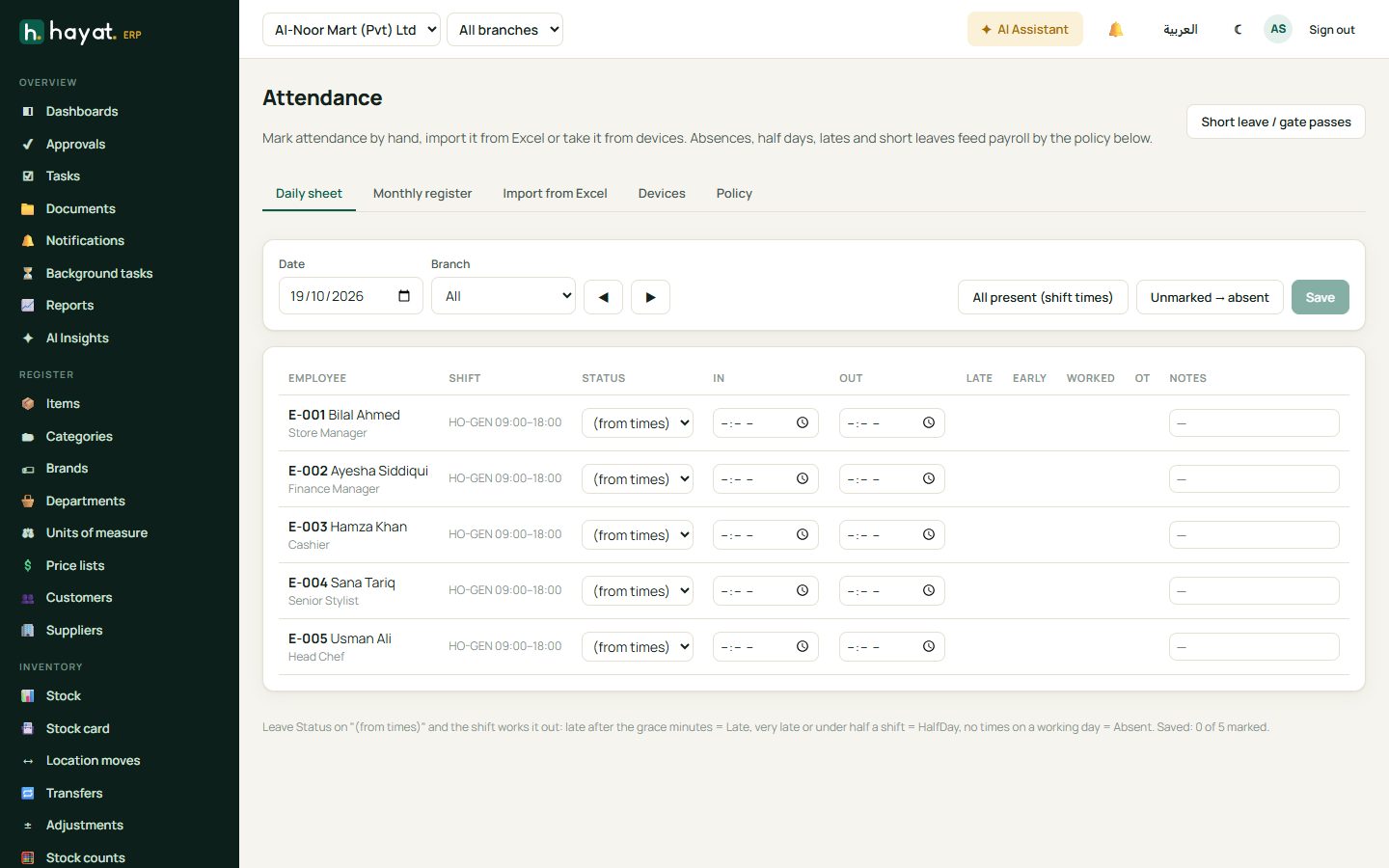
HR → Attendance shows the daily sheet: shift, in and out times, status (present, late, half day, absent), early leave and overtime. Times come from the employee portal, attendance devices or an Excel import, and you can correct them here. The Monthly register shows the whole month.
Leave and requests
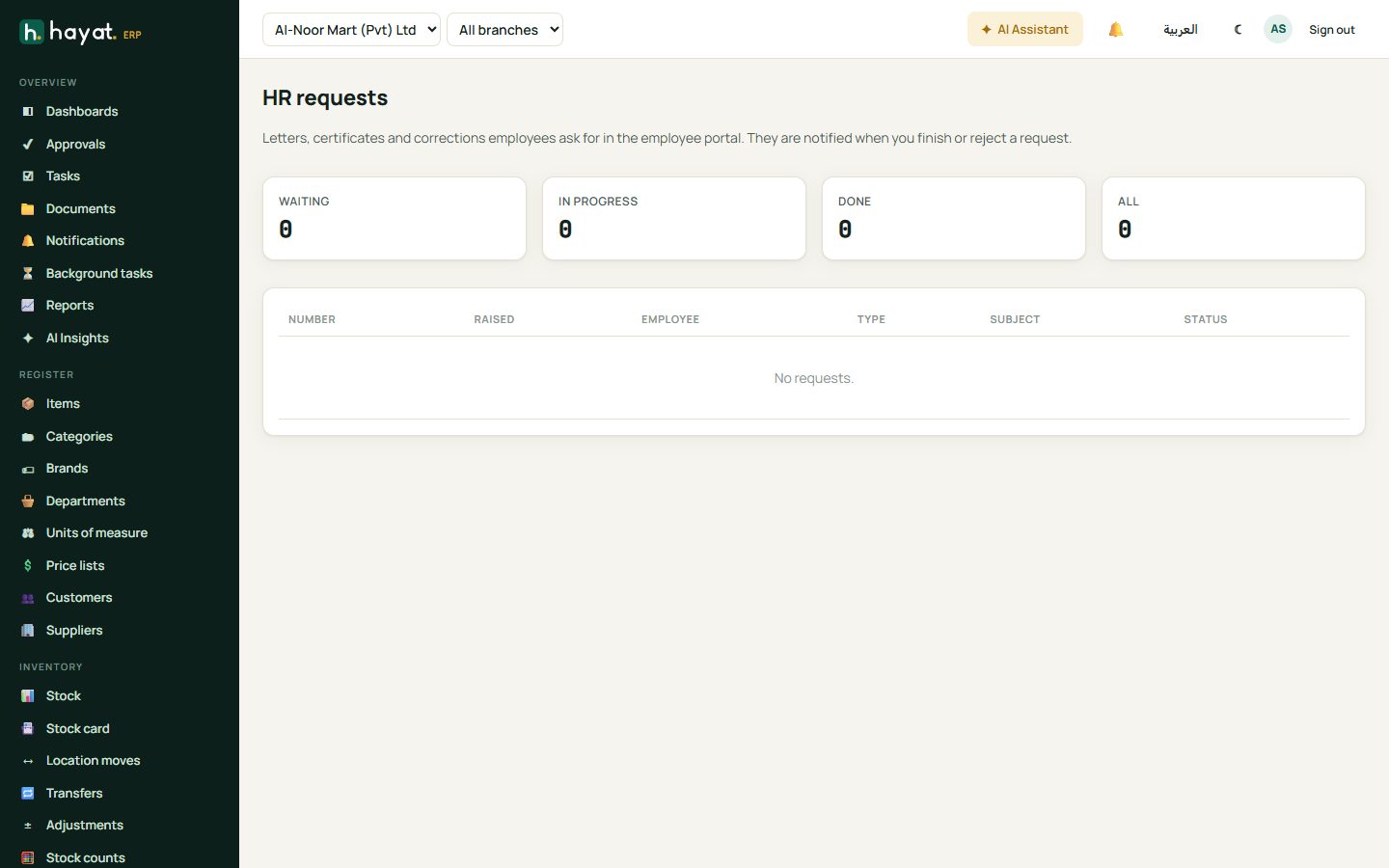
Employees apply for leave and short leave (a few hours) in the portal; their manager approves in Approvals. HR → Requests handles letters, certificates and corrections employees ask for.
Payroll
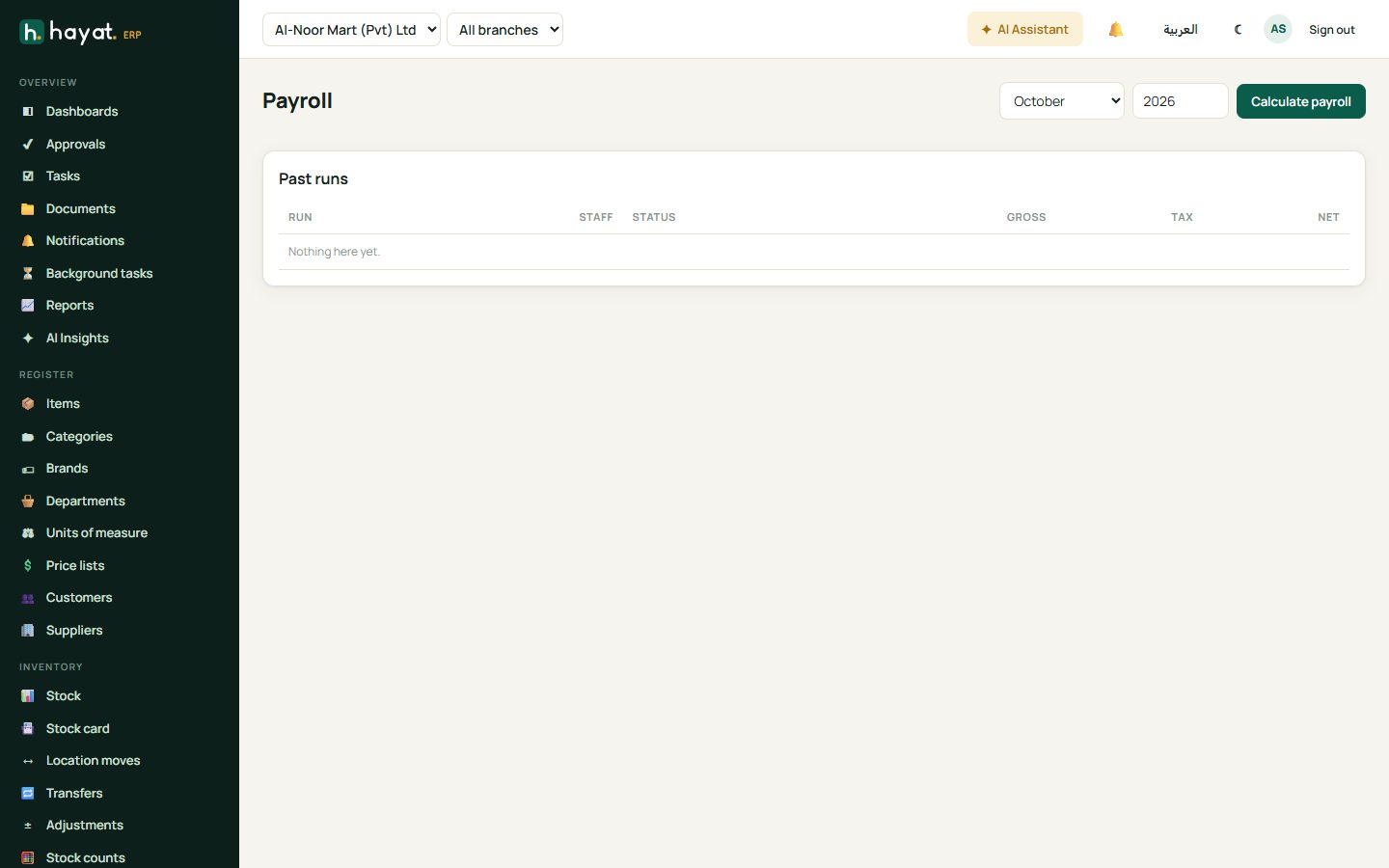
- HR → Payroll, choose the month and year, and click Calculate payroll.
- Hayat works out basic and allowances, overtime, absent and late deductions, loans and advances, income tax by FBR slabs, EOBI and social security.
- Review the run and correct anything, then click Approve & post to ledger. Salaries post to the accounts.
- Click Download bank file to pay through your bank, then Mark salaries paid. Payslips appear in the employee portal and can be printed with Print payslip.