
Help › Hospital
Patient portal
hospital.hayaterp.com ↗For patients — find a doctor, book an appointment and see your lab reports online.
▶Patient portal: book and view reports0:21
Open your hospital's page
Your hospital gives you its address, for example hospital.hayaterp.com/al-noor-mart-hospital. It works on any phone or computer — no app to install. The page shows the hospital's emergency number at the top.
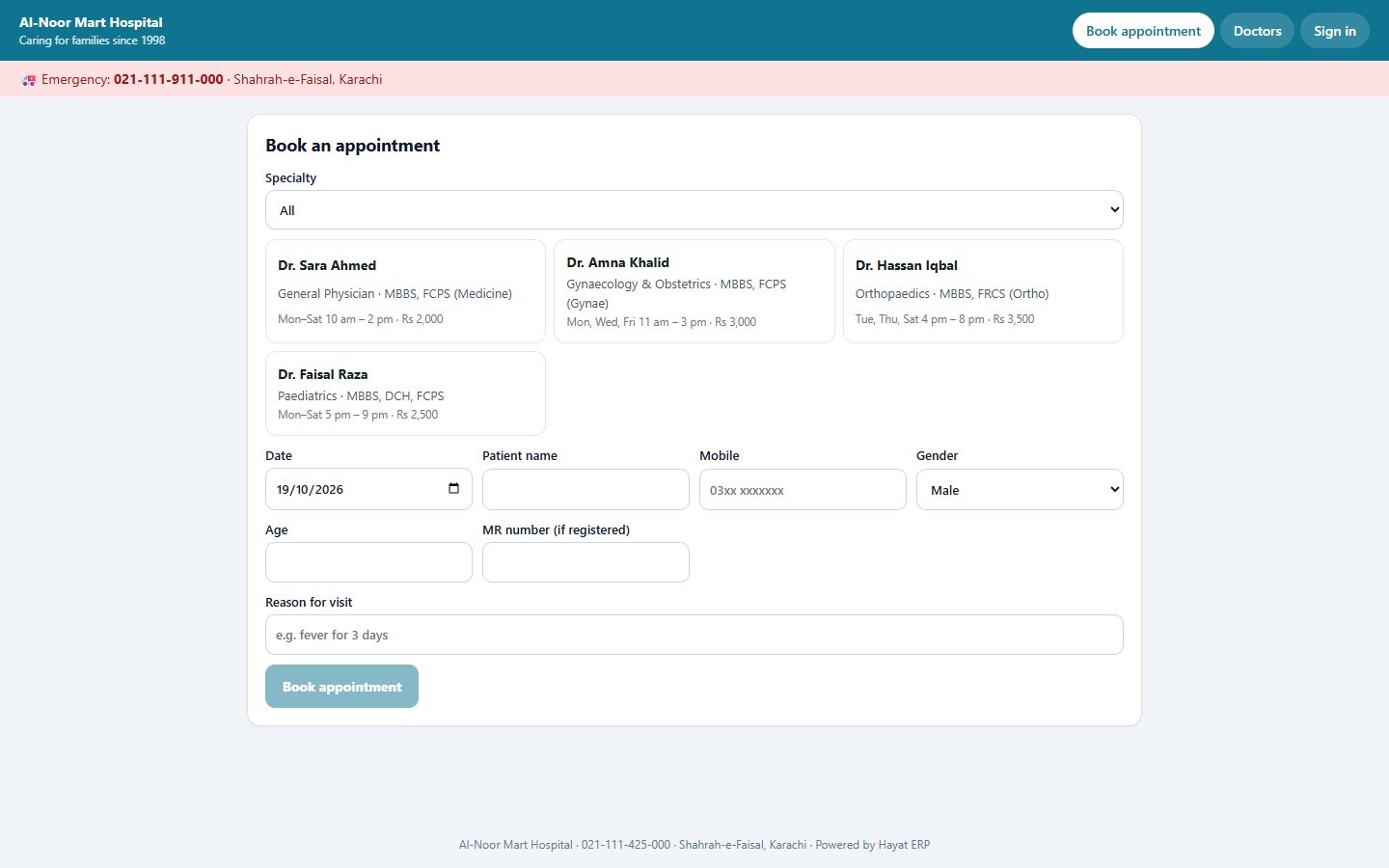
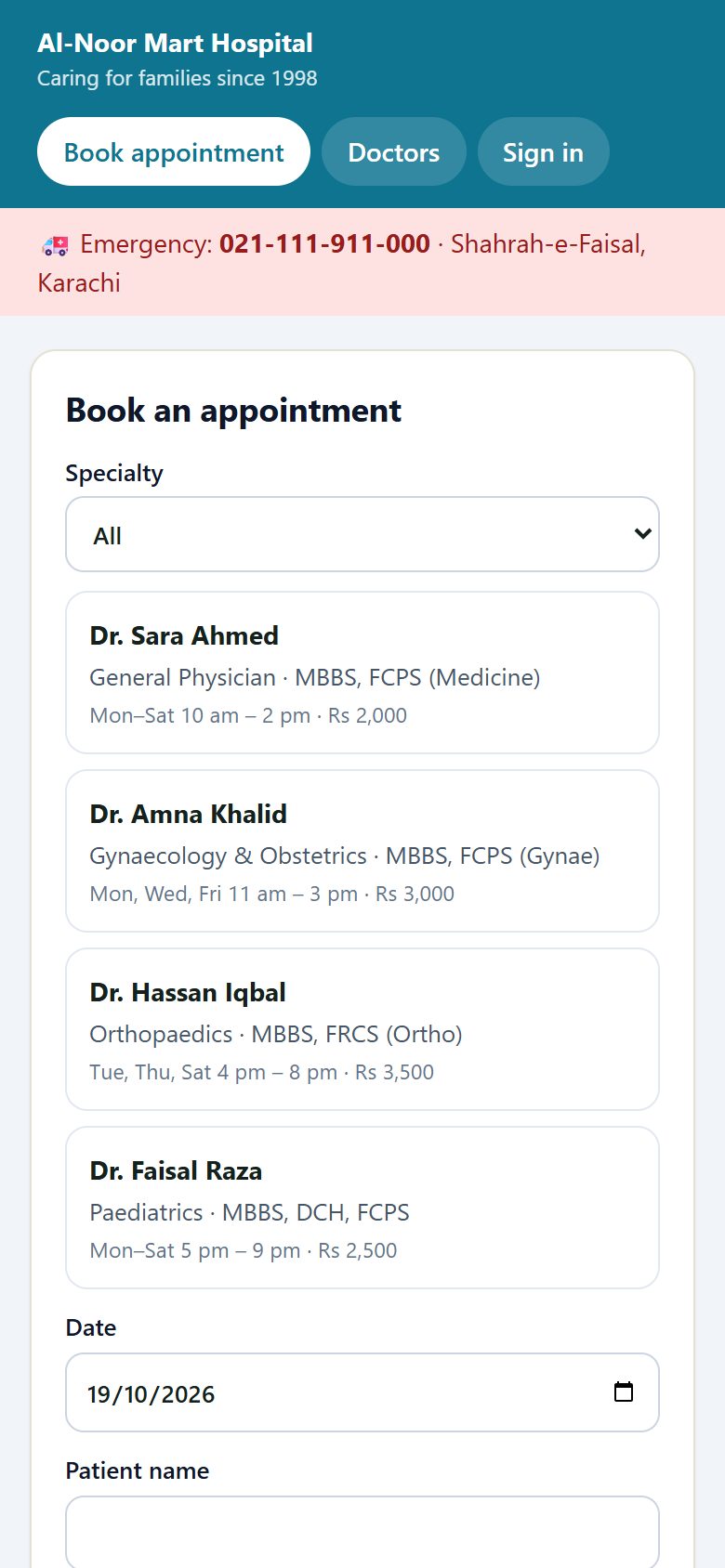
Book an appointment
- Tap Book appointment.
- Choose the specialty, then the doctor — you see their qualifications, days, timings and fee.
- Pick the date.
- Enter your name, mobile number, gender and age. If you have been to the hospital before, add your MR number.
- Write the reason for the visit, e.g. fever for 3 days, and tap Book appointment.
You get a confirmation with your appointment details. Please arrive 15 minutes early and show it at reception.
See your lab reports
- Tap Sign in.
- Enter your MR number (it is printed on your token, bill and reports) and the mobile number you gave at registration.
- You see your visits, prescriptions and verified lab reports. Tap a report to view or download it.
Doctors
Doctors lists every consultant taking online bookings, with specialty, qualifications, OPD days and fee.