Super-admin panel
admin.hayaterp.com ↗For the Hayat team — subscribers, plans and limits, operator accounts and platform background jobs.
Sign in
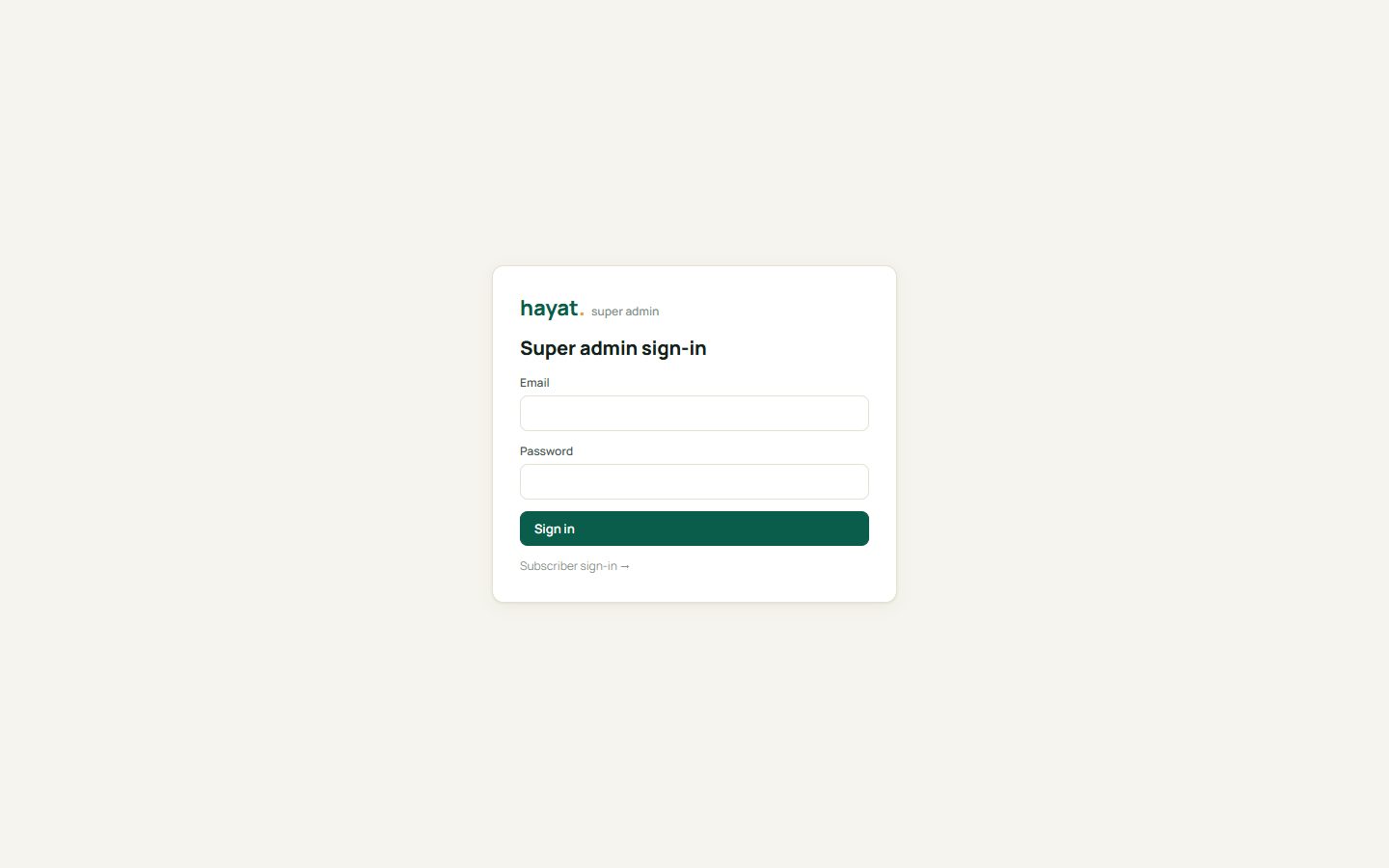
Open admin.hayaterp.com and sign in with your operator email and password. The session is separate from any subscriber sign-in.
Overview
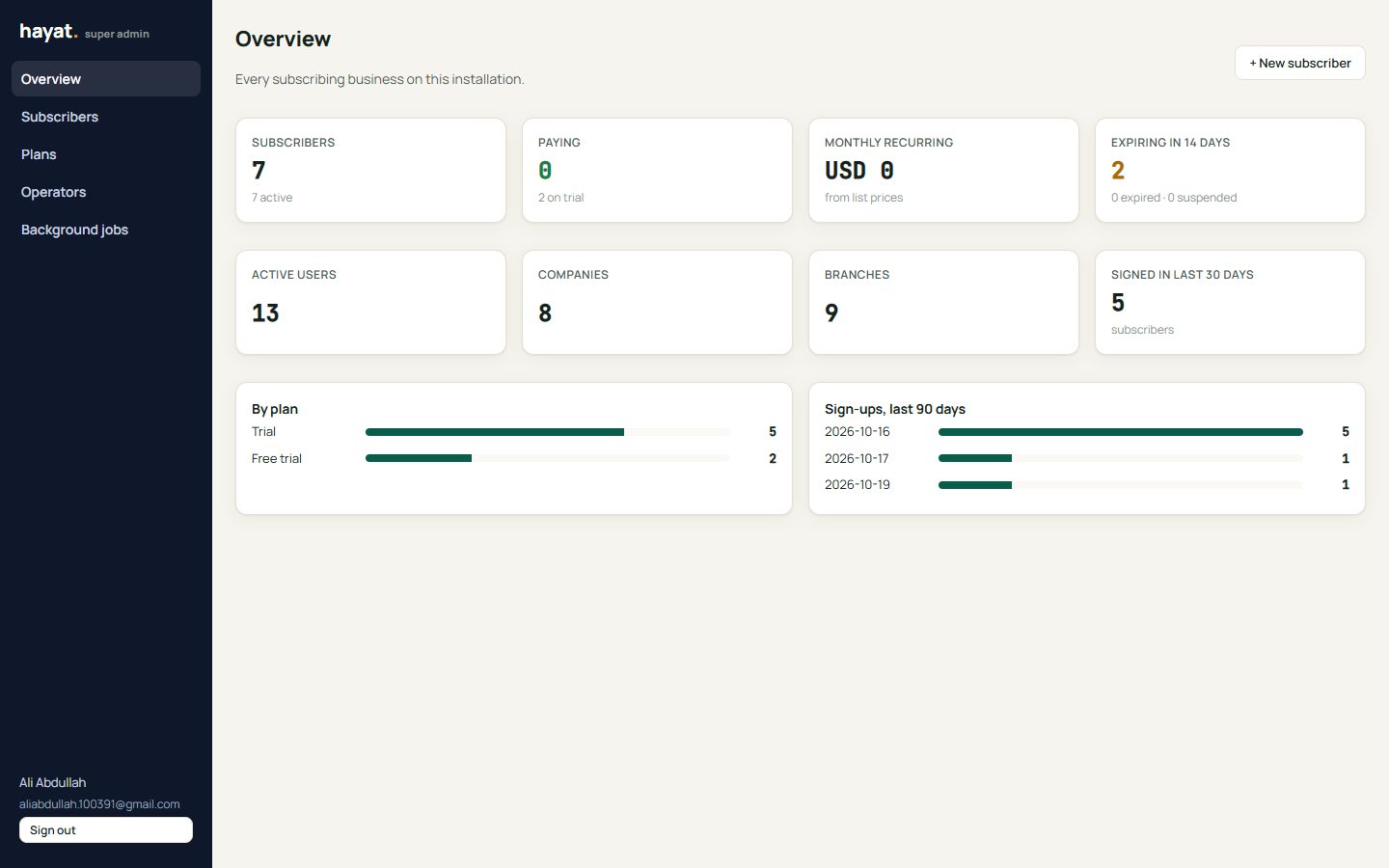
Subscribers, paying subscribers, monthly recurring revenue, trials expiring in 14 days, active users, companies and branches, sign-ups in the last 30 days, subscribers by plan and sign-ups per day.
Subscribers
Subscribers lists every business: plan, users, companies and branches used against the plan's limits, paid-until date, last sign-in and status (Active, Expiring, Suspended). Search by name or email, or create one with + New subscriber.
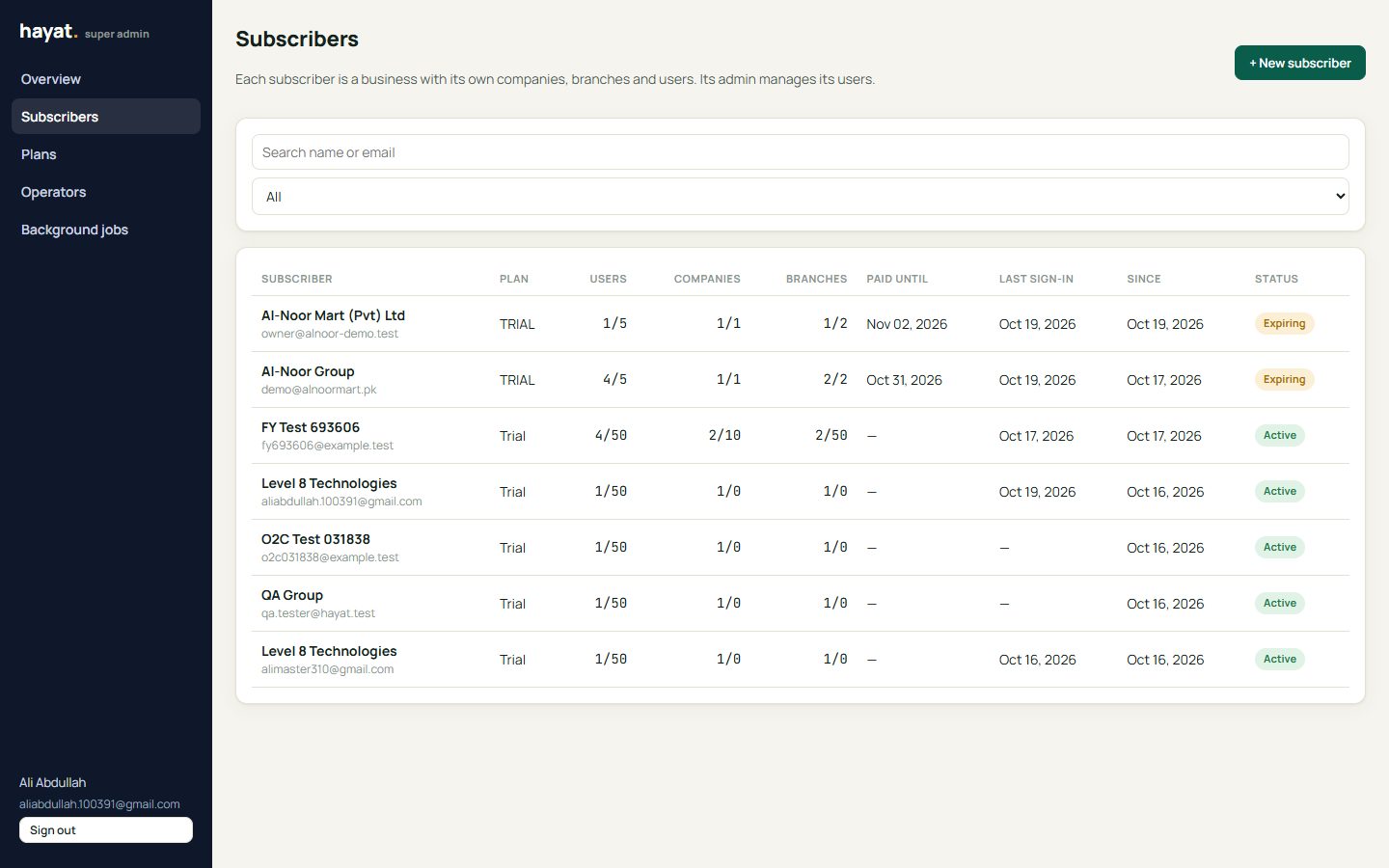
Manage a subscriber
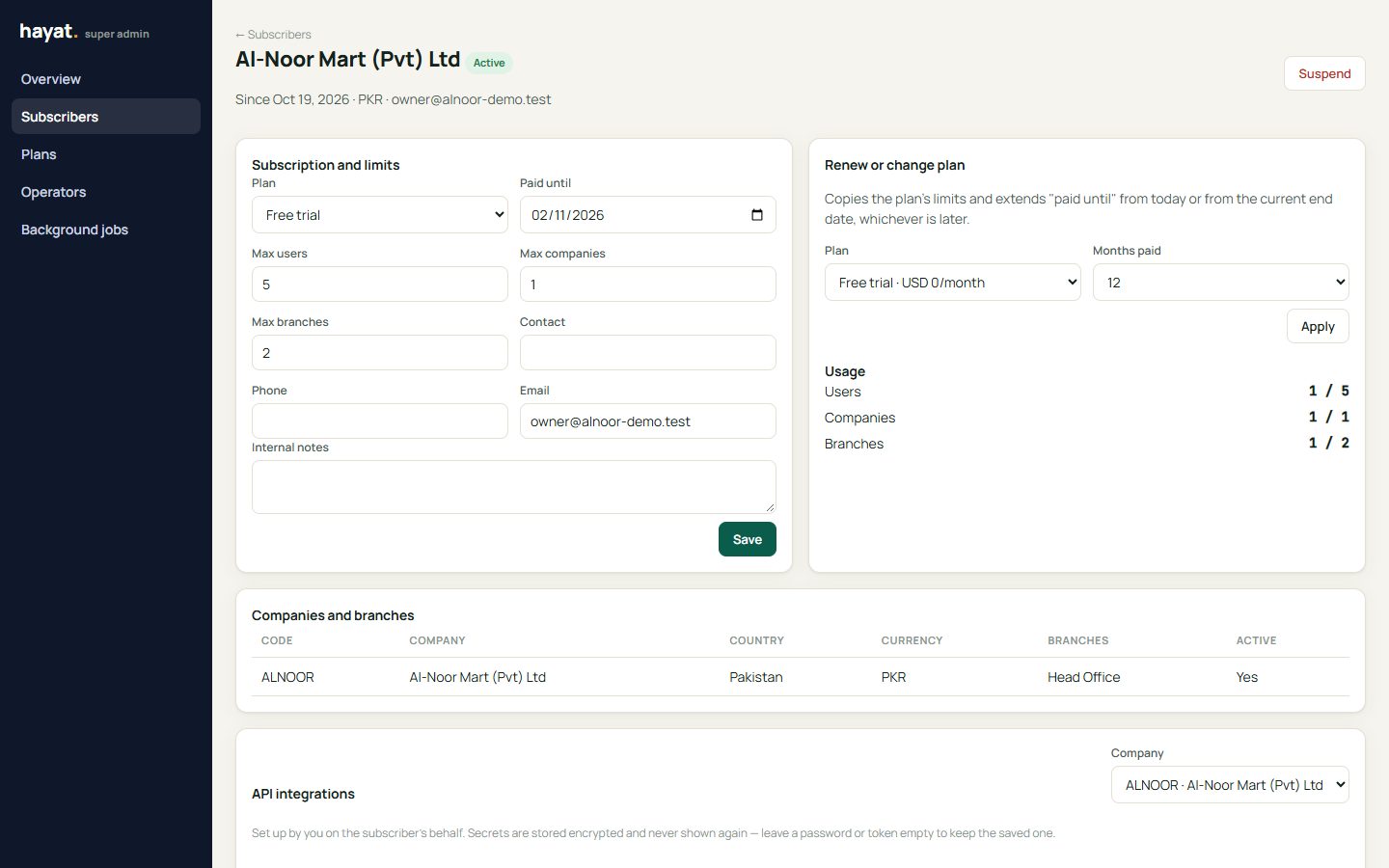
- Subscription and limits — change the plan, the paid-until date and the maximum users, companies and branches.
- Renew or change plan — extends paid-until by the months paid, from today or from the current end date, whichever is later.
- Suspend — stops sign-in for everyone in that business (their data is kept). Activate reverses it.
- Companies and branches, users (with Reset password for the subscriber's admin) and the history of changes.
- API integrations — see Subscriber integrations.
Plans
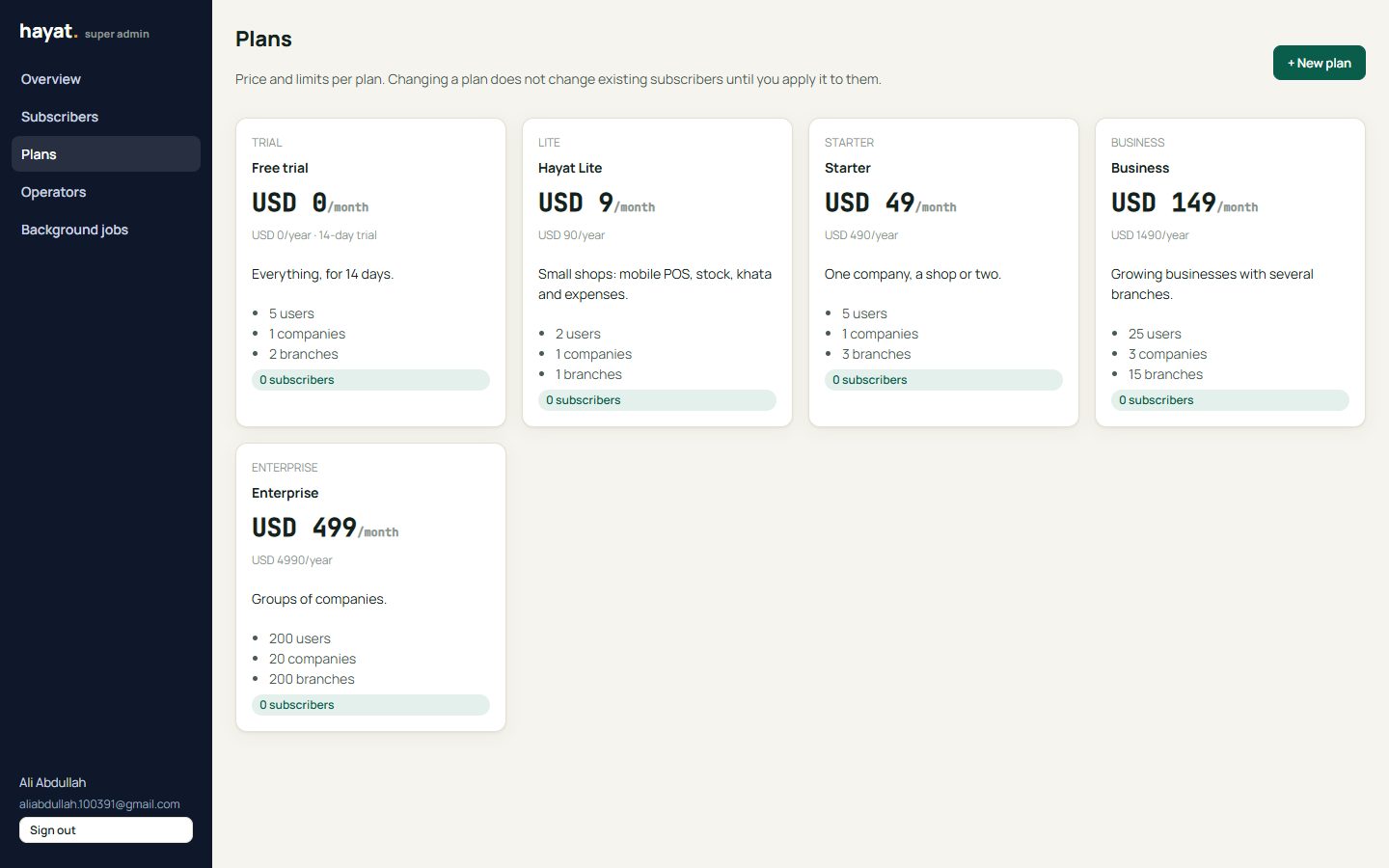
Plans set the price (monthly and yearly) and limits: users, companies, branches and trial days. Changing a plan does not change existing subscribers until you apply it to them.
Operators and background jobs
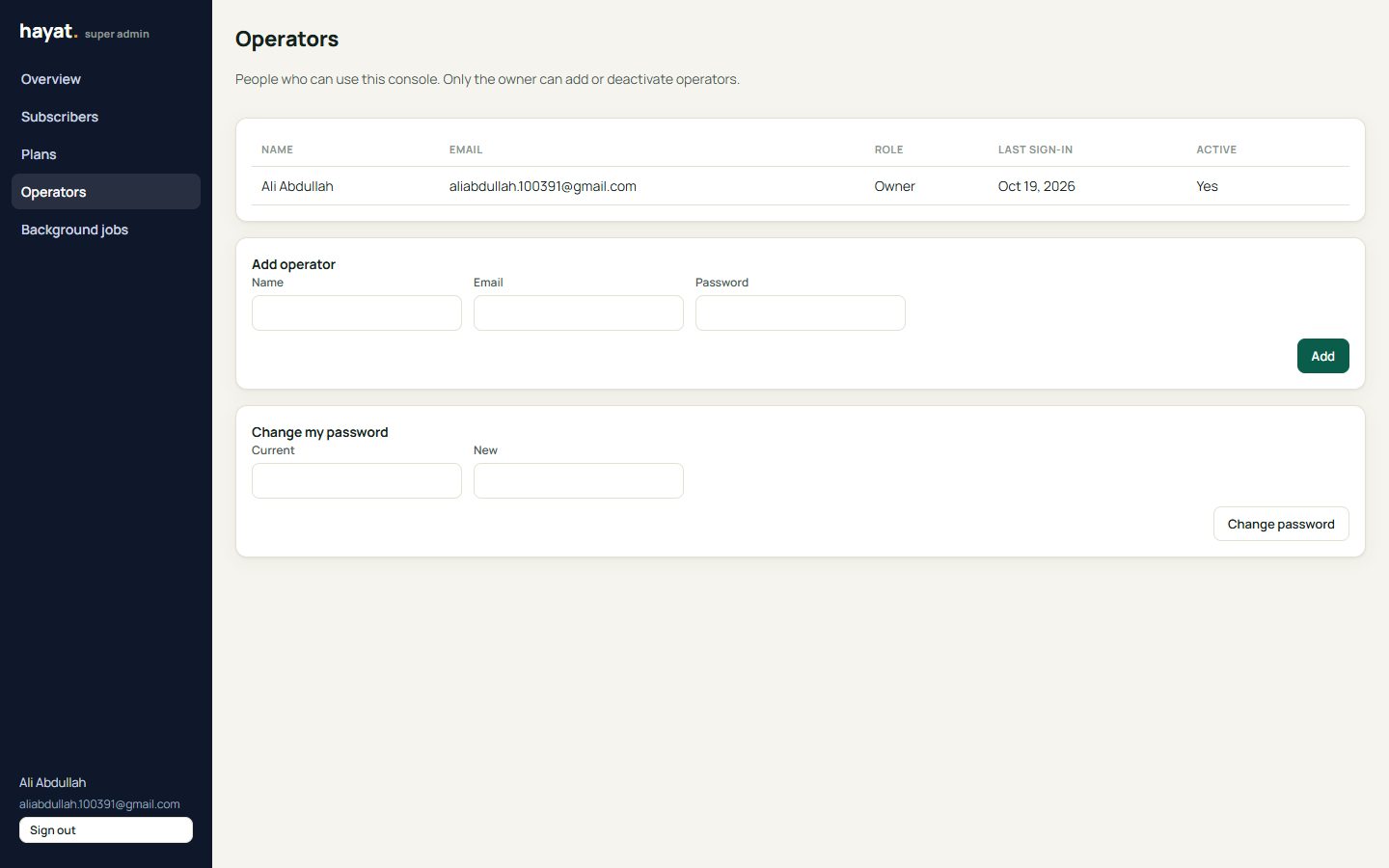
- Operators — people who can use this panel. Only the owner can add or deactivate operators. Change your own password here.
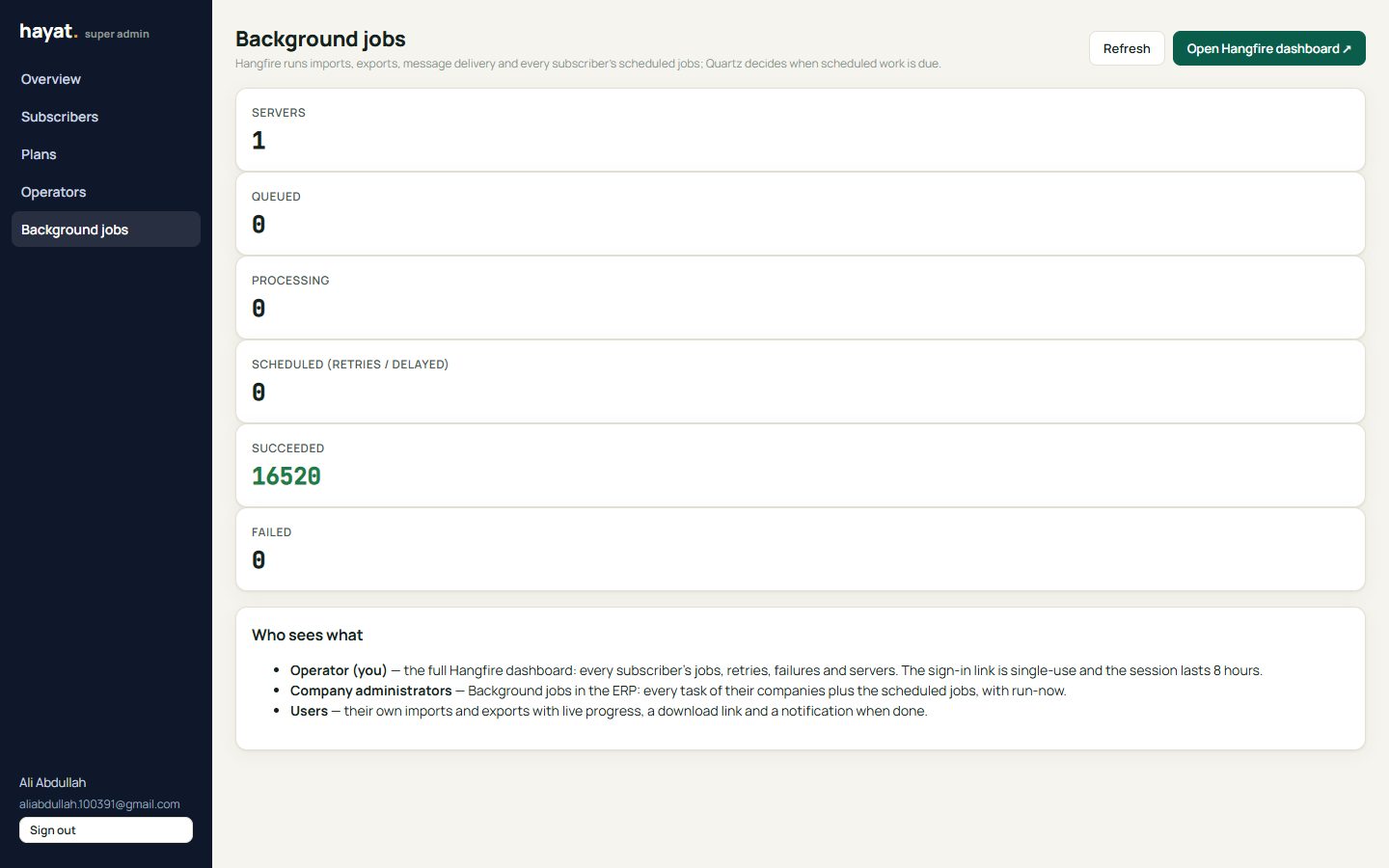
- Background jobs — servers, queued, processing, scheduled, succeeded and failed jobs across the platform, with a link to the full Hangfire dashboard.