
Hotel workspace
hotel.hayaterp.com ↗For hotels and guest houses — bookings, room rack, check-in, folios, night audit, check-out, housekeeping and company accounts.
Sign in
Hotel staff sign in at hotel.hayaterp.com with their Hayat email and password. Owners who also run other businesses find the same screens in the ERP under Hotel.
Who does what
| Role | Typical person | Can do |
|---|---|---|
| Hotel Admin | Owner | Everything in the hotel, plus users and roles. |
| Hotel Manager | General manager | Everything in the hotel and its reports: room types, rates, seasons, void charges. |
| Front Desk | Receptionist | Bookings and guest profiles, check-in, room moves, extend stay, check-out, folio charges and payments. |
| Hotel Accounts | Accounts / night auditor | Folios, payments, company accounts, night audit and reports. |
| Housekeeping | Housekeeping staff | Room status, cleaning tasks, out of order, lost and found. |
The hotel dashboard
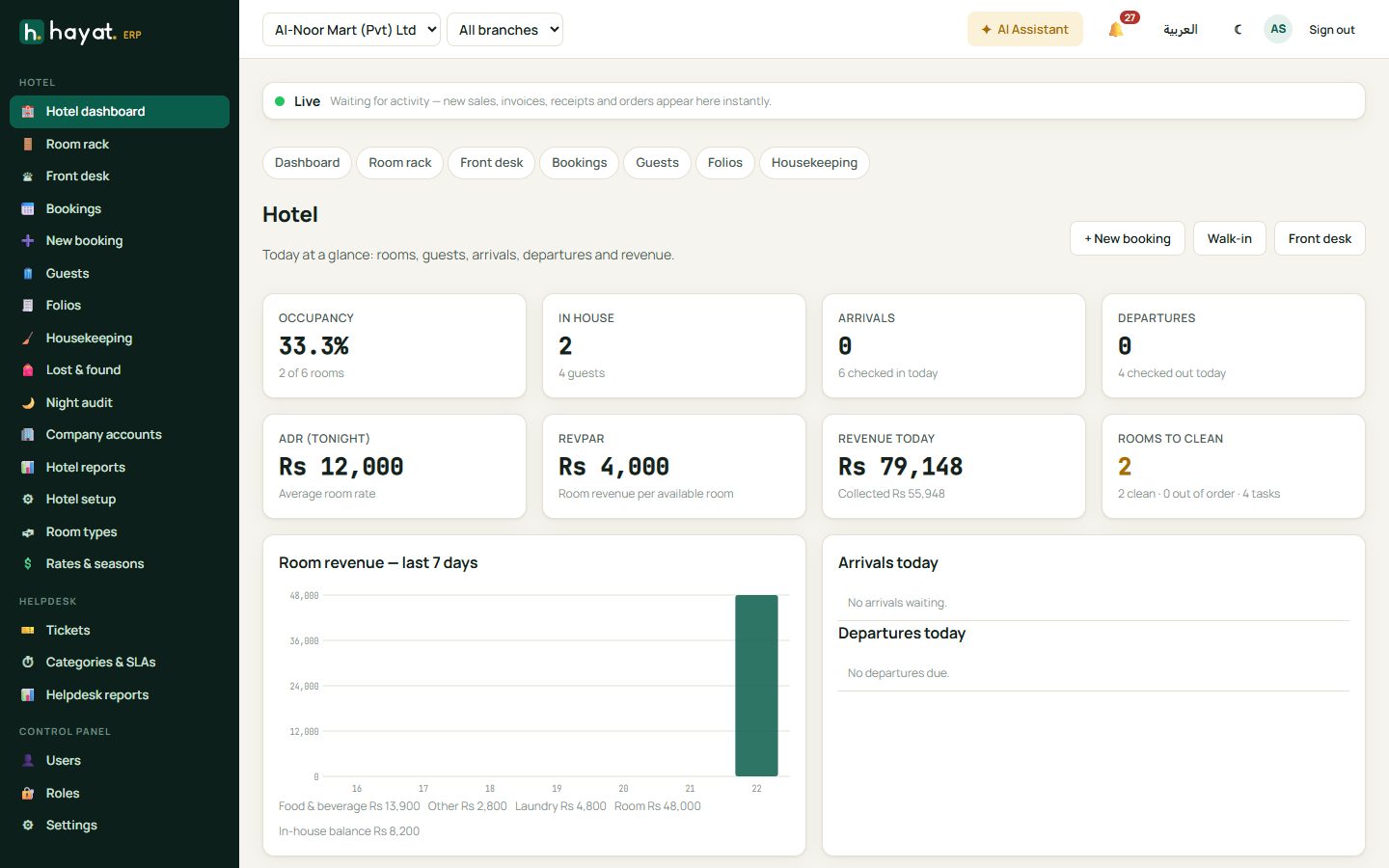
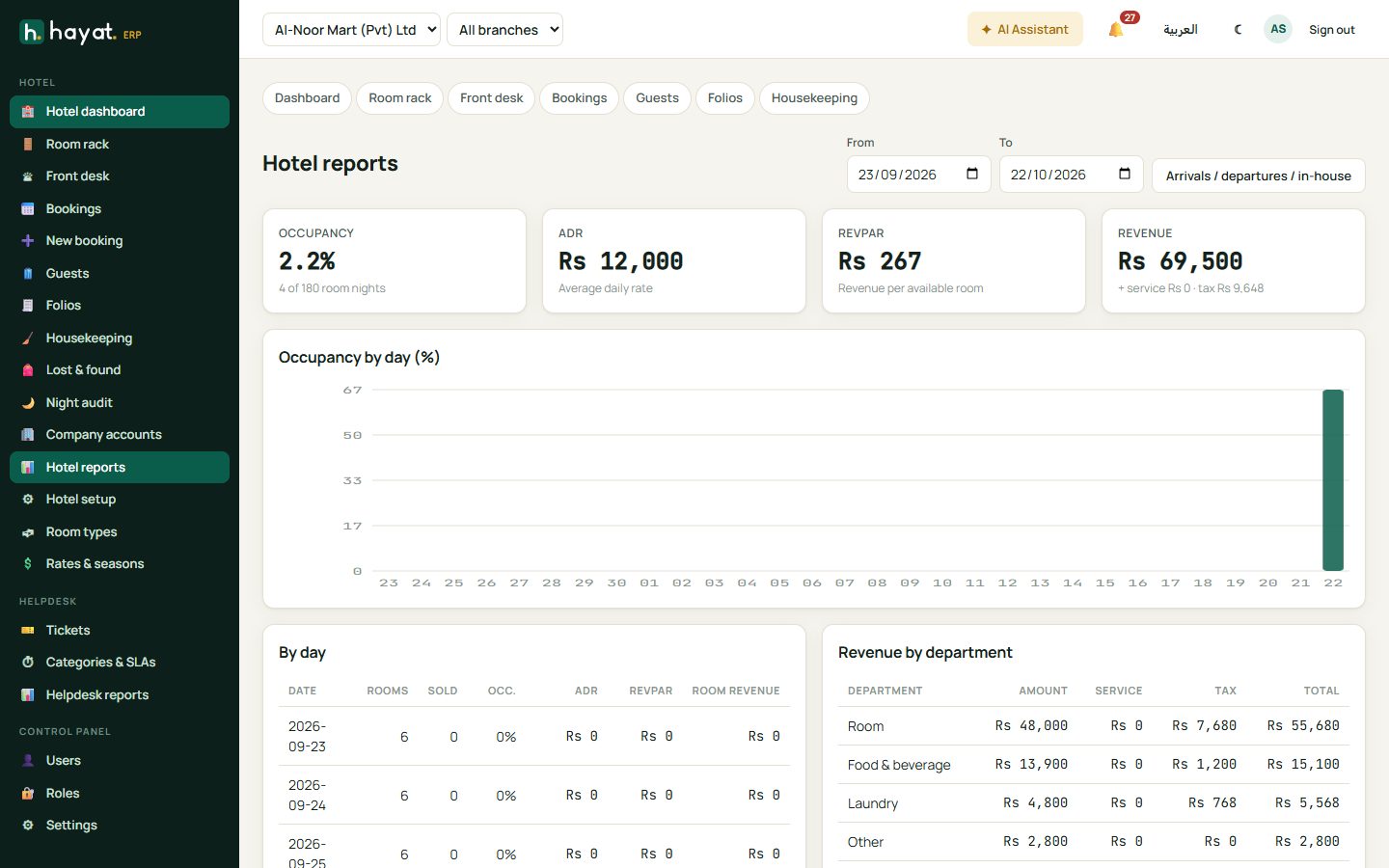
Occupancy, guests in house, arrivals and departures today, ADR (average daily rate) tonight, RevPAR, revenue today and rooms to clean, with room revenue for the last 7 days and today's arrival and departure lists.
Setup
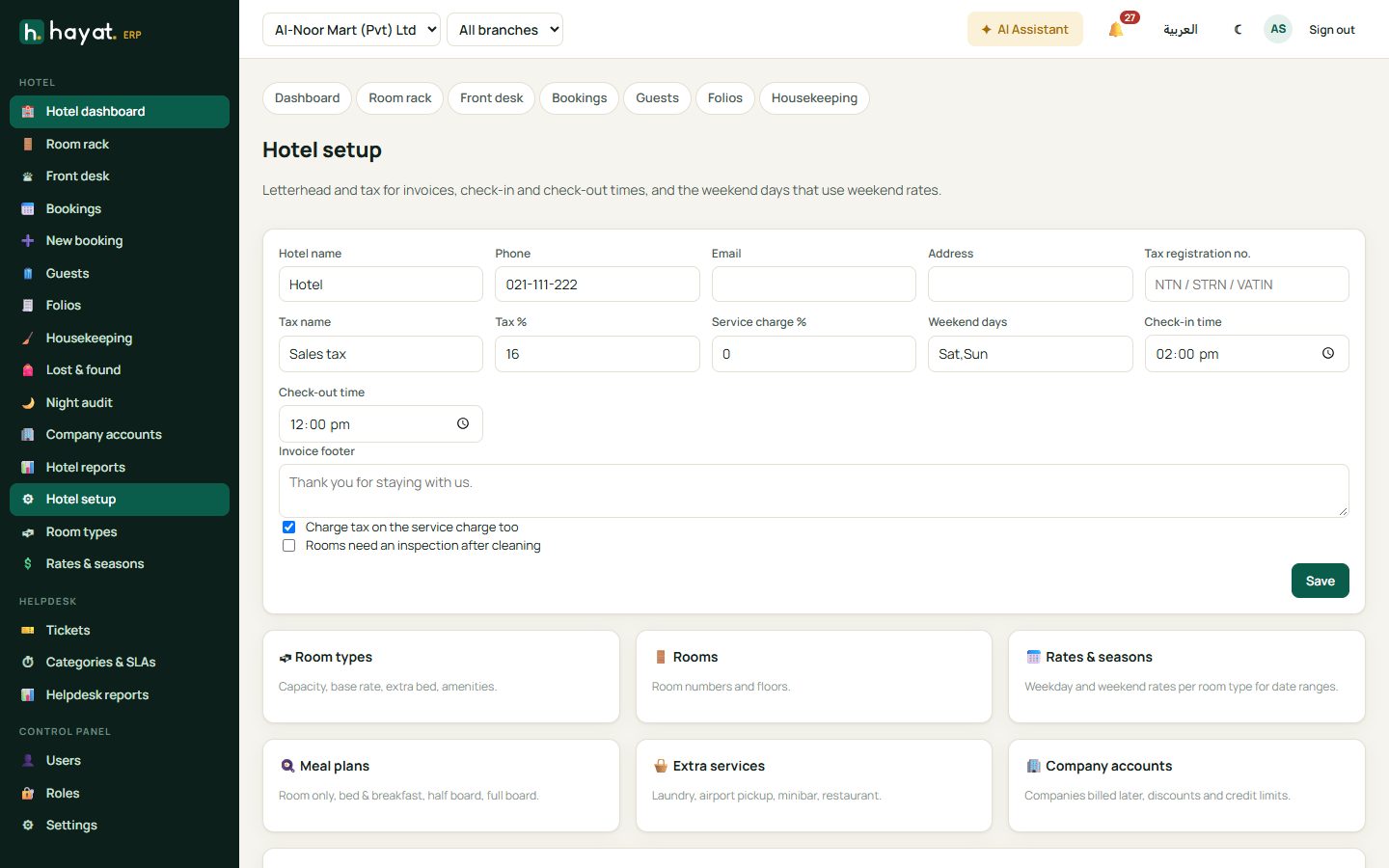
Hotel setup holds the letterhead, tax registration, tax name and % for invoices, check-in and check-out times and the weekend days that use weekend rates. Add rooms quickly creates a run of rooms of one type. Room types set the base rate, Rates & seasons set seasonal rates (peak summer, Eid, wedding season), and Company accounts hold your corporate clients and their rates.
The room rack
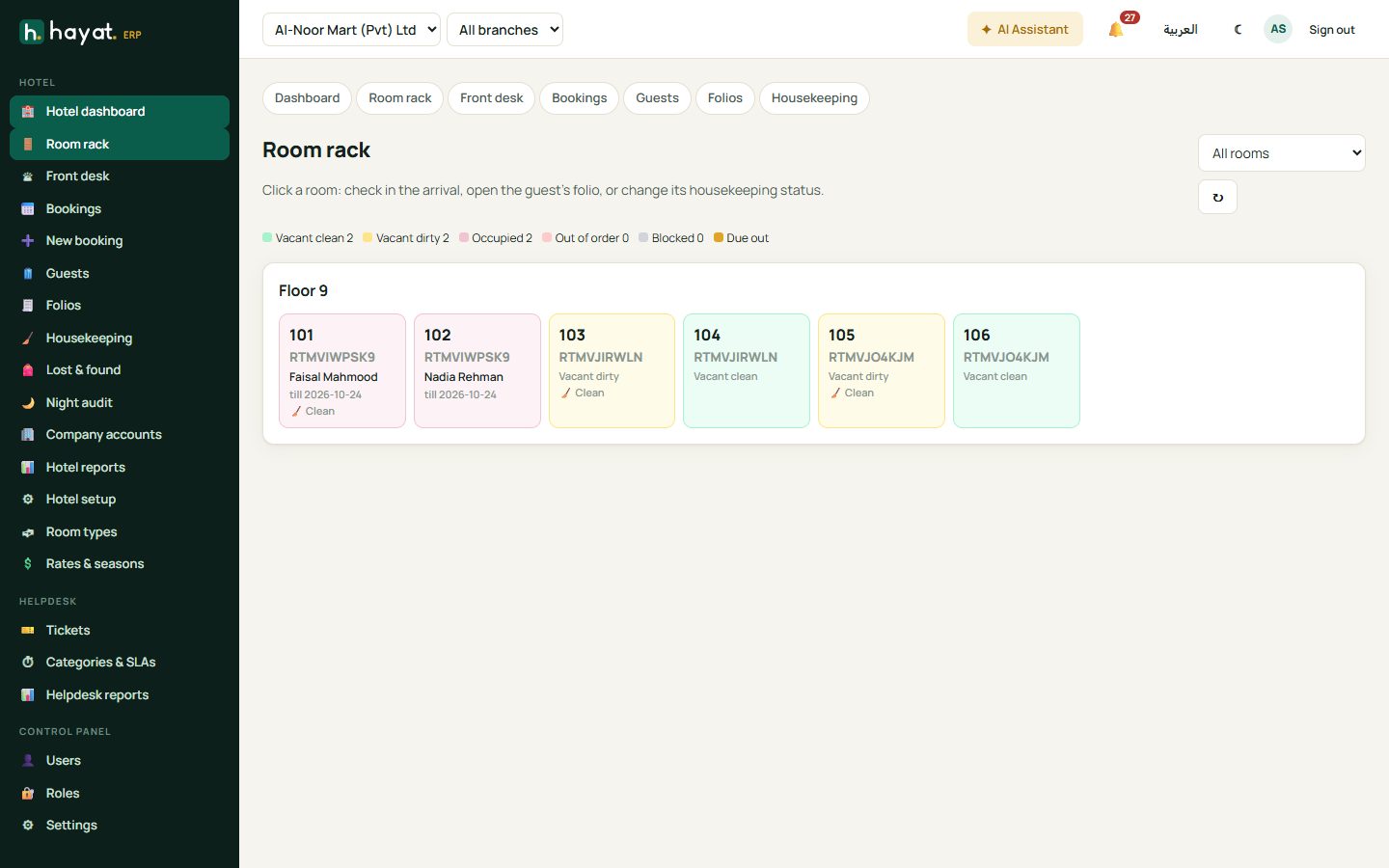
Room rack shows every room by floor, coloured by status: vacant clean, vacant dirty, occupied, due out, out of order or blocked. Click a room to check in the arrival, open the guest's folio or change its housekeeping status.
Bookings
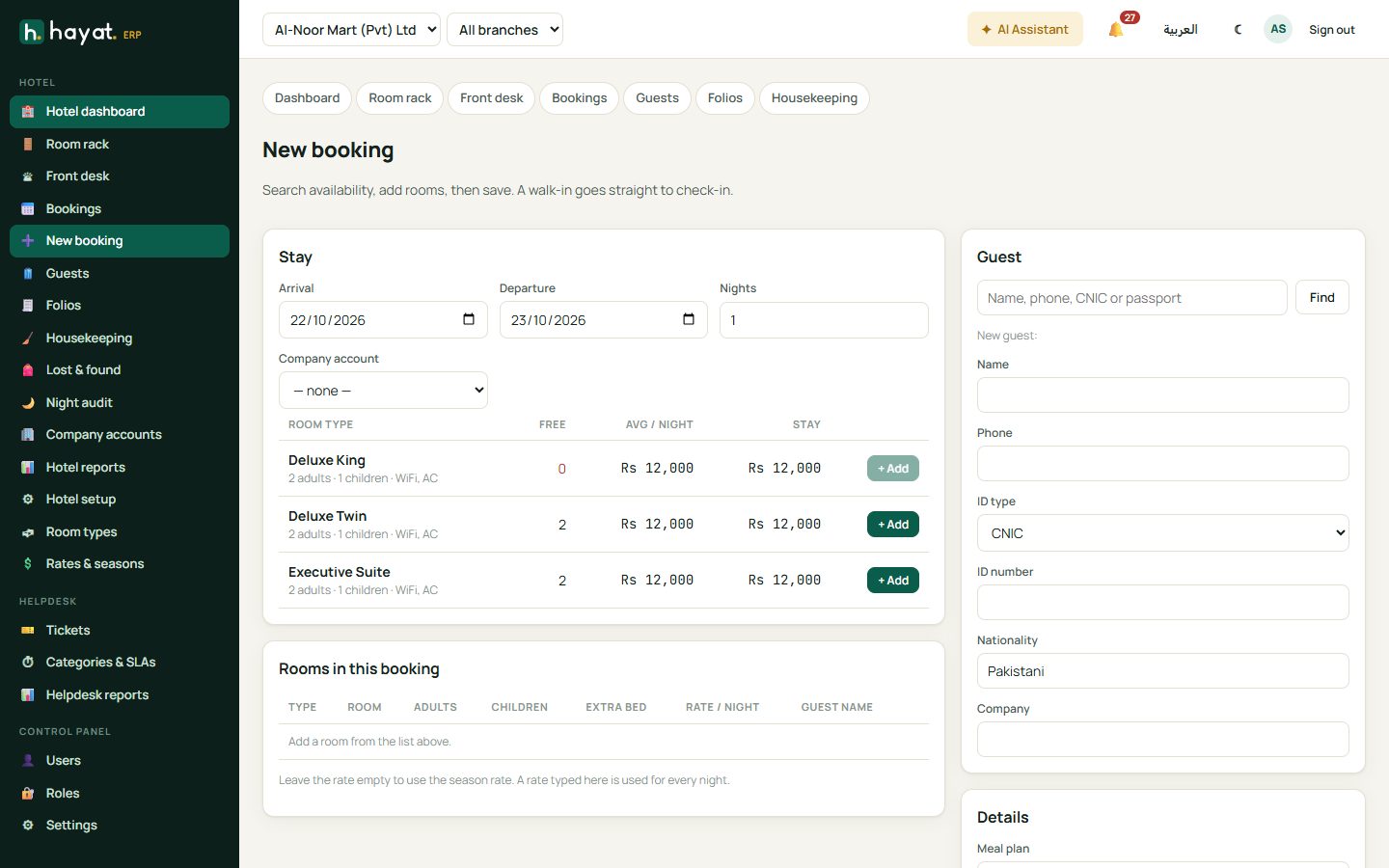
- Bookings → + New booking. Choose arrival and departure dates and the number of guests; Hayat shows what is free by room type.
- Click + Add on a room type for each room. Change the rate or put a different guest name on a room if needed.
- Find the guest by name, phone, CNIC or passport, or add a new one. A blacklisted guest is flagged.
- Add the source, group name (e.g. Khan wedding), OTA reference and special requests.
- Save booking. A walk-in uses Save & check in.
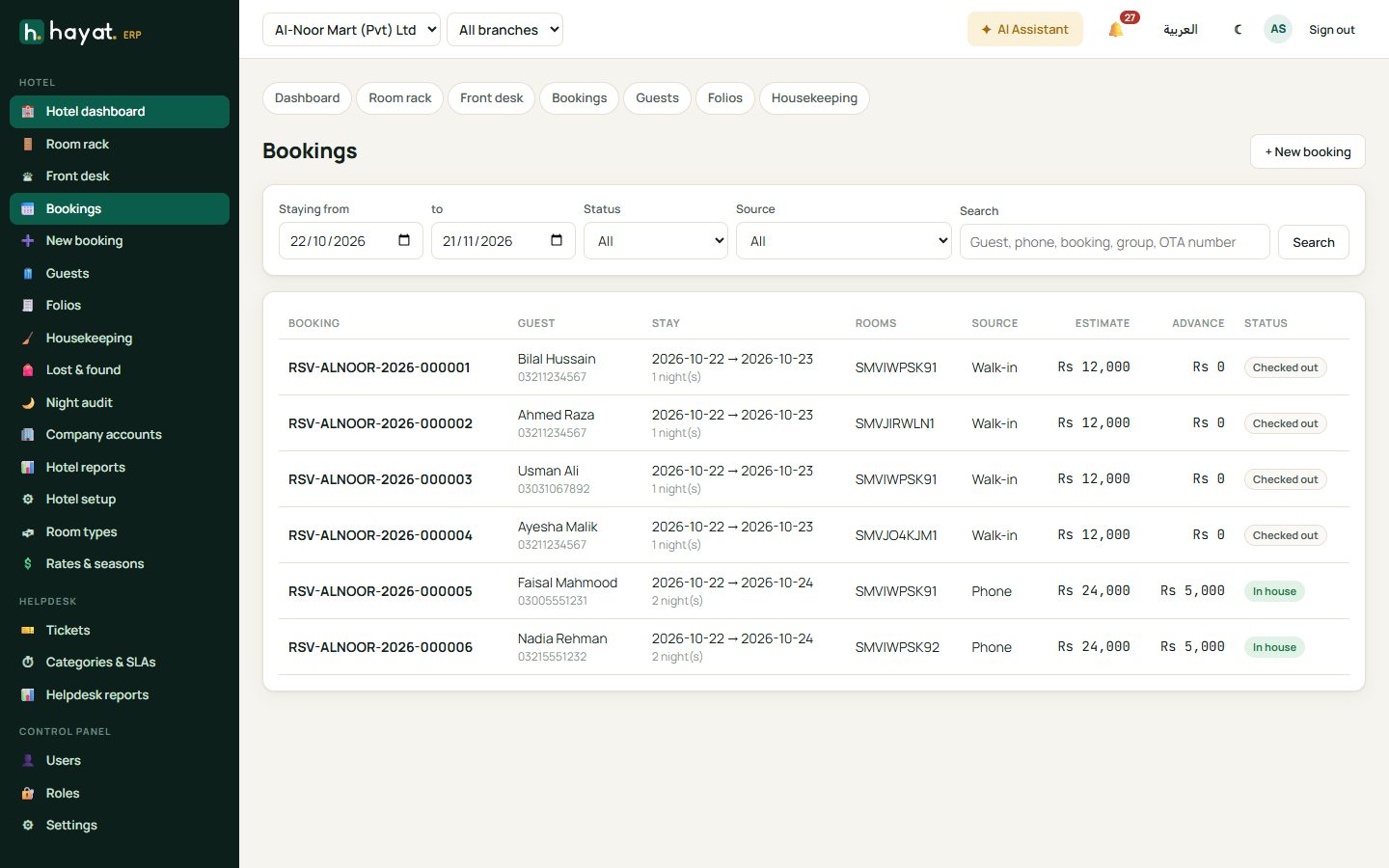
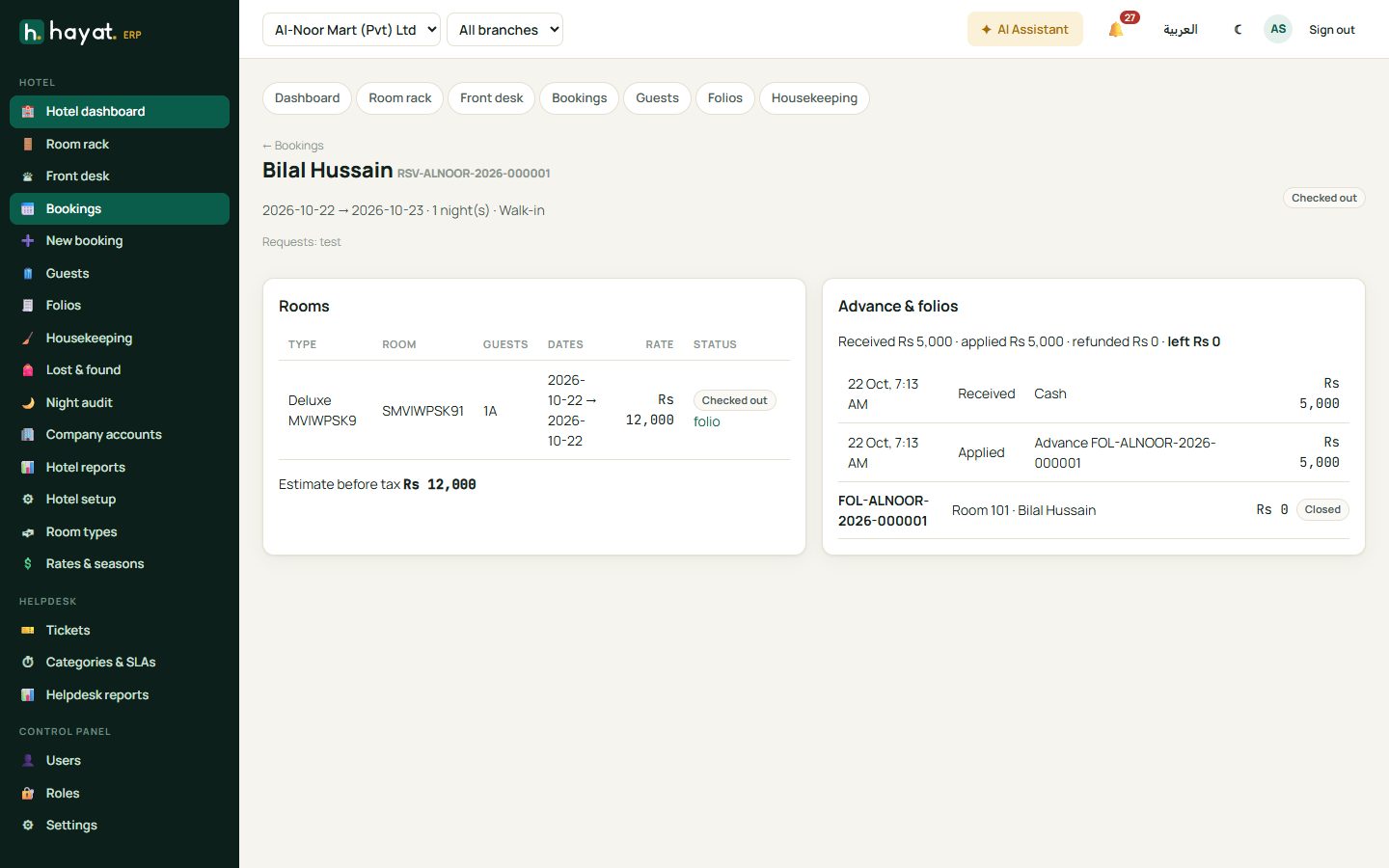
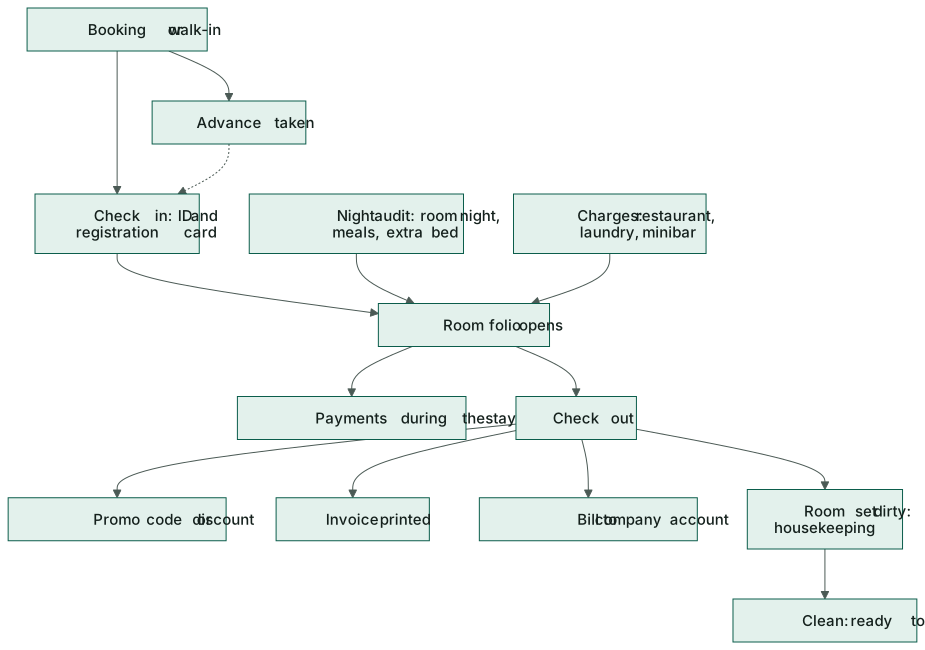
Open a booking to Confirm it, take an + Advance, Check in, Change it or Cancel / no-show. Refund advance pays back an unused advance.
Check in
- From the booking, the room rack or Front desk → Arrivals, click Check in.
- Choose the room, the guest in it, and record the ID type, number, expiry and nationality.
- Optionally take a deposit now and how it was paid.
- 🖨 Registration card prints the card to sign; Check in opens the room folio.
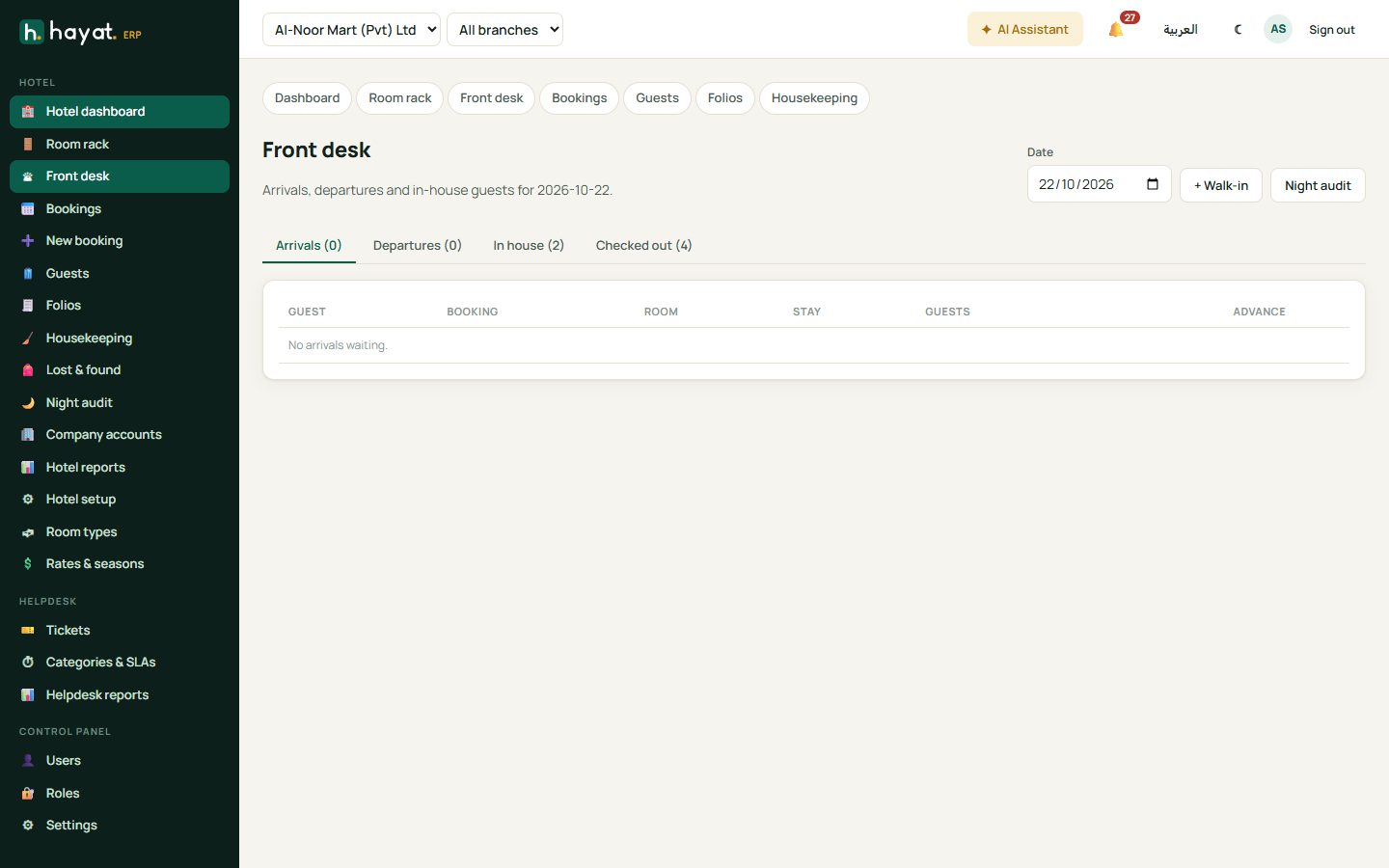
Front desk lists arrivals, departures and in-house guests for the day.
The folio
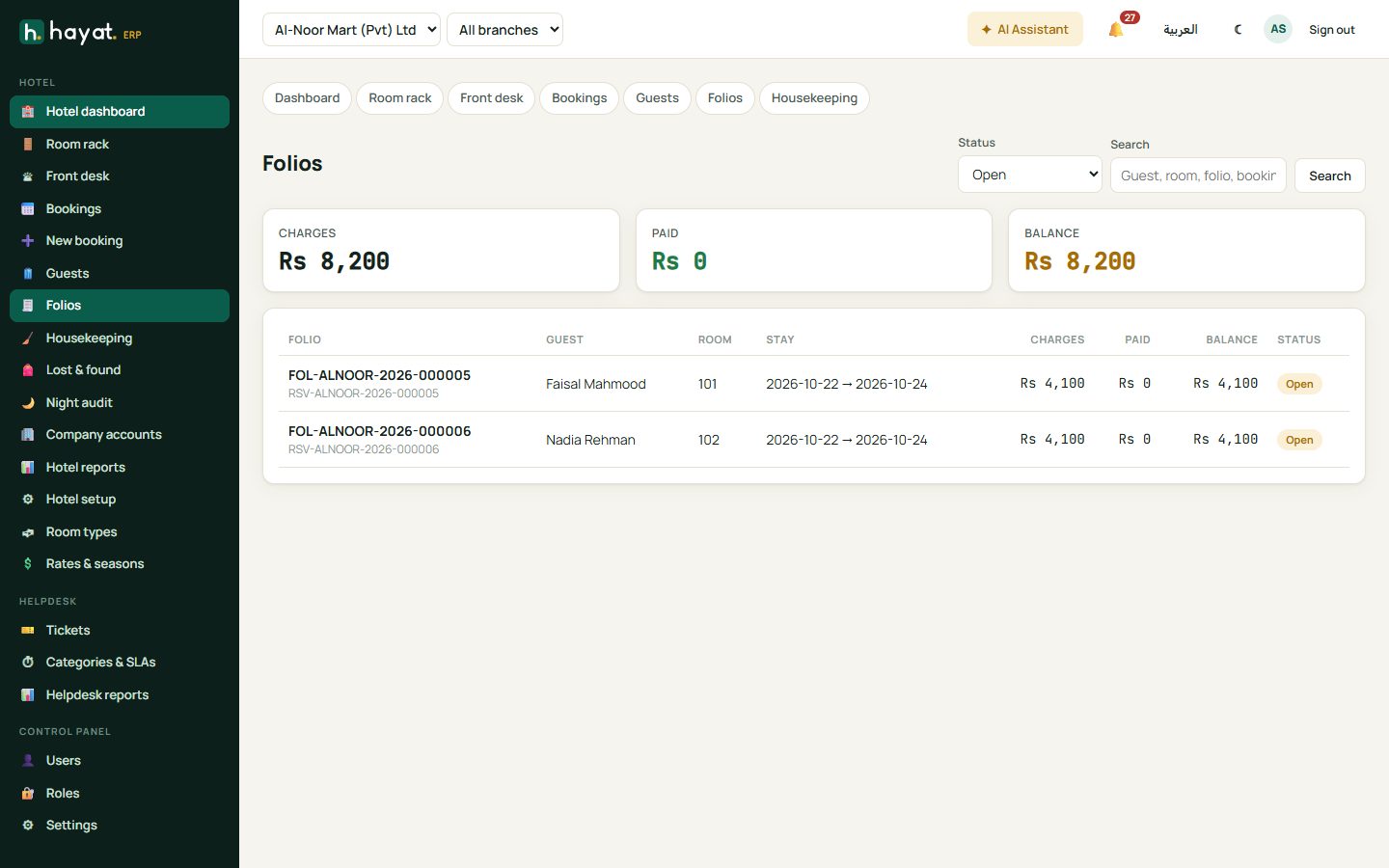
A folio is the guest's running bill. It shows charges, payments and the balance. Folios lists open and closed folios; search by guest, room, folio or booking.
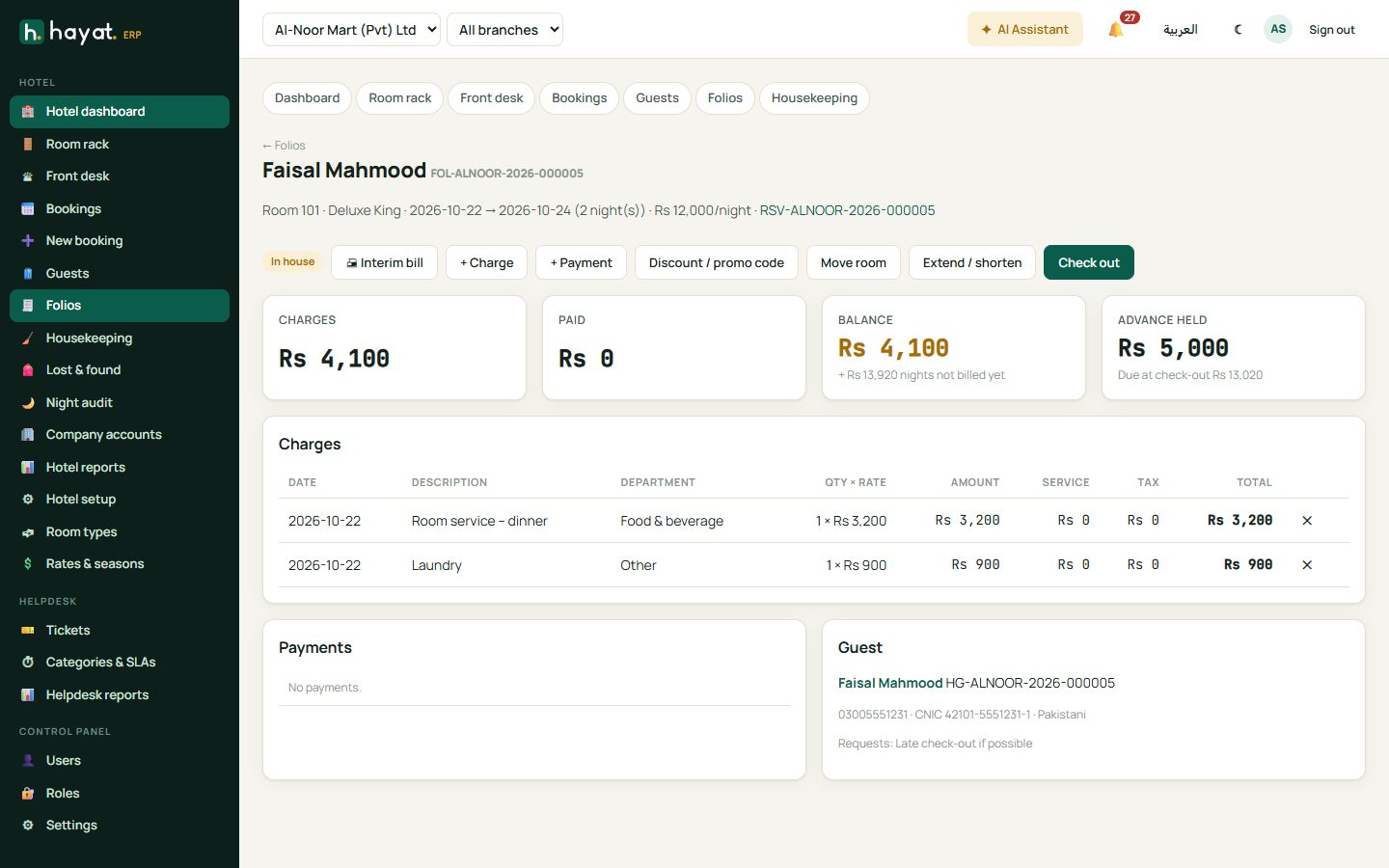
- + Charge — restaurant, laundry, minibar, transport and other services.
- + Payment — cash, card, bank, Loyalty points or Store card. With a card, type the first 6 digits to check a bank card offer.
- Discount / promo code — an amount or percent, the discount reason, or a promo code. Discounts above your limit are refused.
- Move room and Extend / shorten the stay. Charges can be moved to another folio of the same booking.
Night audit
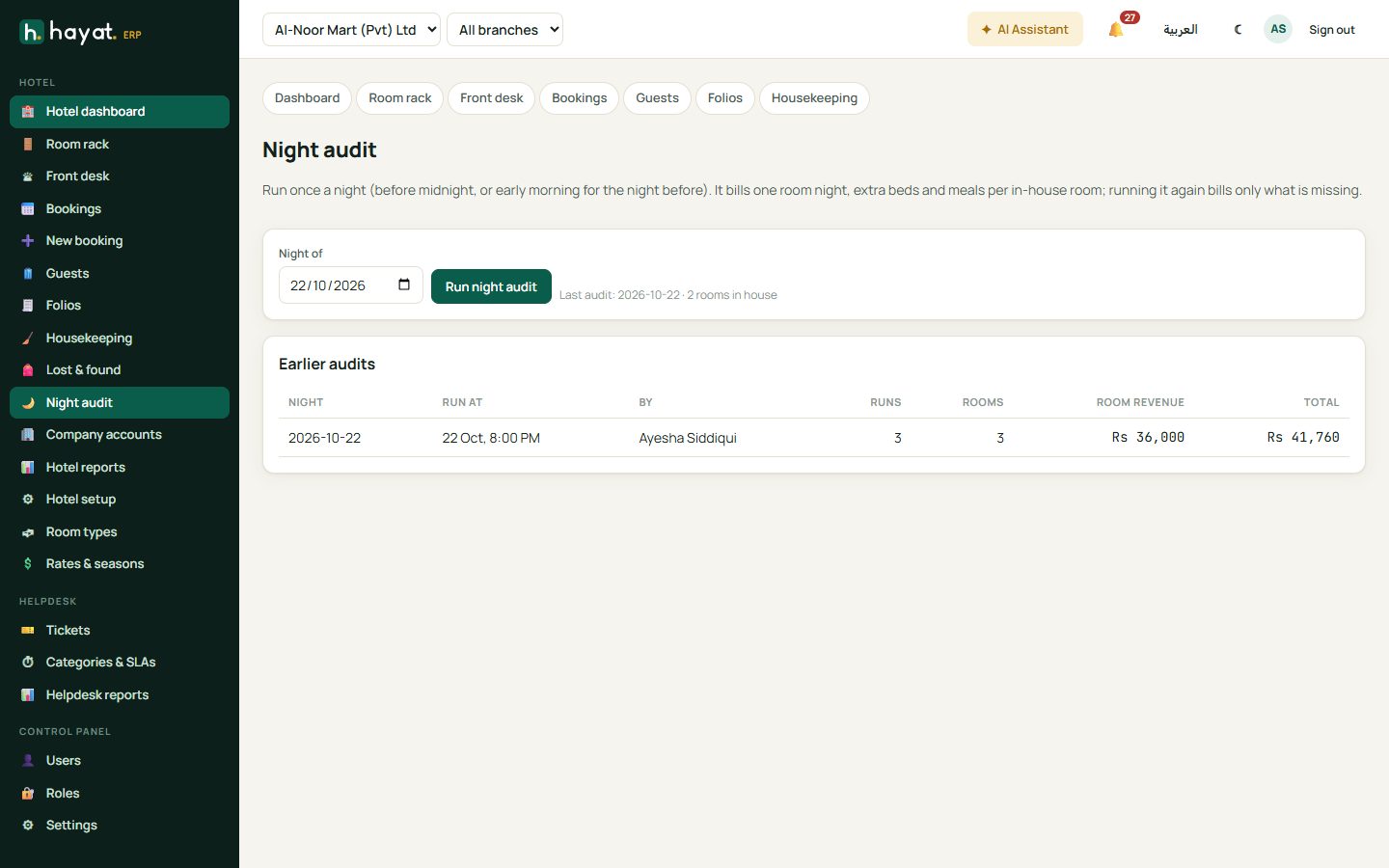
Night audit is run once a night (before midnight, or early next morning for the night before). It bills one room night, extra beds and meals for every in-house room. Running it again bills only what is missing. Arrivals not checked in are listed so you can check them in or mark them as no-show.
Check out
- On the folio click Check out. Hayat shows the balance and any nights still to bill.
- Tick Use the advance to take it off.
- Optional: a promo code, a discount and its reason.
- Choose how the guest pays. + Split payment takes part by card and part in cash, or Bill to company sends the balance to the company's account.
- Check out & print invoice. The room becomes dirty for housekeeping.
Housekeeping and lost & found
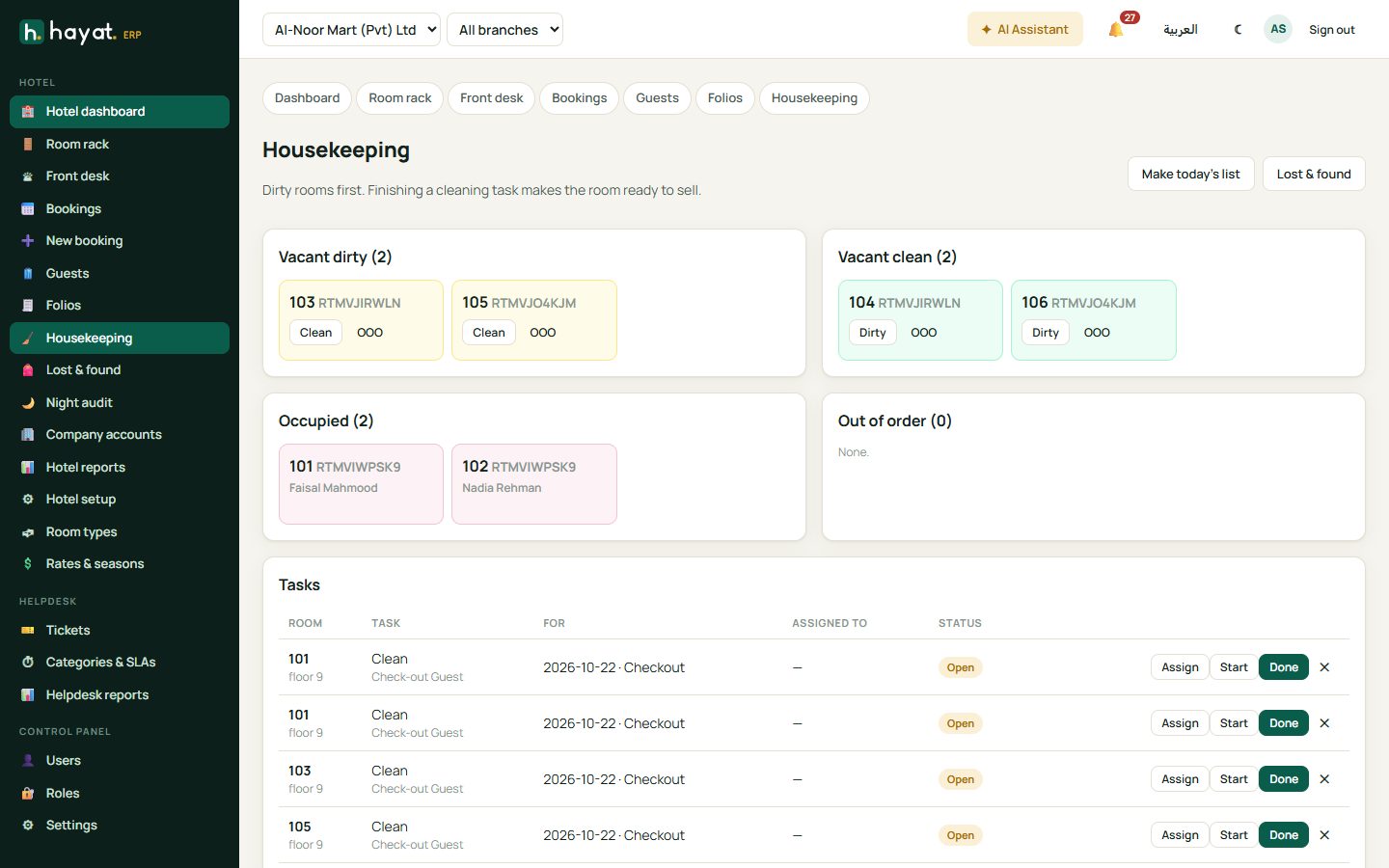
Housekeeping lists dirty rooms first. Make today's list creates cleaning tasks; Start and Done move a task along and finishing it makes the room ready to sell. OOO marks a room out of order. Lost & found records items found in rooms.
Company accounts and reports
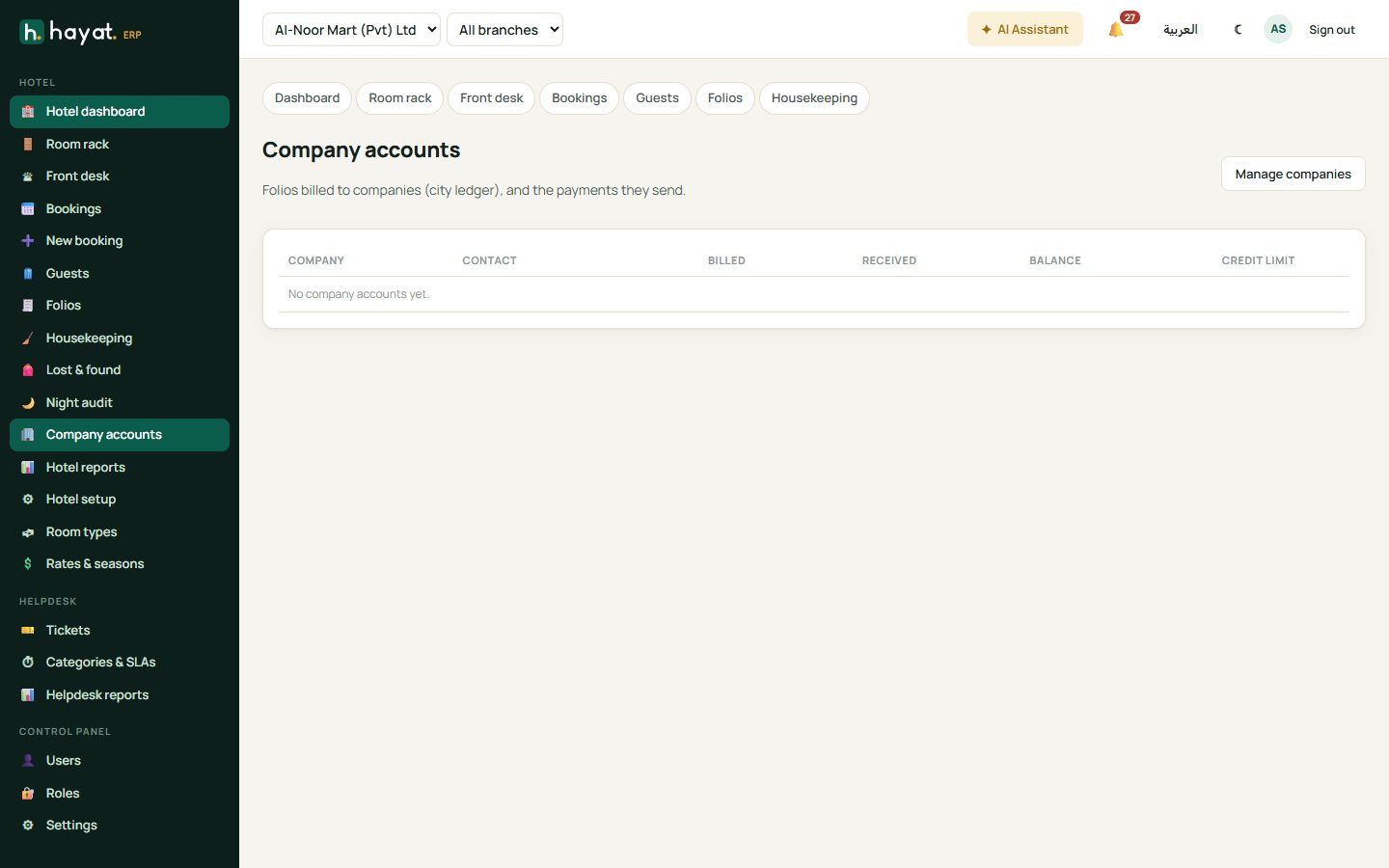
Company accounts (city ledger) shows folios billed to companies and the payments they send: open a Statement or Receive a payment. Hotel reports show occupancy by day, ADR, RevPAR, revenue by department, payments by method, booking sources, the guest ledger, company accounts and advances held.
Workflow
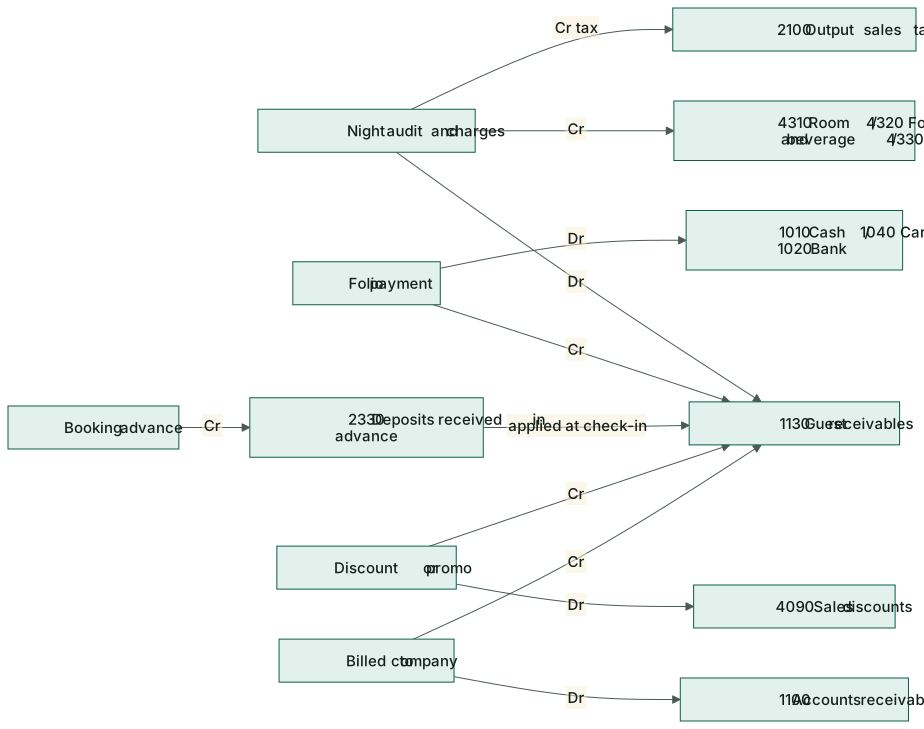
Where the money goes
Every charge, payment and advance posts to the accounts as it happens, whether or not you use the Accounts screens. See How every module reaches the accounts.
| Event | Debit | Credit |
|---|---|---|
| Night audit / charge | 1130 Guest receivables | 4310 Room revenue, 4320 Food & beverage, 4330 Other hotel services; 2100 Output tax |
| Folio payment | 1010 Cash / 1040 Card / 1020 Bank | 1130 Guest receivables |
| Booking advance | 1010 Cash / 1040 Card / 1020 Bank | 2330 Fees & deposits received in advance |
| Advance used on the folio | 2330 Fees & deposits received in advance | 1130 Guest receivables |
| Discount / promo code | 4090 Sales discounts & promotions | 1130 Guest receivables |
| Billed to a company | 1100 Accounts receivable | 1130 Guest receivables |
| Company pays | 1010 / 1020 | 1100 Accounts receivable |
| Refund to guest | 1130 Guest receivables | 1010 / 1020 |
On the phone
The Hayat Hotel app has Today, Rooms, Bookings, Guests and Housekeeping tabs. Front desk staff check guests in and out and take payments; housekeepers update room status from the corridor. See Mobile apps.