
Travel workspace
travel.hayaterp.com ↗For travel agencies and transporters — booking files, tickets, visas, Umrah and Hajj groups, invoices, supplier ledgers, trips, seats and charters.
Sign in
Agency staff sign in at travel.hayaterp.com with their Hayat email and password. The same screens are in the ERP under Travel.
Who does what
| Role | Typical person | Can do |
|---|---|---|
| Travel Admin | Owner | Everything in travel, plus users and roles. |
| Travel Agent | Sales counter | Booking files and quotes, customers and groups, invoices and taking payments. |
| Ticketing | Ticketing desk | Issue air tickets, re-issue and refund. |
| Visa Officer | Visa desk | Visa processing and passports. |
| Transport Manager | Transport office | Vehicles, drivers, routes, trips, seat booking, charters and trip expenses. |
| Travel Accounts | Accounts | Supplier bills and payments, customer refunds, cancelling invoices. |
The travel dashboard
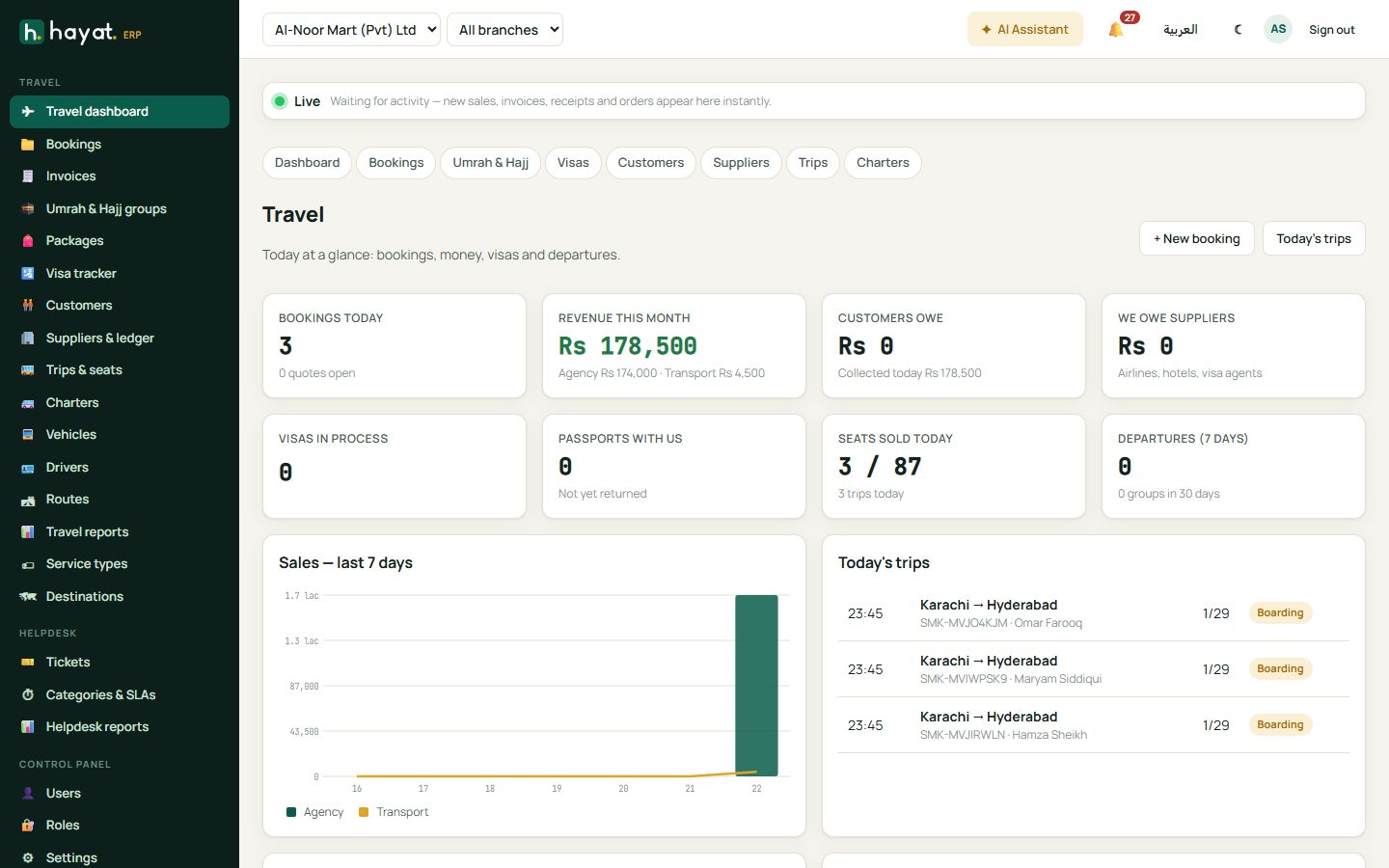
Bookings today, revenue this month, what customers owe and what you owe suppliers, visas in process, passports with you, seats sold today and departures in the next 7 days. + New booking opens a file; Today's trips opens the trip list.
Booking files
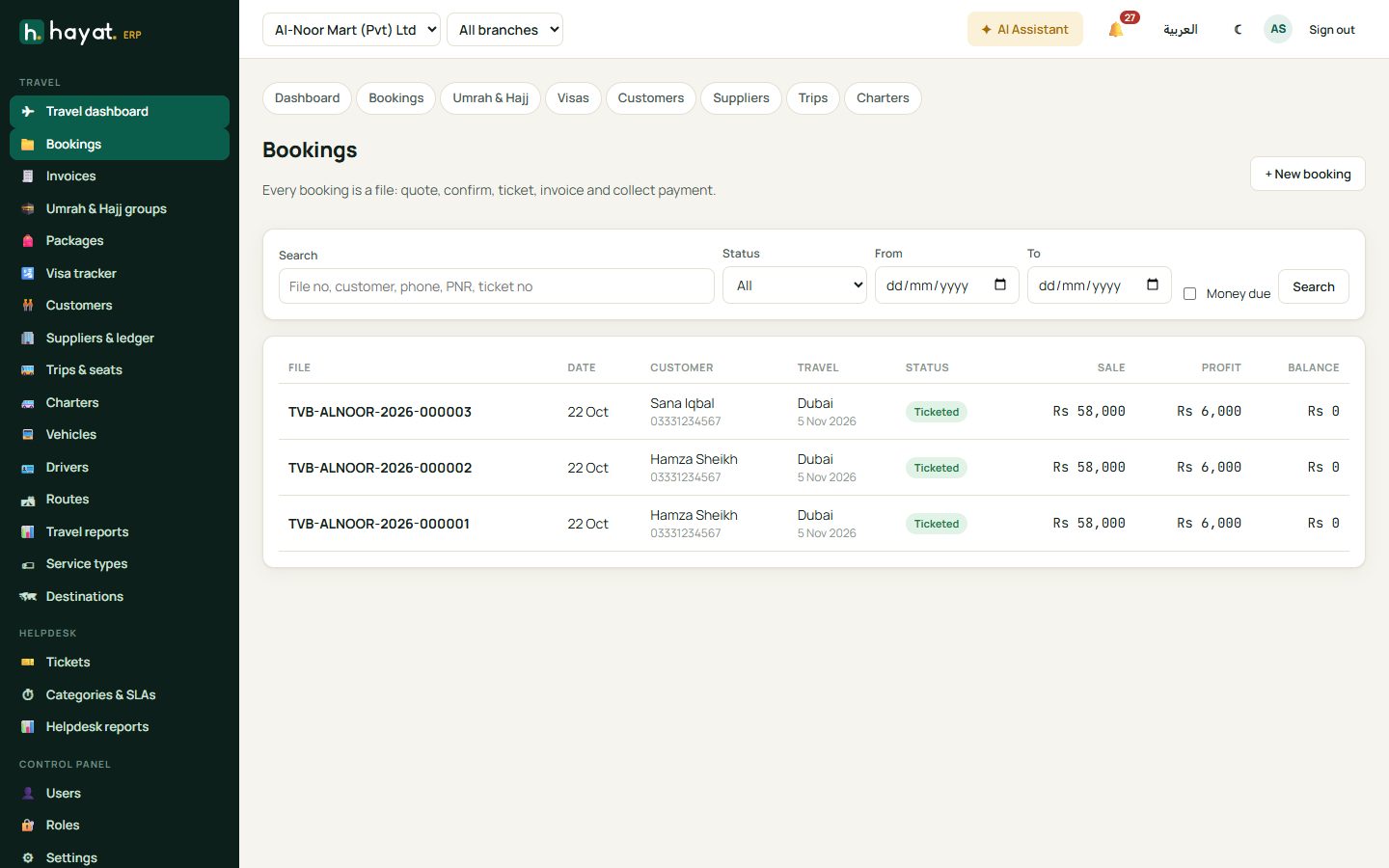
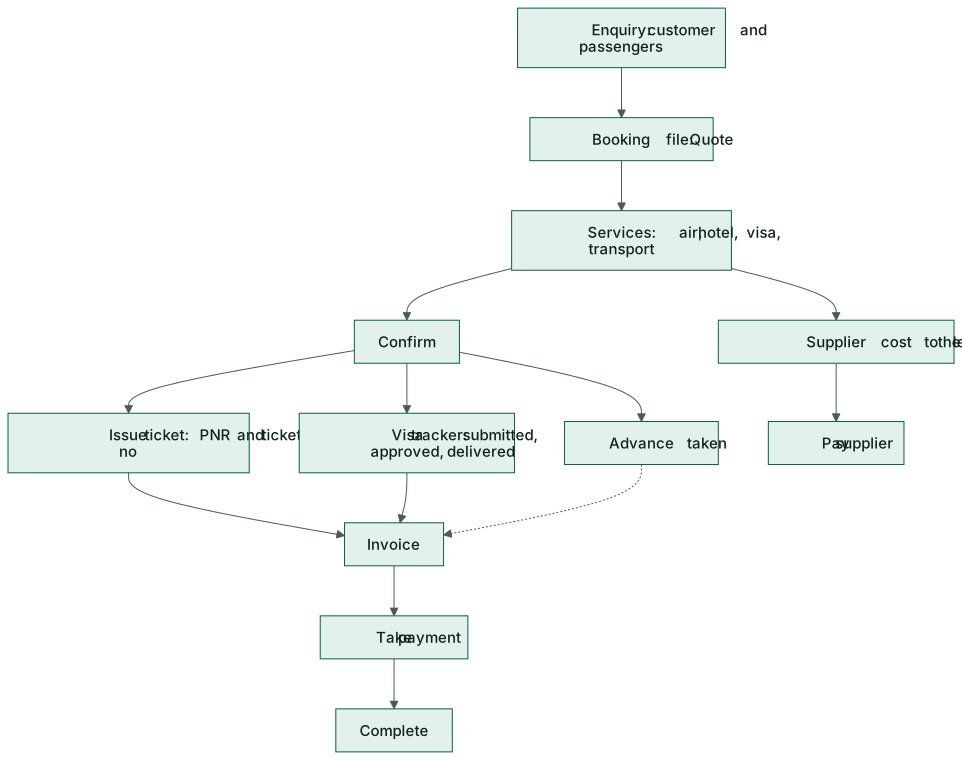
Every booking is a file with a number. It moves Quote → Confirmed → Ticketed → Completed (or Cancelled).
Make a booking
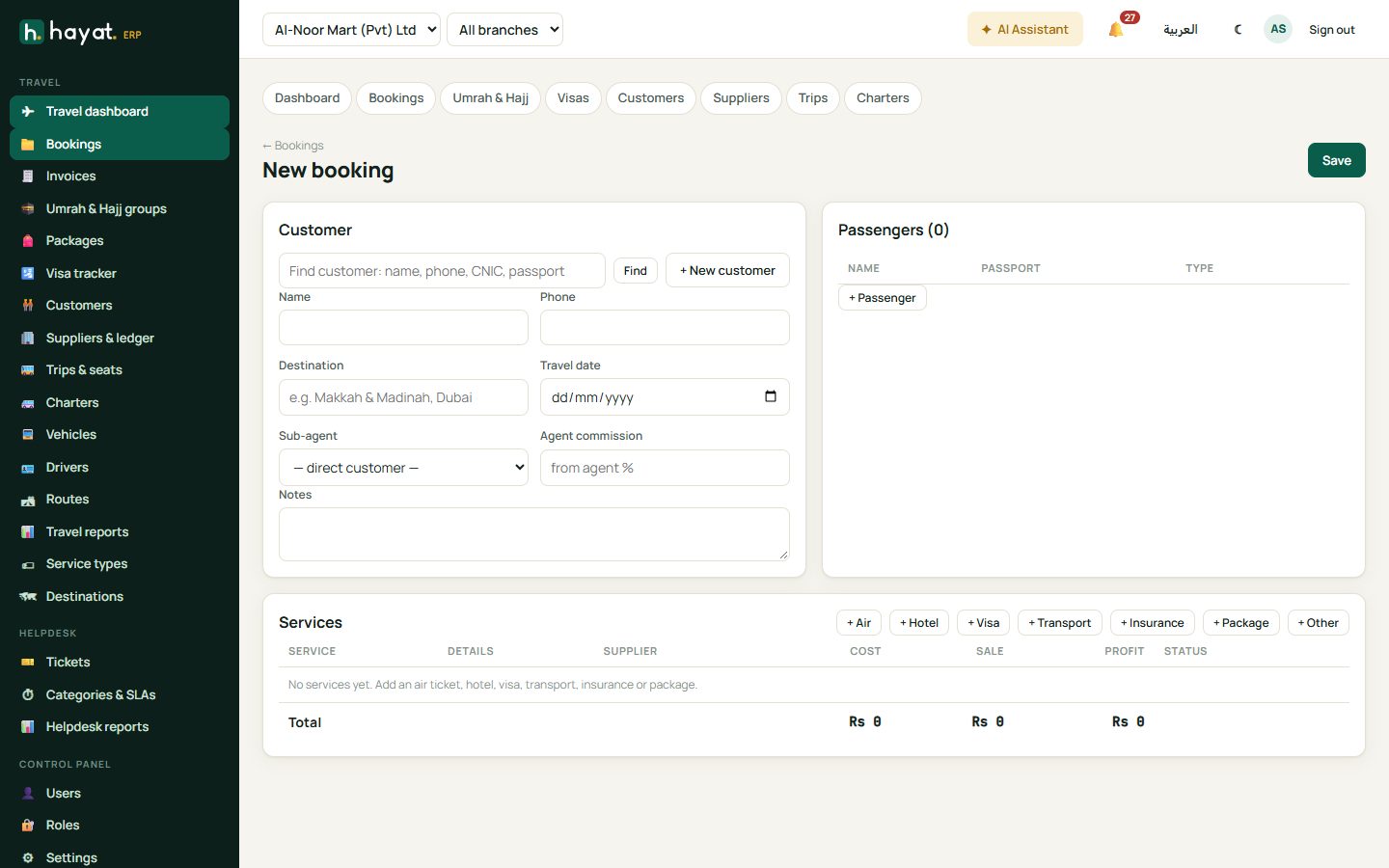
- Bookings → + New booking.
- Find customer by name, phone, CNIC or passport, or add one. If the booking comes through a sub-agent, choose the agent — their commission % shows beside the name.
- Add the passengers (adult, child, infant) with passport numbers.
- Add each service with + Air, + Hotel, + Visa, + Transport, + Insurance, + Package or + Other: the supplier, cost, selling price and the details (airline and sector, hotel city and room type, visa country and type…). The description is what prints on the invoice.
- Save. The file is a Quote until you click Confirm.
Tickets, passports and refunds
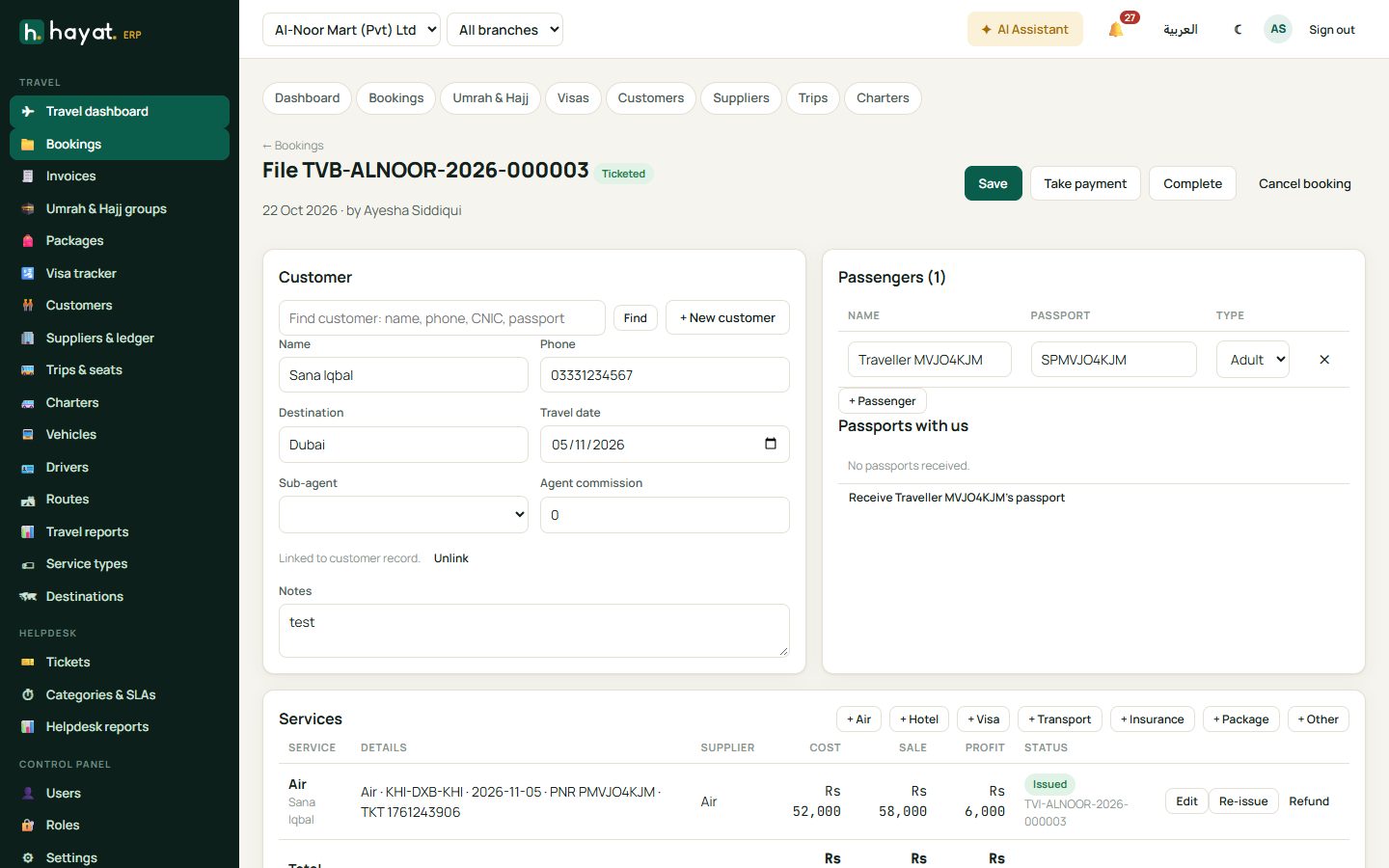
- Issue on an air service records the PNR and ticket number (ticketing desk). Re-issue changes a ticket and invoices the difference; Refund returns money to the customer and books the supplier refund.
- Passports with us records each passport received from and returned to the customer.
- Supplier costs on the file show what each service cost and what is still owed to the supplier.
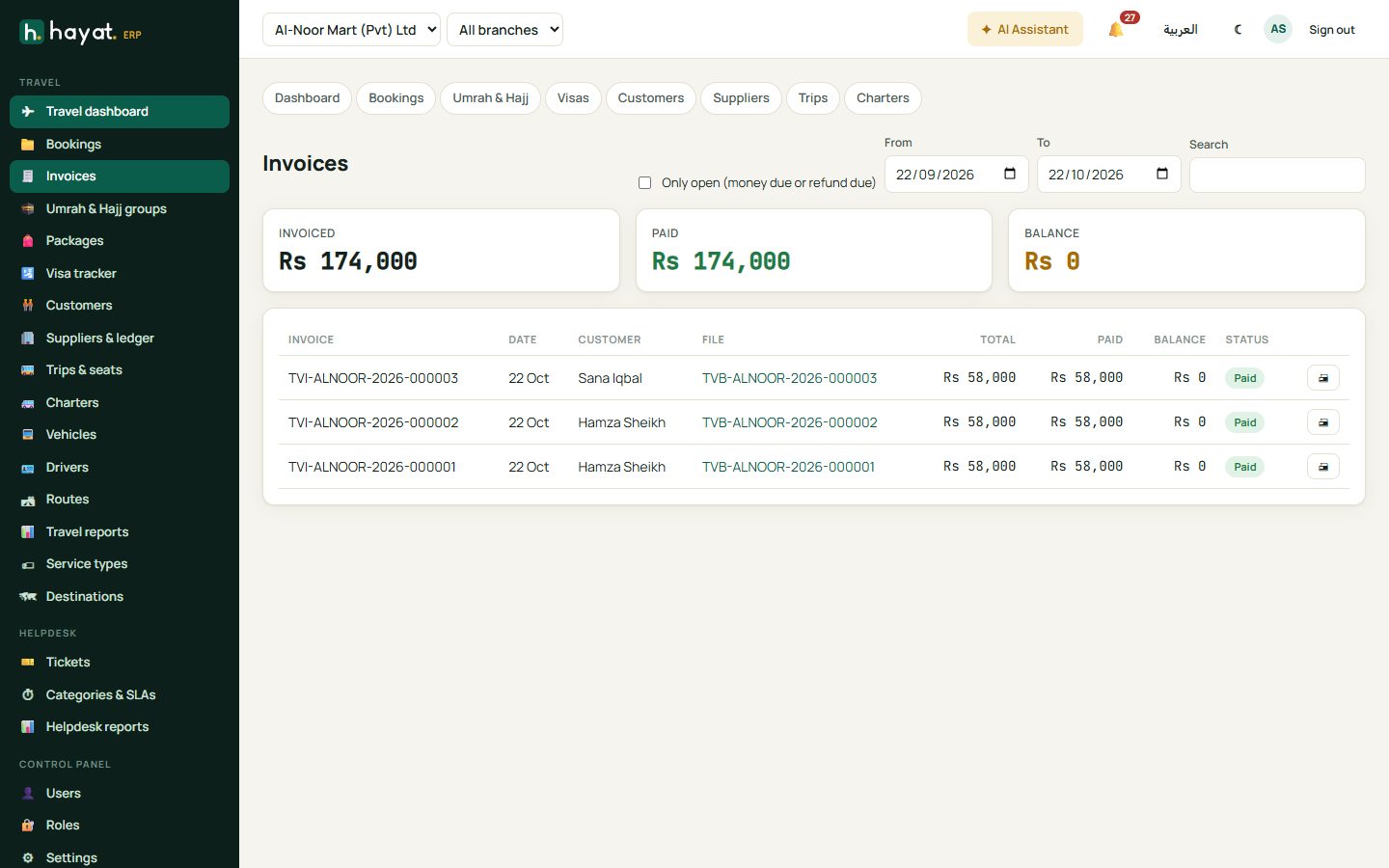
Invoice and payment
- On the file click Invoice (it shows the amount not yet invoiced).
- Optional: a discount with its reason, or a promo code. Automatic travel promotions are applied for you.
- Click Invoice, then 🖨 to print it.
- Take payment: amount, method — cash, bank, card, Loyalty points or Store card — and reference. With a card, the first 6 digits check for a bank card offer.
Money taken before the invoice is kept as an advance on the file and used on the invoice. Pay back returns an unused advance.
Invoices lists every invoice with what is still owed.
Umrah and Hajj groups
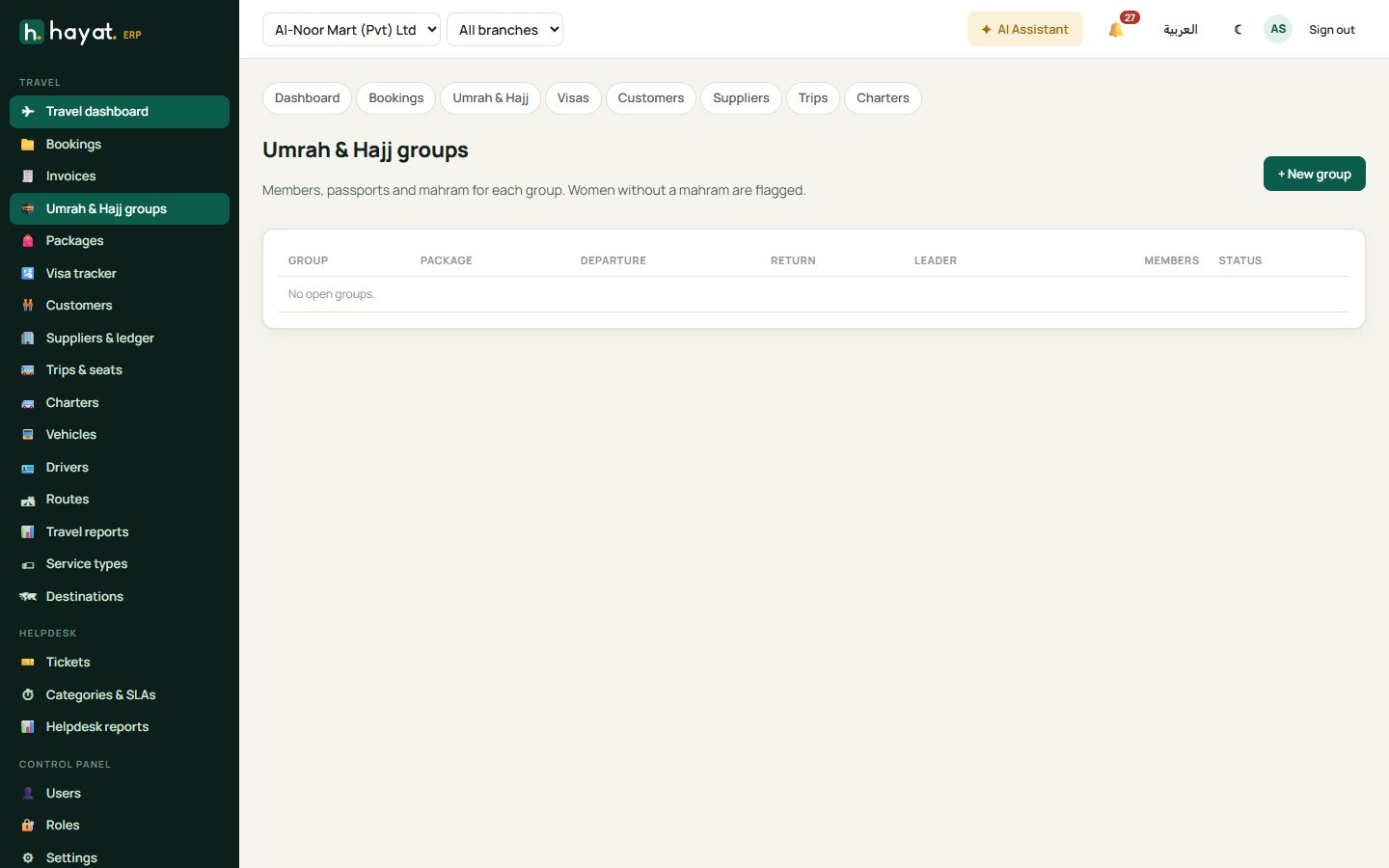
Umrah & Hajj groups keeps members, passports and the mahram of each group. Women without a mahram are flagged. Create group booking makes one booking file for the whole group. Packages shows seats sold against each package's quota.
Visa tracker
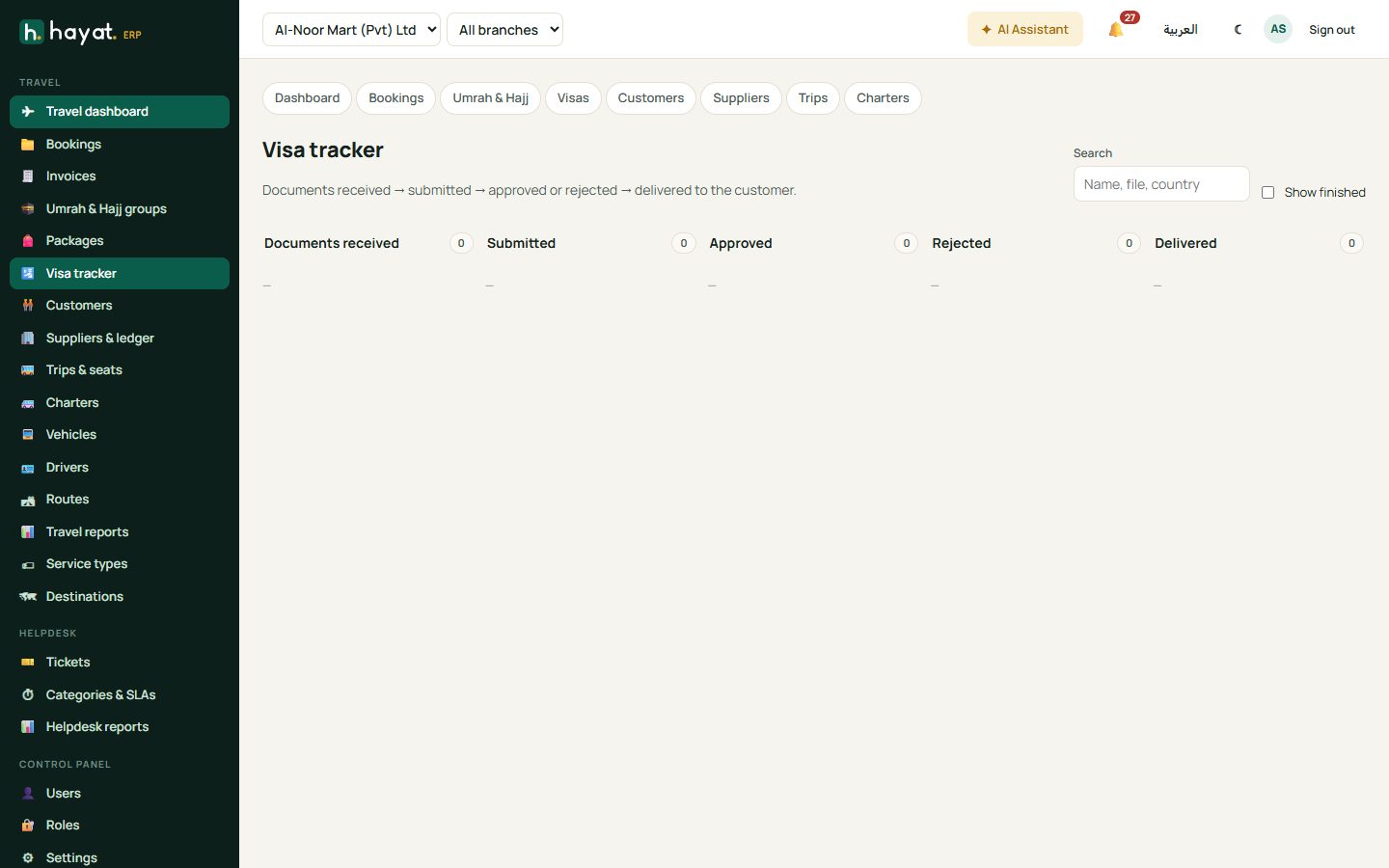
Each visa moves Documents received → Submitted → Approved / Rejected → Delivered to the customer. Search by name, file or country; tick Show finished to see completed ones.
Customers and suppliers
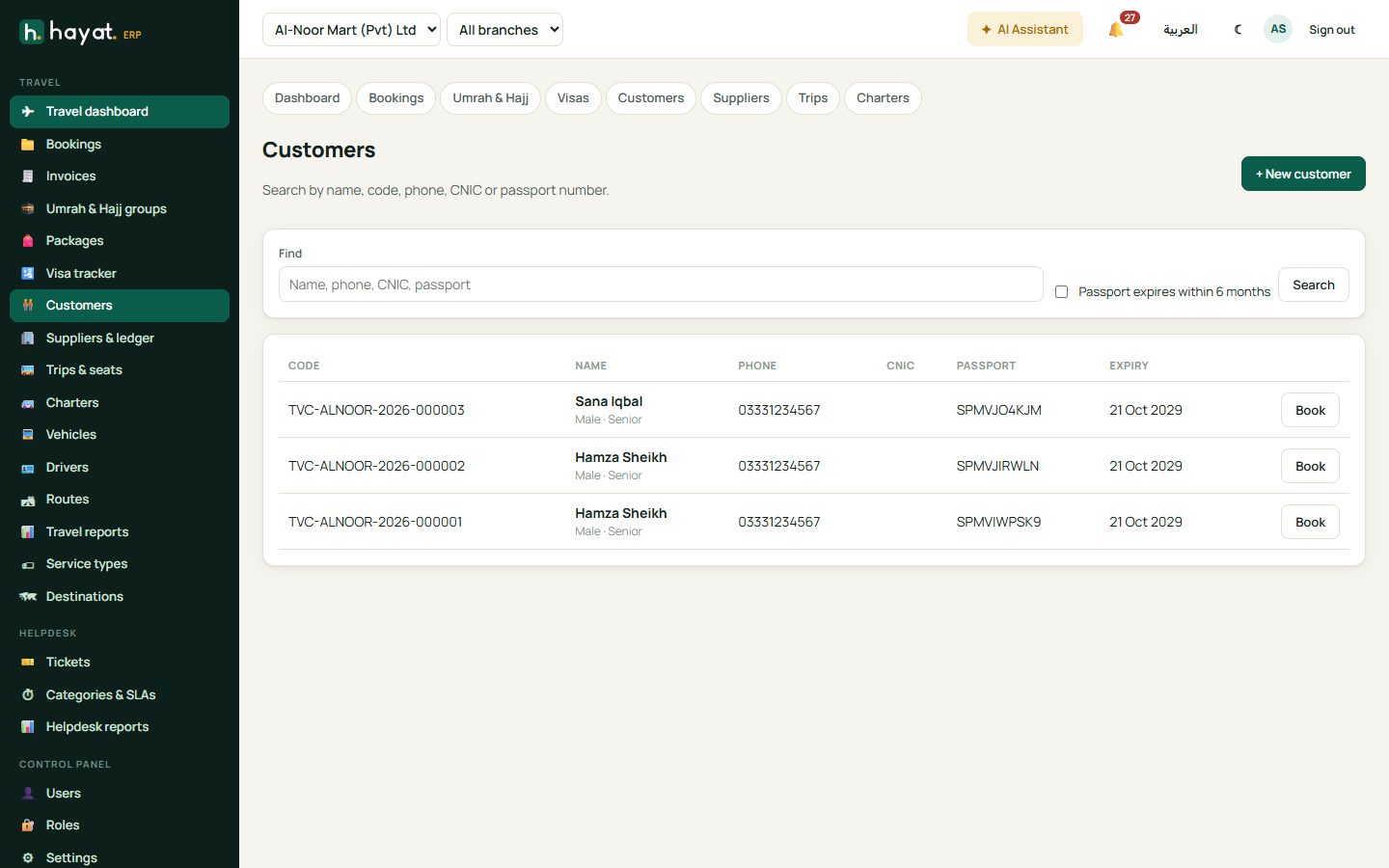
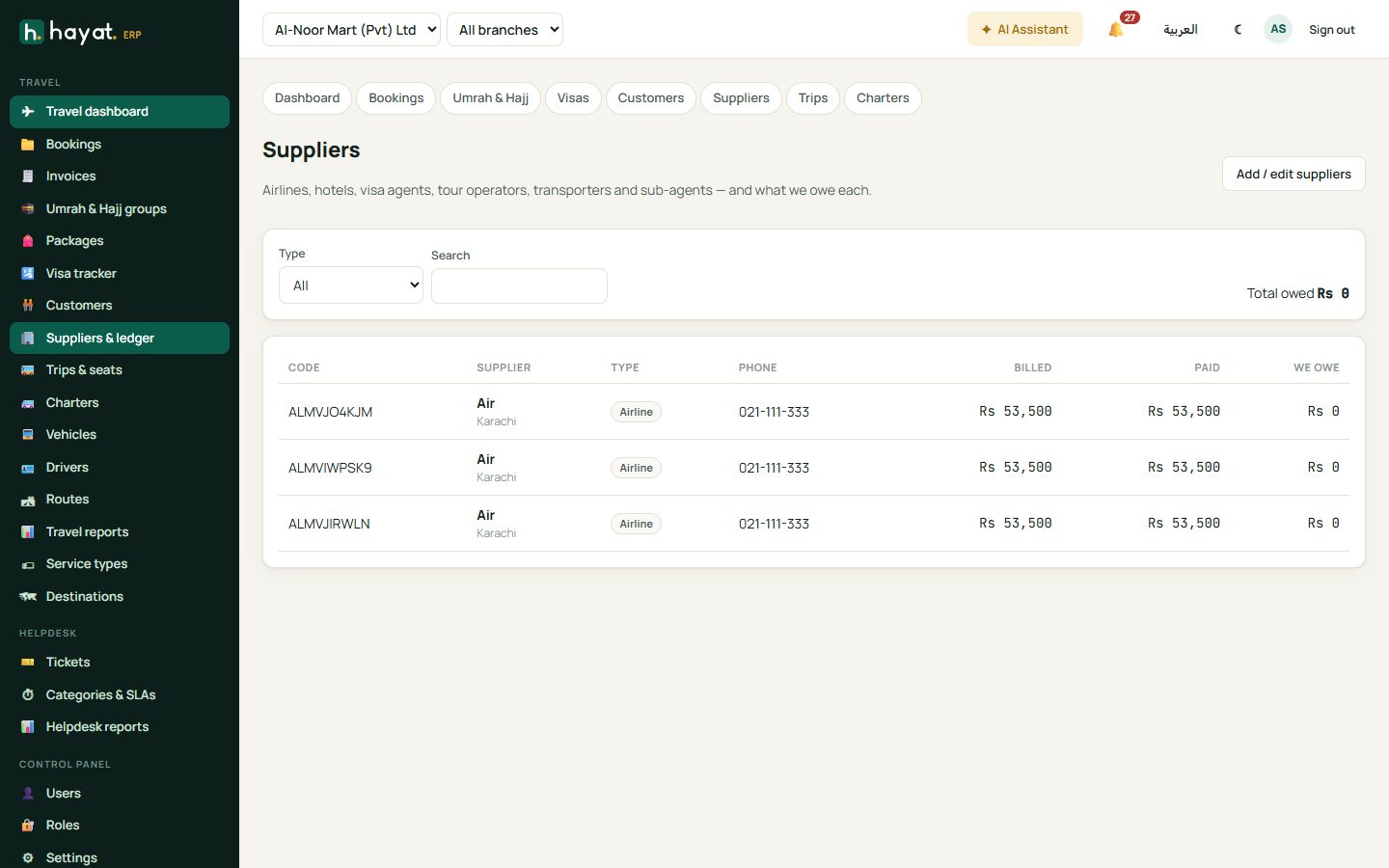
Customers holds each customer's code, phone, CNIC and passport, with their files and balance. Suppliers & ledger lists airlines, hotels, visa agents, tour operators, transporters and sub-agents and what you owe each; open one to Pay, Record bill or record a Refund received.
Transport: trips, seats and charters
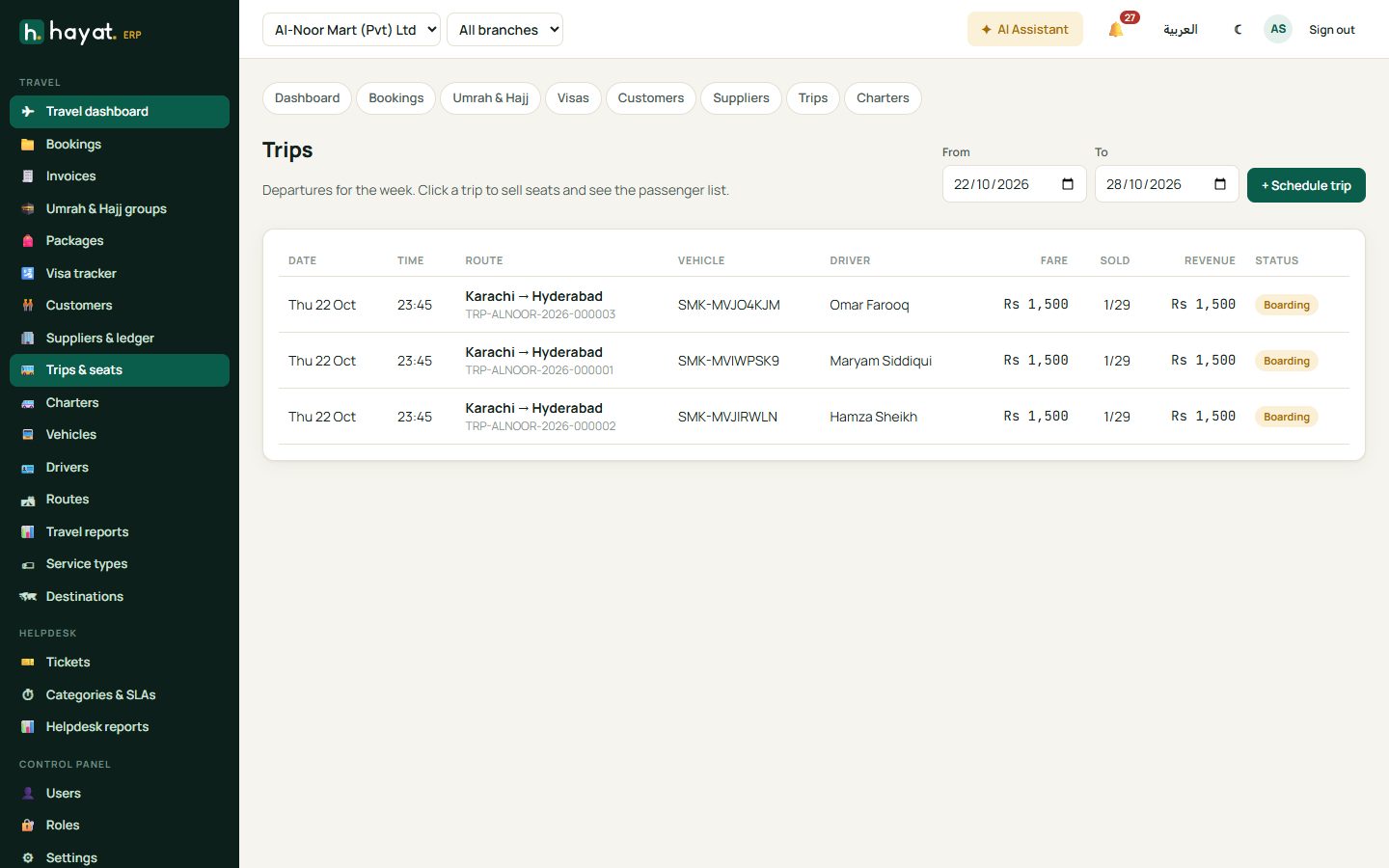
- Trips & seats lists the week's departures. Open a trip to see the seat map, pick seats and Sell — passenger, discount reason, promo code and payment — then Sell & print. Mark the trip Departed and Arrived, and add trip expenses (fuel, tolls).
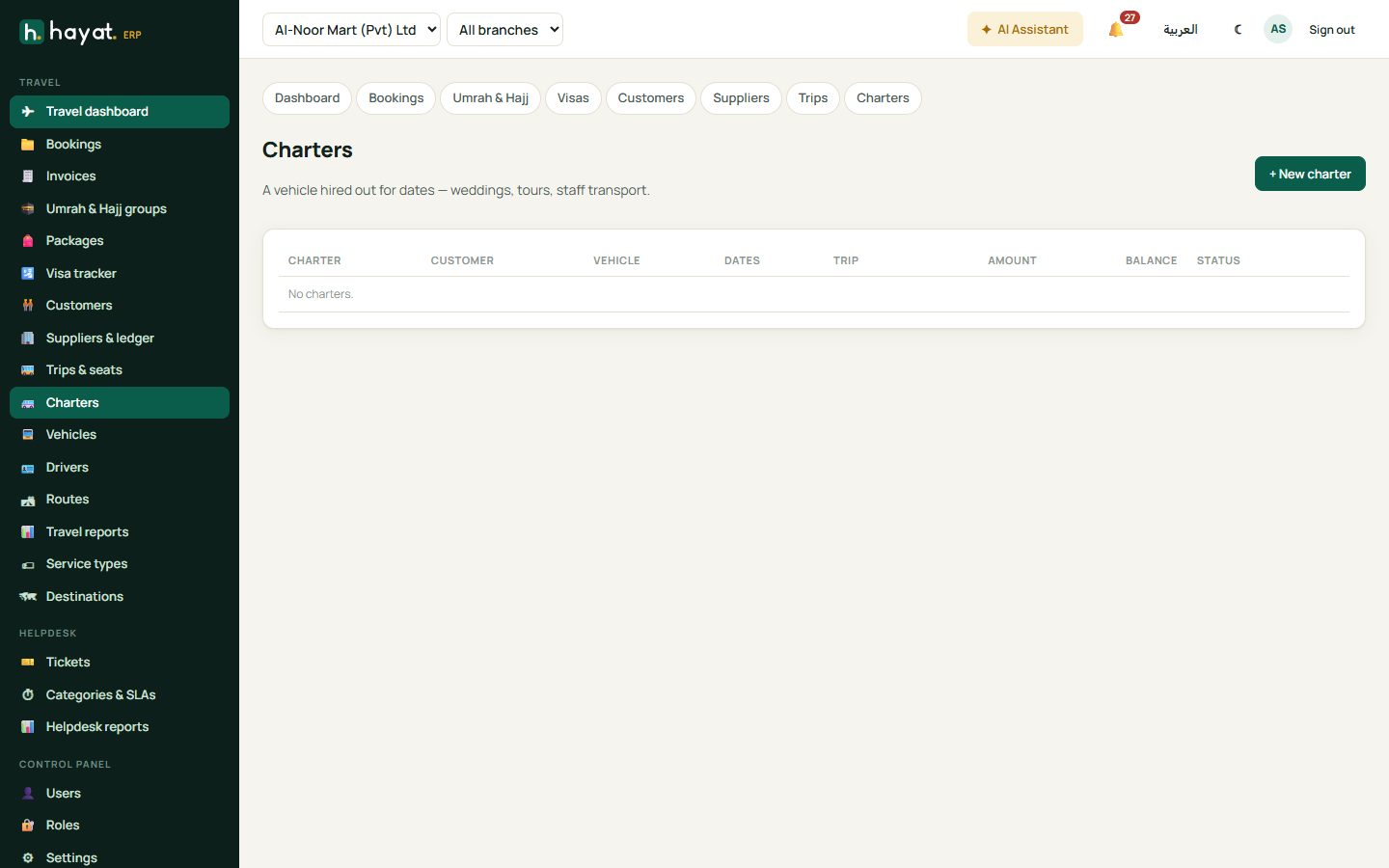
- Charters hires a vehicle out for dates (weddings, tours, staff transport): save a quote, Confirm it and take payment.
- Vehicles, Drivers and Routes are the transport lists.
Reports
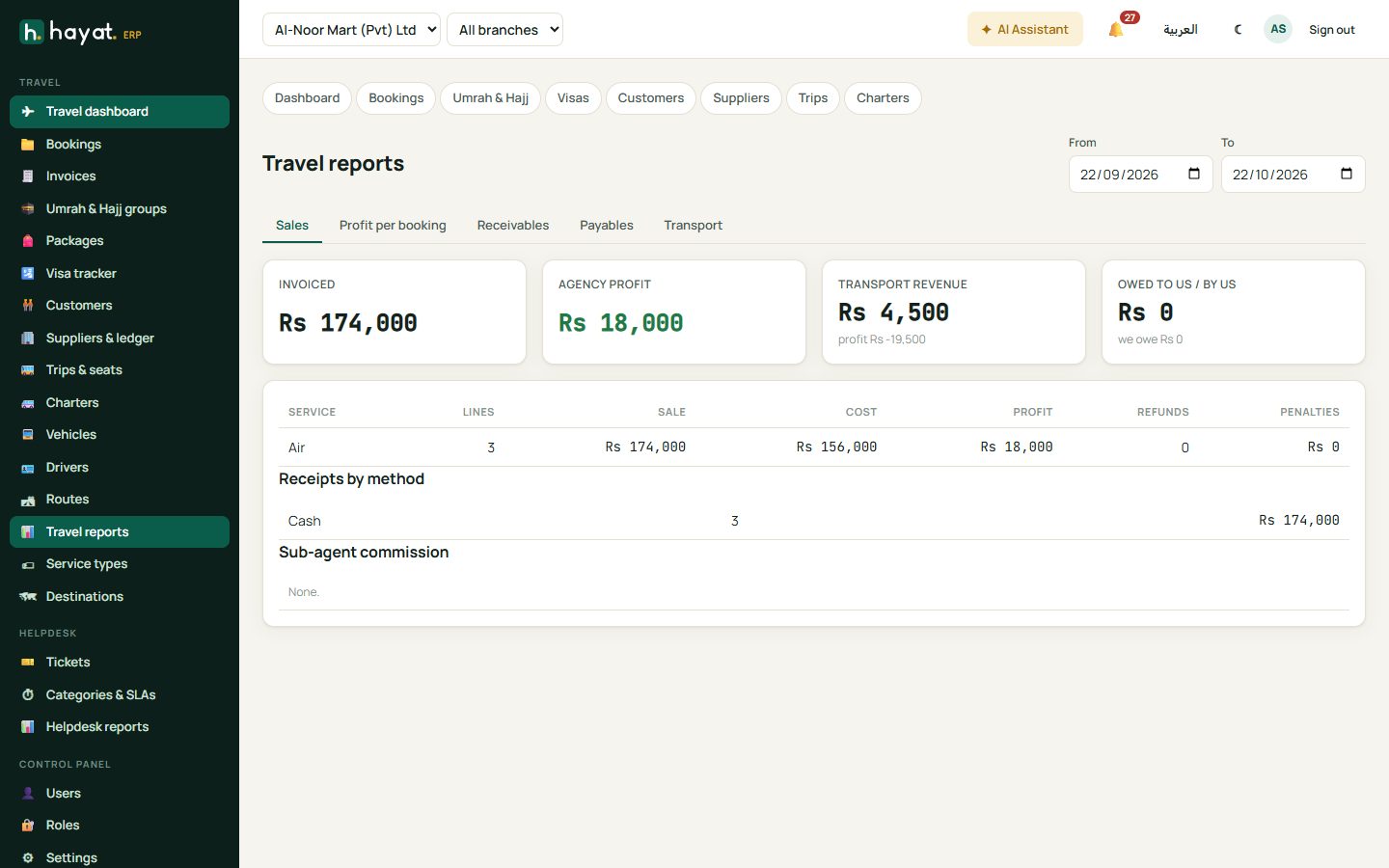
Travel reports has tabs for Sales, Profit per booking, Receivables, Payables and Transport, for any period.
Workflow
Where the money goes
See How every module reaches the accounts.
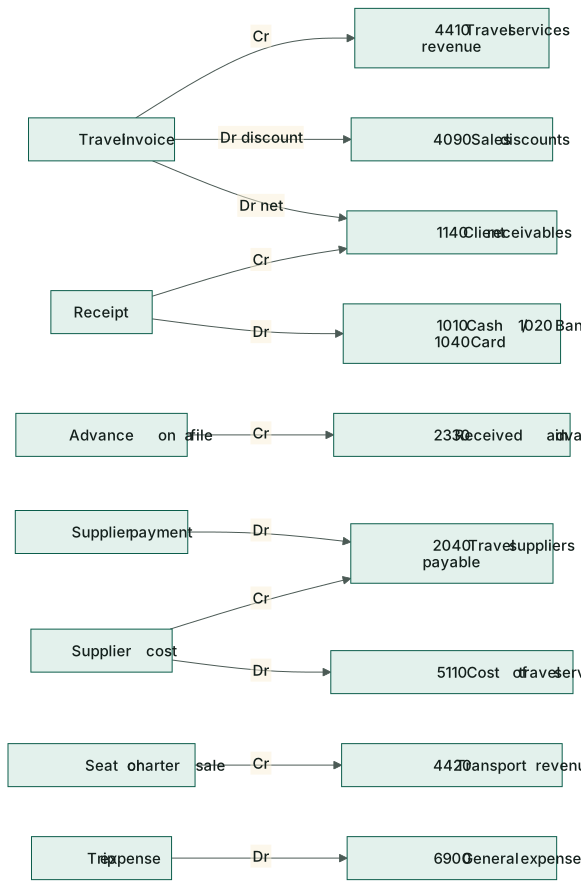
| Event | Debit | Credit |
|---|---|---|
| Invoice | 1140 Client receivables (net); 4090 Sales discounts | 4410 Travel services revenue |
| Receipt | 1010 Cash / 1020 Bank / 1040 Card | 1140 Client receivables |
| Advance on a file | 1010 / 1020 | 2330 Fees & deposits received in advance |
| Advance used on the invoice | 2330 | 1140 Client receivables |
| Supplier cost / commission | 5110 Cost of travel services | 2040 Travel suppliers payable |
| Supplier payment | 2040 Travel suppliers payable | 1010 / 1020 |
| Seat or charter sale | 1140 Client receivables | 4420 Transport & charter revenue |
| Trip expense | 6900 General & administrative | 1010 Cash |
On the phone
The Hayat Travel app has Today, Bookings, Visas, Trips and Customers tabs — take payments, sell seats on the bus and check visa status away from the desk. See Mobile apps.