
Shipping workspace
shipping.hayaterp.com ↗For freight forwarders, courier companies and vessel operators — quotations, forwarding jobs, parcel booking, hub scans, runsheets, COD, voyages and containers.
Sign in
Staff sign in at shipping.hayaterp.com with their Hayat email and password. Customers track parcels without signing in at shipping.hayaterp.com/track. The same staff screens are in the ERP under Shipping.
Who does what
| Role | Typical person | Can do |
|---|---|---|
| Shipping Admin | Owner | Everything in shipping, plus users and roles. |
| Operations | Forwarding staff | Quotations, rate cards, jobs, status timeline and charges. |
| Courier Counter | Booking counter, hub staff | Book parcels, pickups, hub scans and runsheets. |
| Rider | Delivery rider | Their own runsheet, delivery status and COD collected. |
| Vessel Operations | Shipping line / NVOCC staff | Vessels, voyages, port calls and costs, B/Ls and containers. |
| Shipping Accounts | Accounts | Invoices, receipts, carrier bills, COD remittance and merchant billing. |
Choose what your company runs
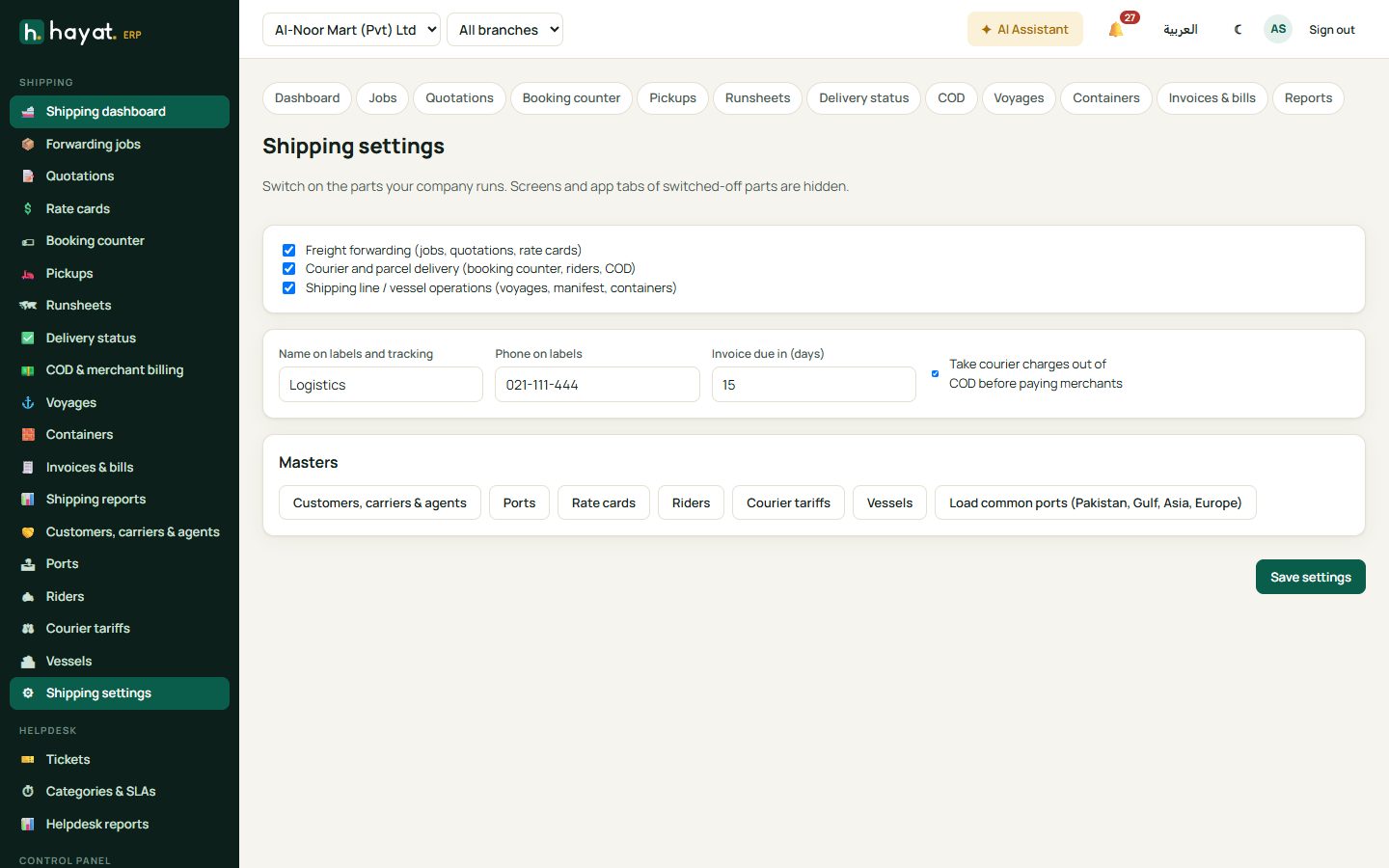
Shipping settings switches on the parts you run — forwarding, courier and vessel operations. Screens and app tabs of switched-off parts are hidden.
The shipping dashboard
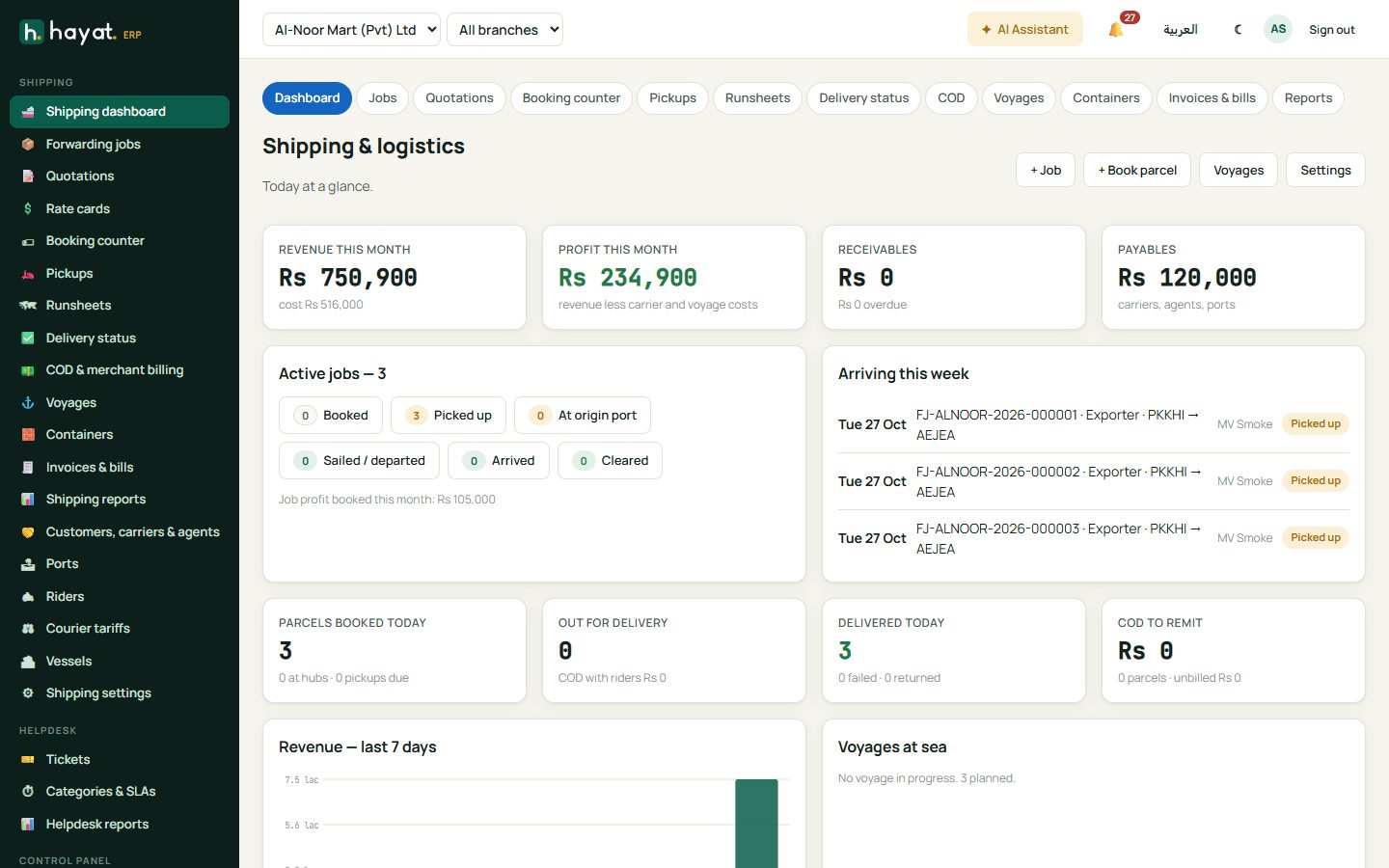
Revenue and profit this month, receivables and payables; active jobs and arrivals this week; parcels booked today, out for delivery and delivered, and COD to remit; revenue for the last 7 days and voyages at sea. + Job and + Book parcel start work.
Freight forwarding
Quotations
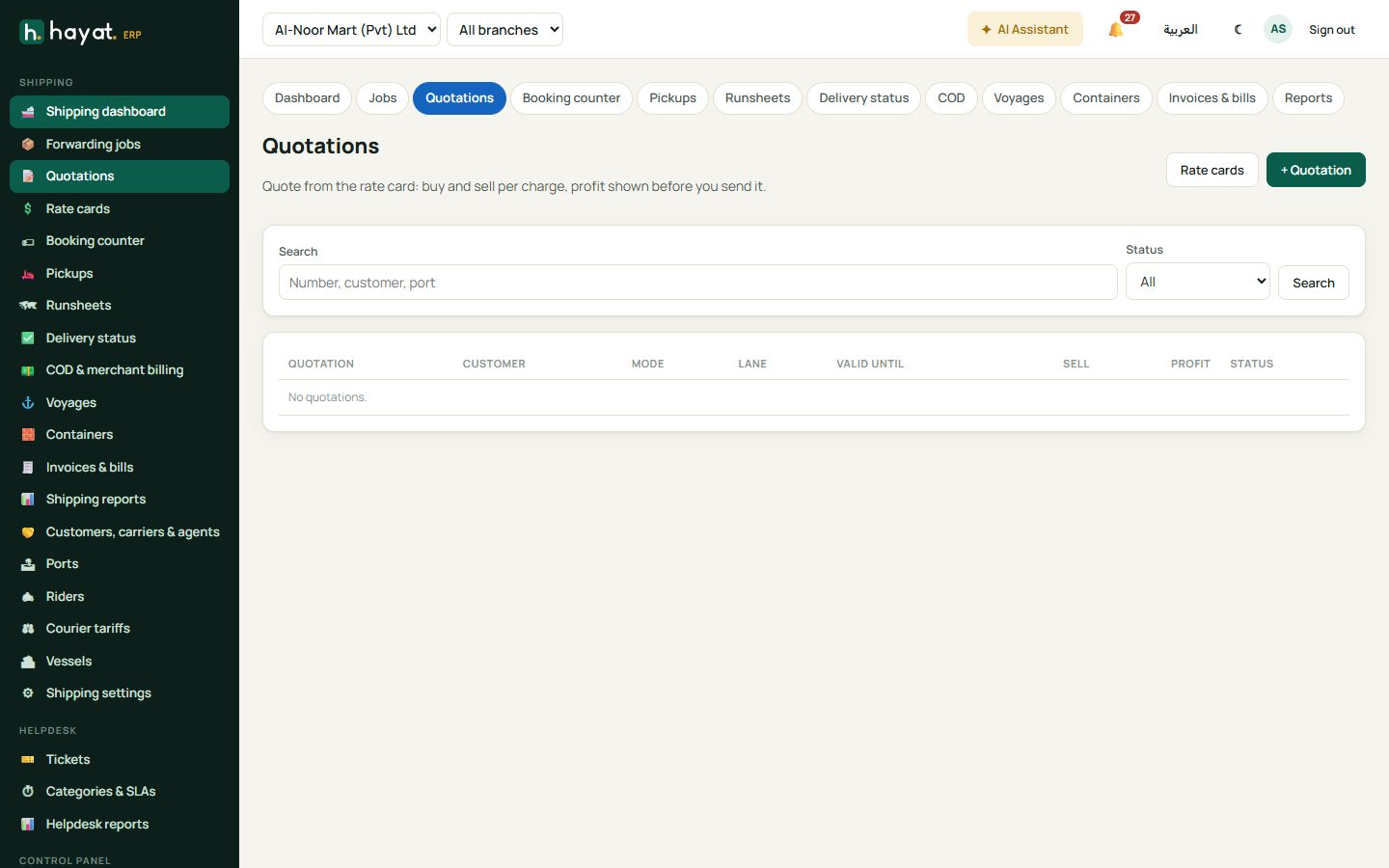
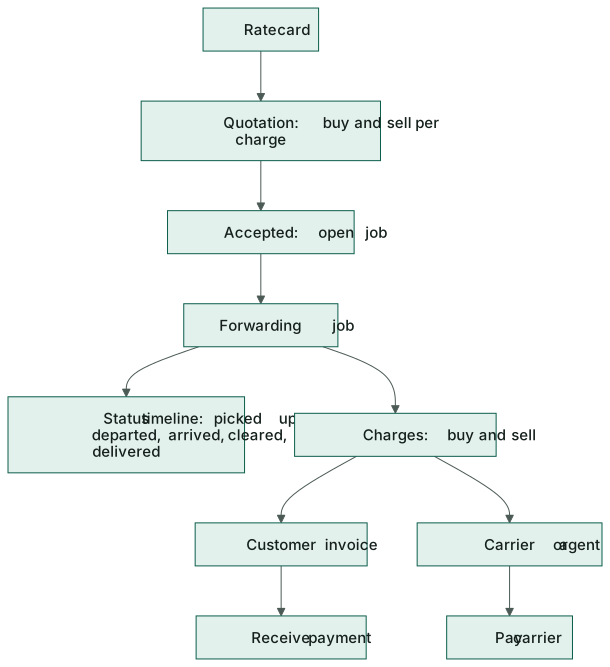
Quotations → + Quotation: customer, mode (sea FCL, sea LCL, air, road), ports and cargo. Add from rate card fills buy and sell rates per charge; the profit shows before you send it. When the customer accepts, click ✔ Accepted — open job.
Jobs
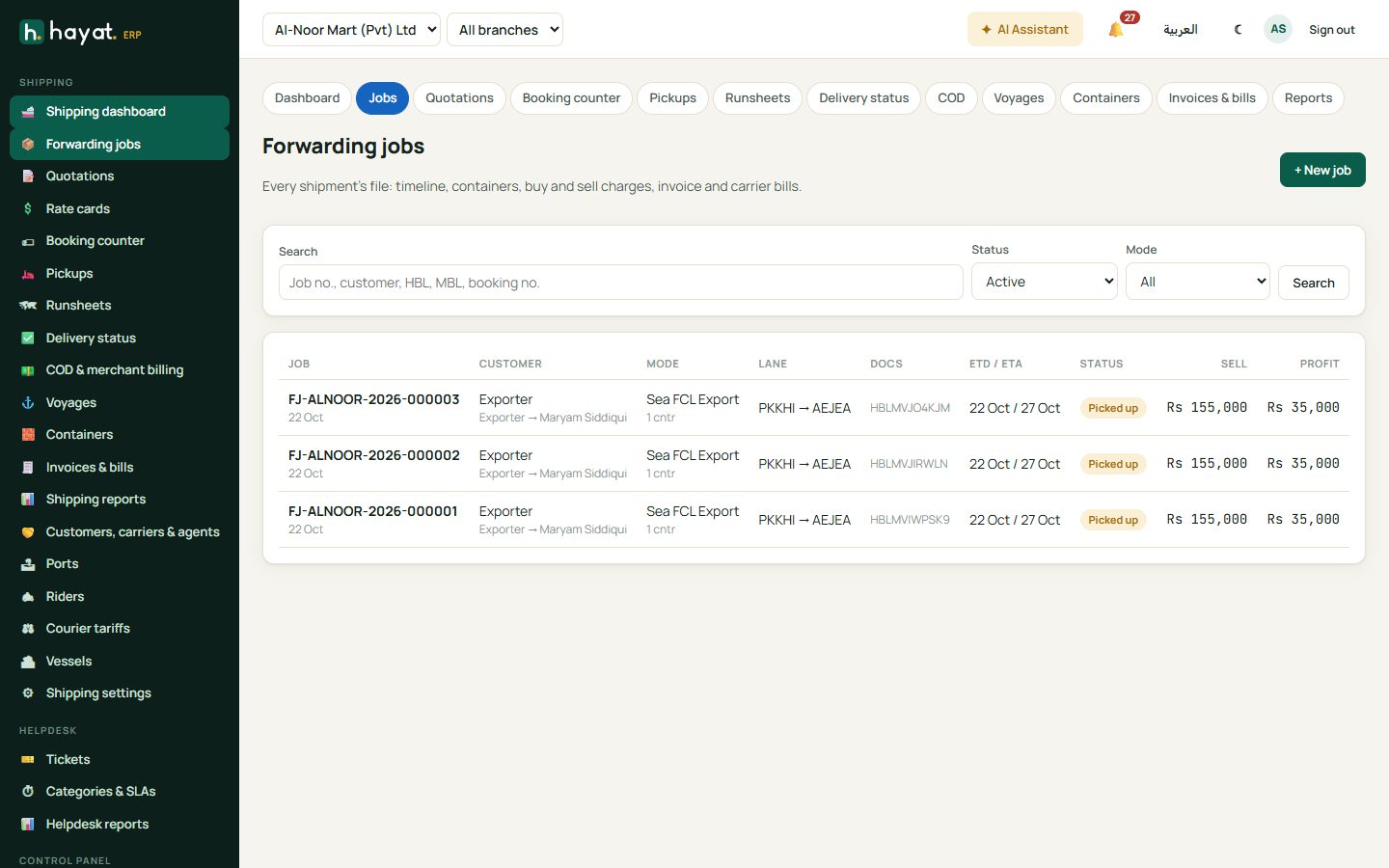
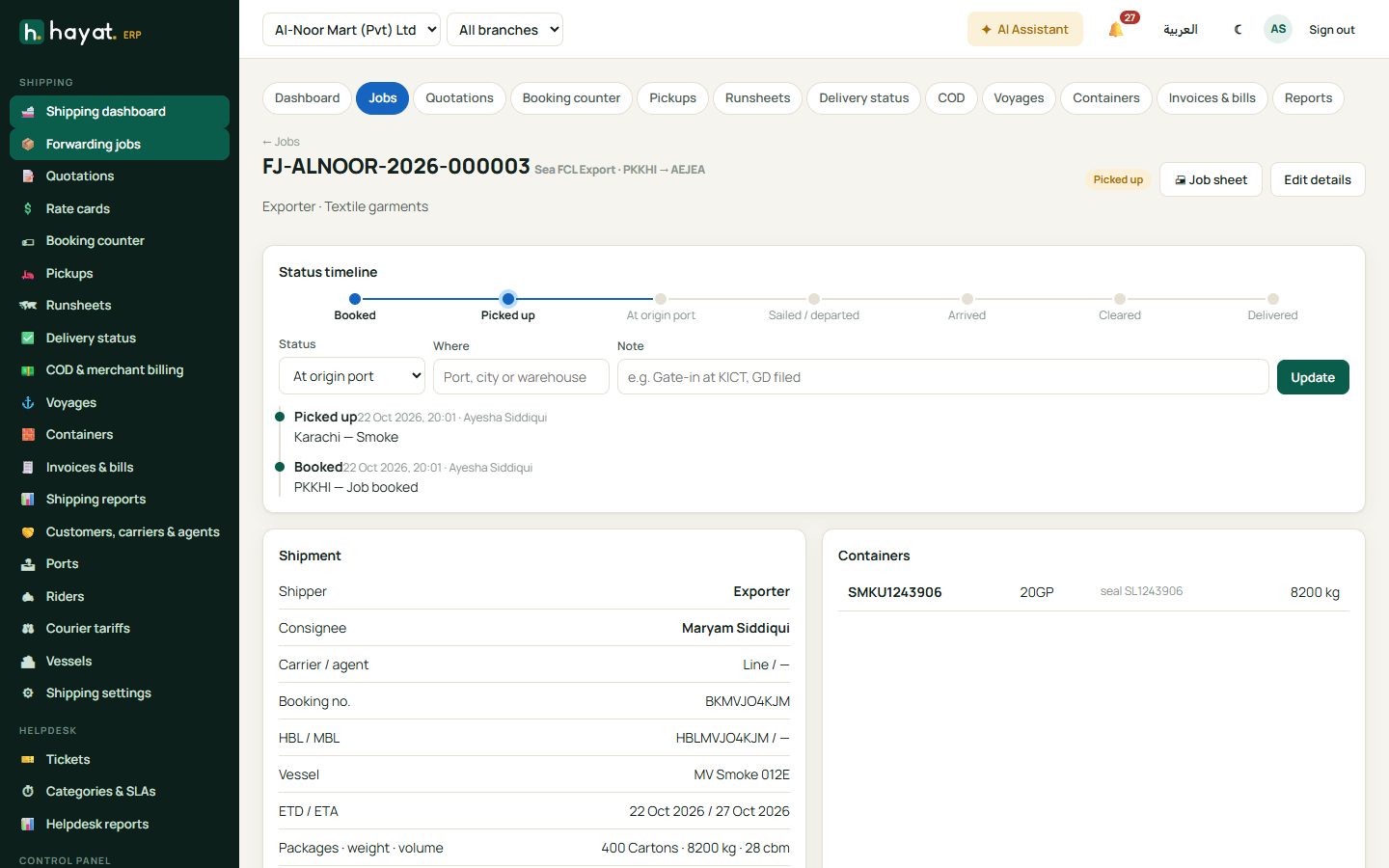
- Forwarding jobs → + New job (or open one from a quotation). Enter customer, mode, direction, origin and destination port codes, cargo, HBL / MBL and booking numbers, and containers with seal numbers.
- Update the status timeline as the cargo moves: Booked, Picked up, At origin port, Departed, Arrived, Cleared, Delivered, with where and a note.
- Enter charges — each line has a buy (carrier) and sell (customer) amount. Save charges.
- Raise the customer invoice and record each carrier / agent bill from the job.
Courier and parcels
Booking counter
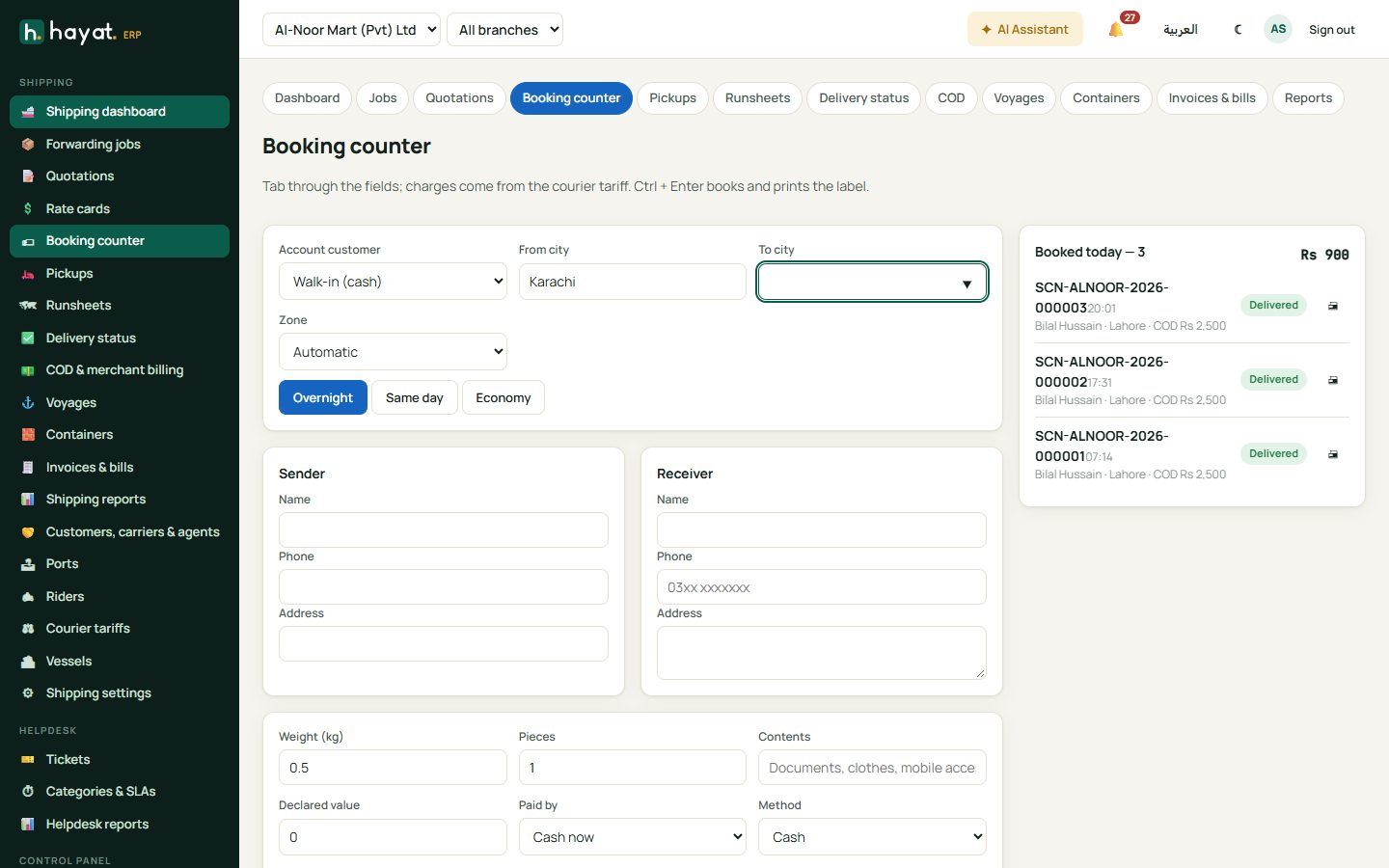
- Booking counter: account customer (or cash), from and to city — the zone fills itself — and the service (Overnight, Same day, Economy).
- Sender and receiver name, phone and address.
- Weight, pieces, contents, declared value and cash to collect (COD) if the receiver pays the merchant.
- Charges come from the courier tariff; Paid by cash or the customer's account.
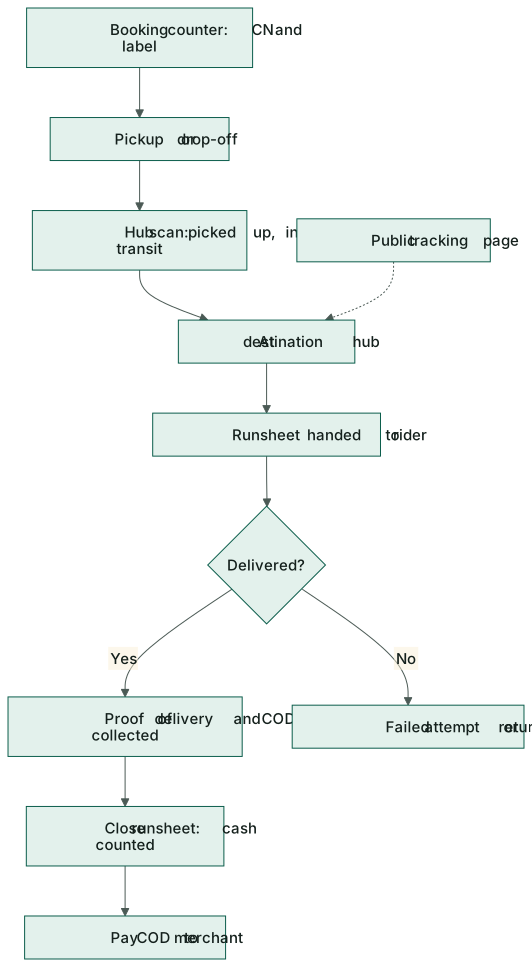
- Book parcel (Ctrl+Enter) gives the CN number and prints the label.
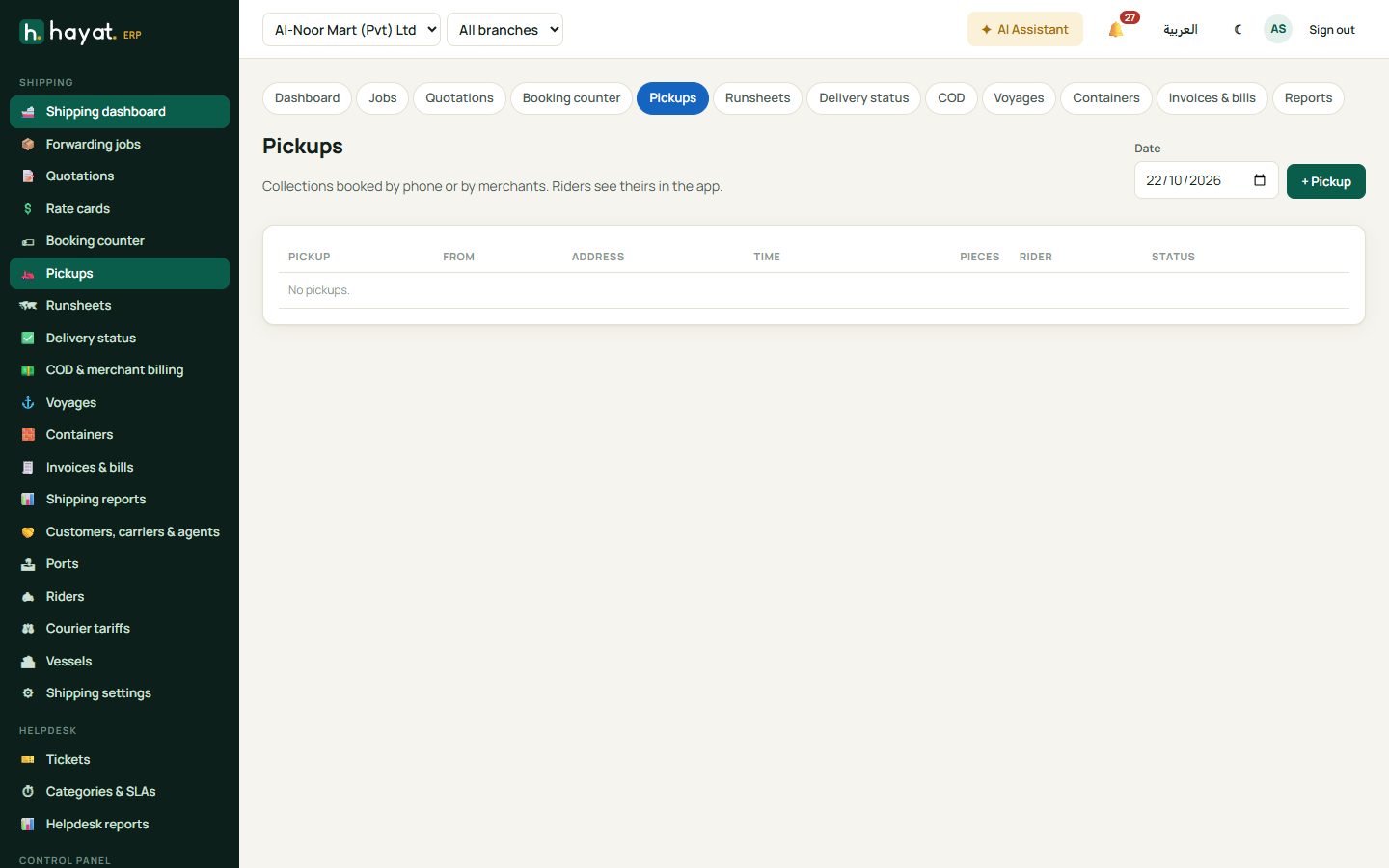
Pickups are collections booked by phone or by merchants; riders see theirs in the app.
Hub scans, runsheets and delivery
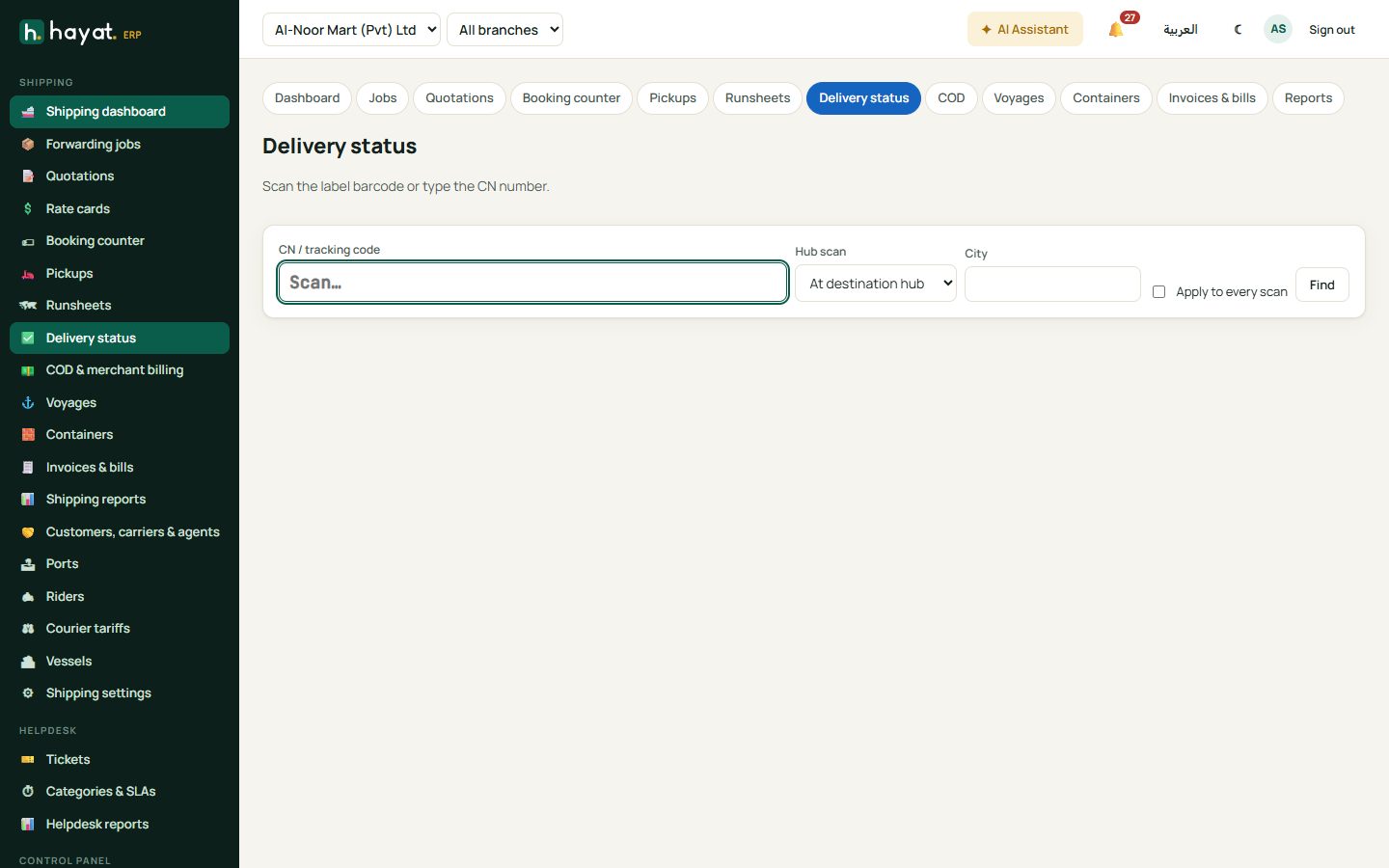
- Delivery status: scan the label barcode or type the CN. Record hub scans — Picked up, In transit, At destination hub, Returned to sender — or the outcome: delivered (received by whom) or a failed attempt with the reason.
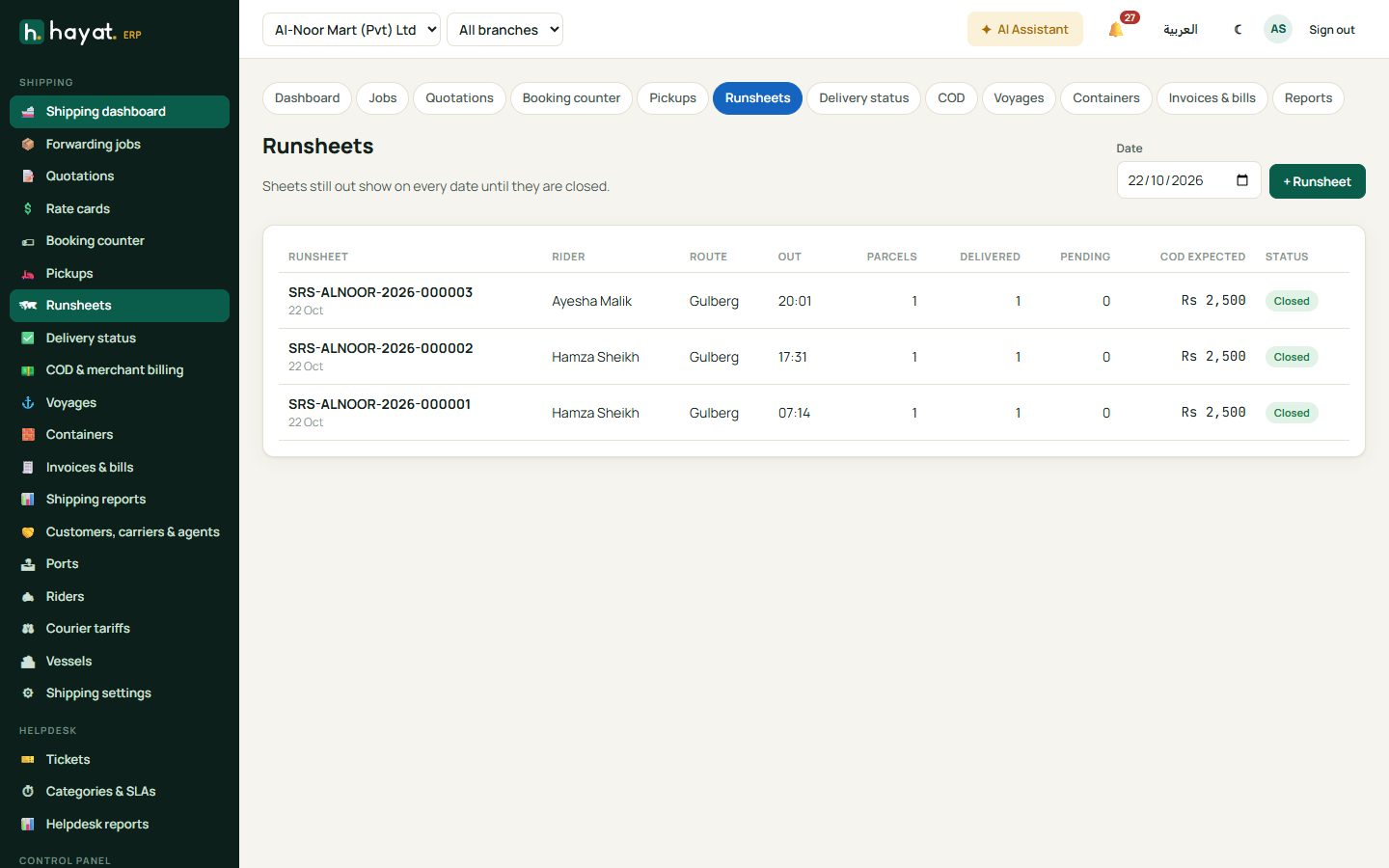
- Runsheets → + Runsheet: choose the rider and route and scan the parcels, then Hand over to rider. When the rider returns, close the sheet: delivered, failed and the COD cash counted. A shortage is owed by the rider.
COD and merchant billing
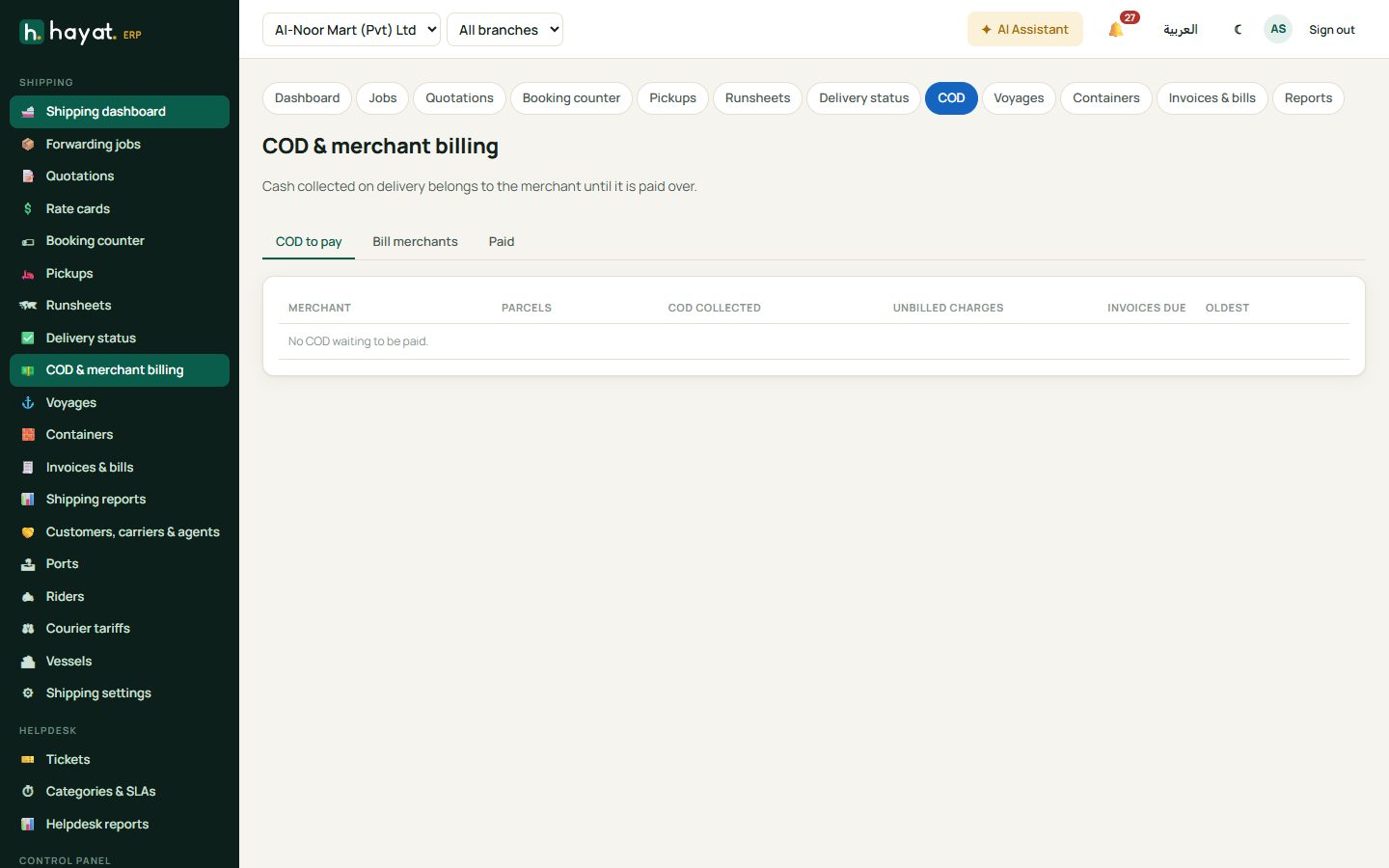
COD & merchant billing: cash collected on delivery belongs to the merchant until it is paid over. COD to pay lists what you hold per merchant — tick parcels and Pay merchant. Bill merchants raises invoices for delivery charges.
Public tracking
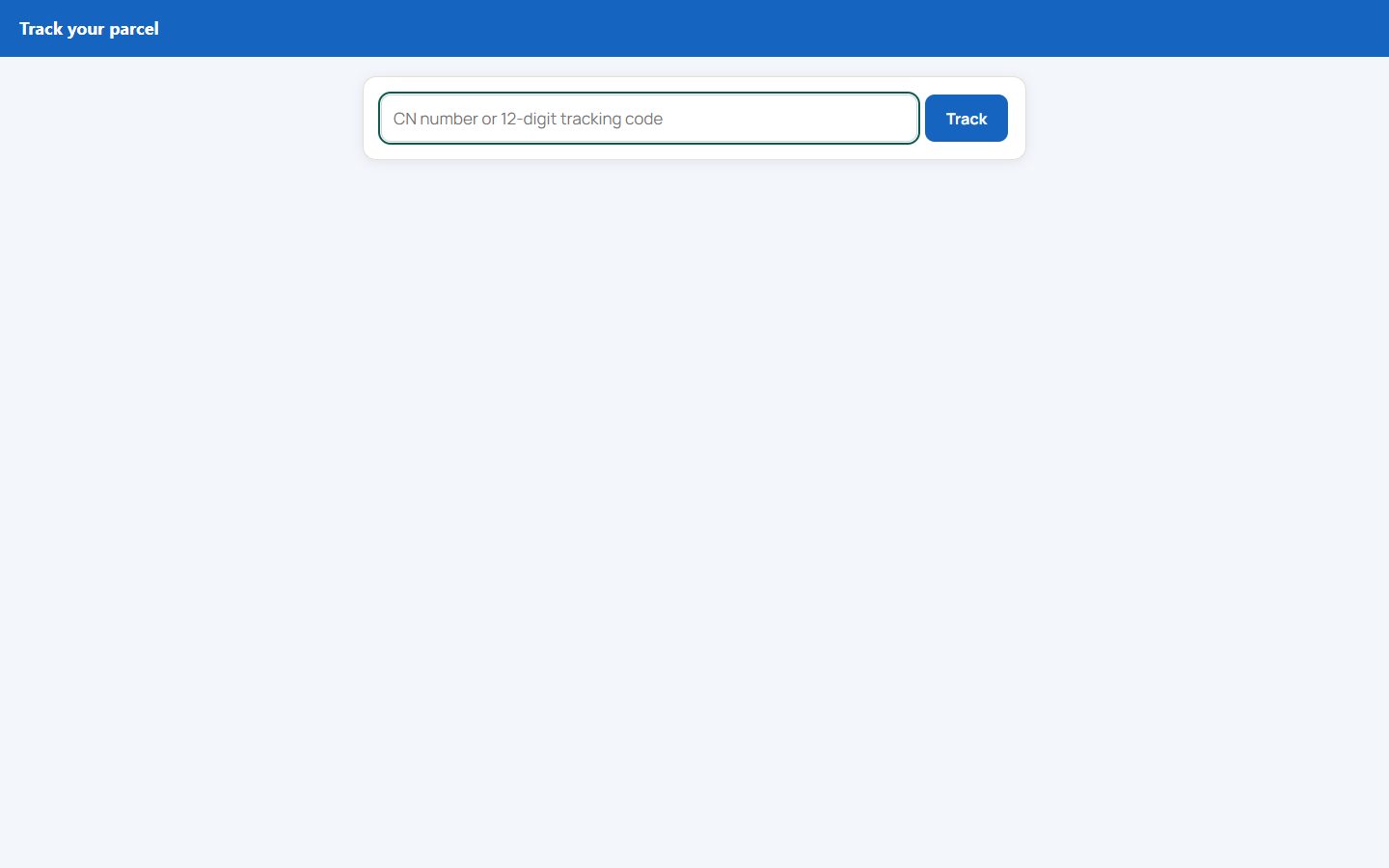
Anyone can open shipping.hayaterp.com/track and type the tracking code to see where their parcel is.
Vessel operations
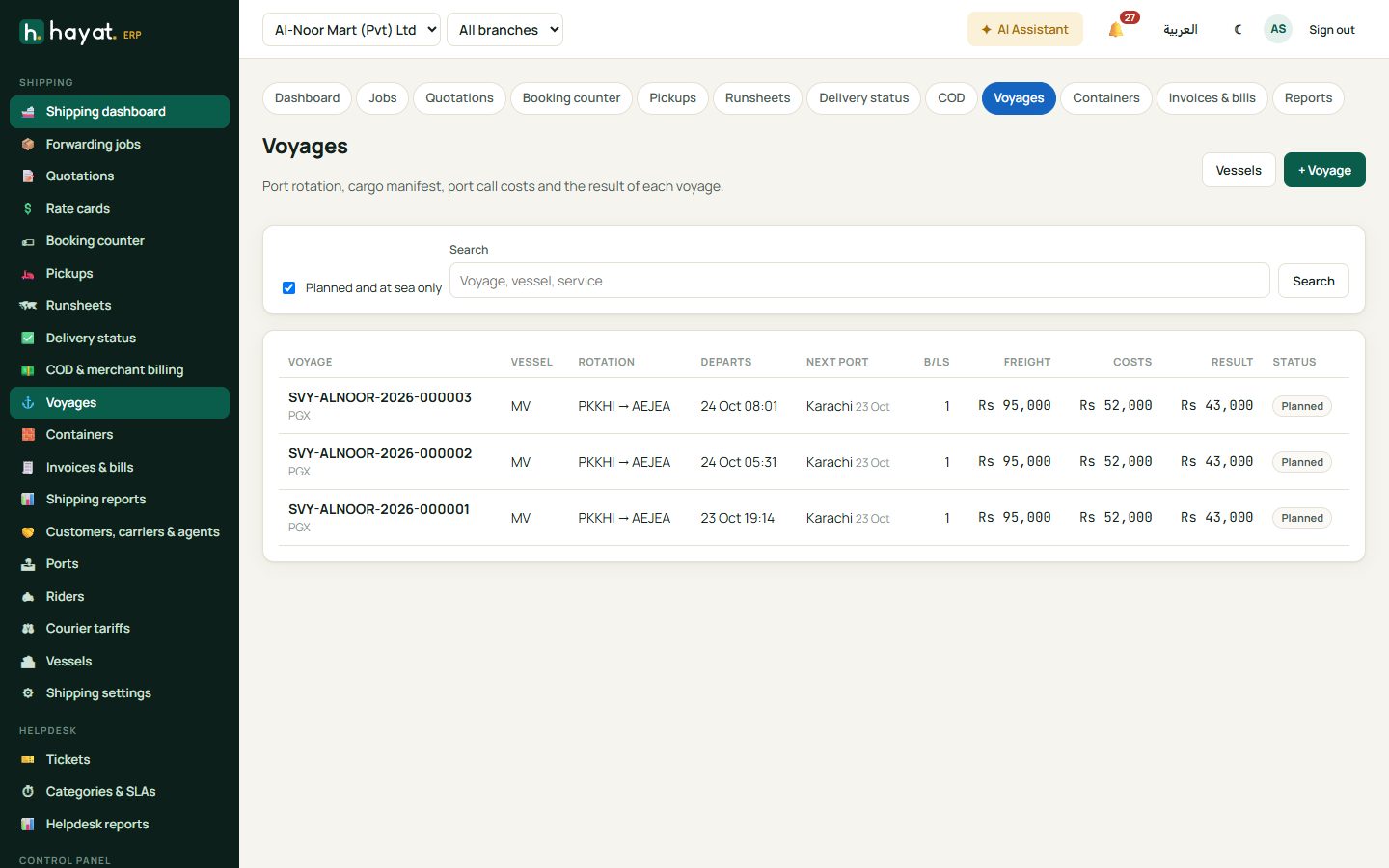
- Voyages → + Voyage: vessel, service (e.g. Karachi – Gulf feeder) and the port rotation. Each voyage holds the cargo manifest and bills of lading, port call costs (port dues, stevedoring, bunker, agency, canal, charter) and its result.
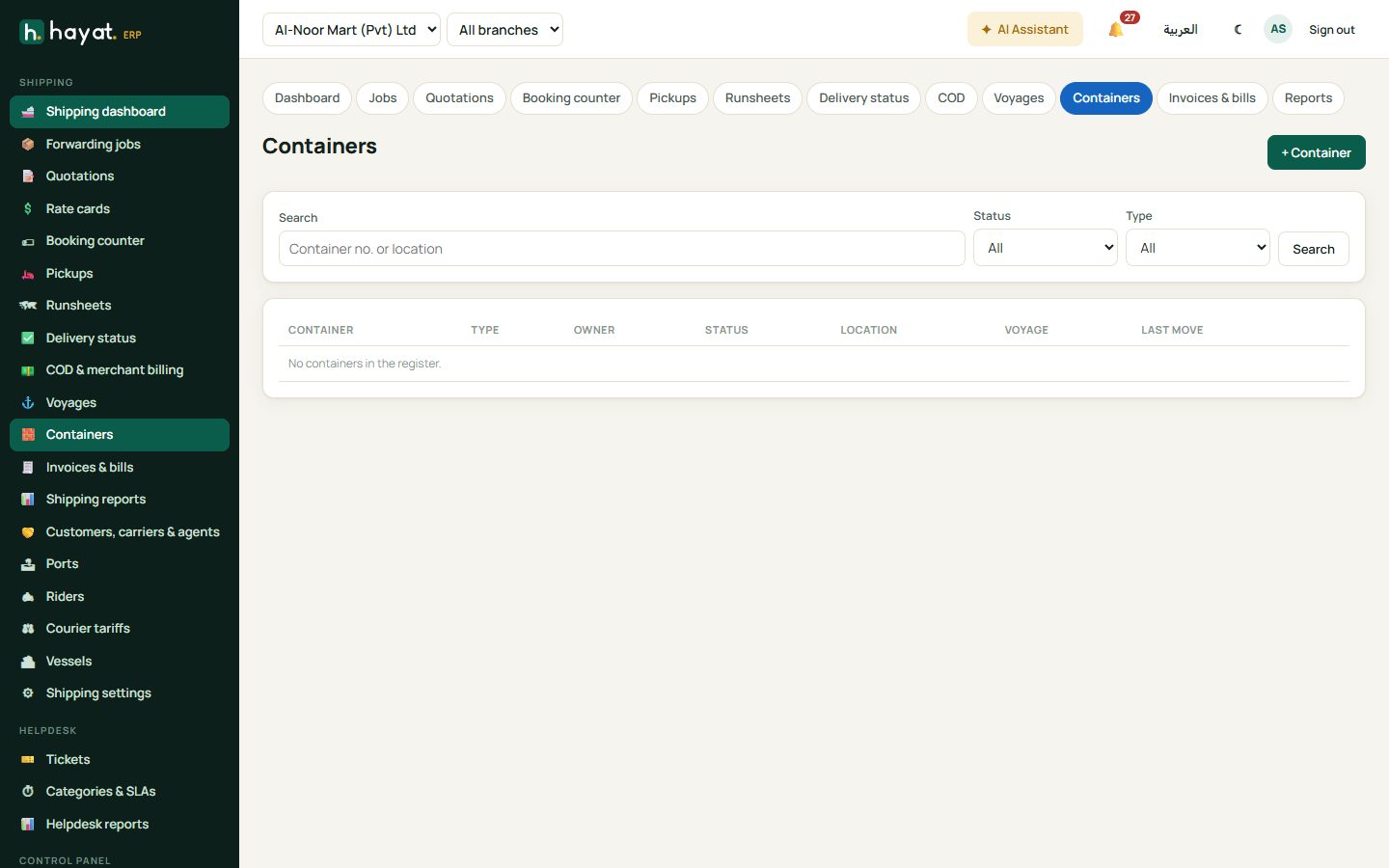
- Containers: owned, leased or shipper-owned boxes, empty or full, with every move and its history.
- Vessels lists your owned and chartered vessels.
Invoices, bills and reports
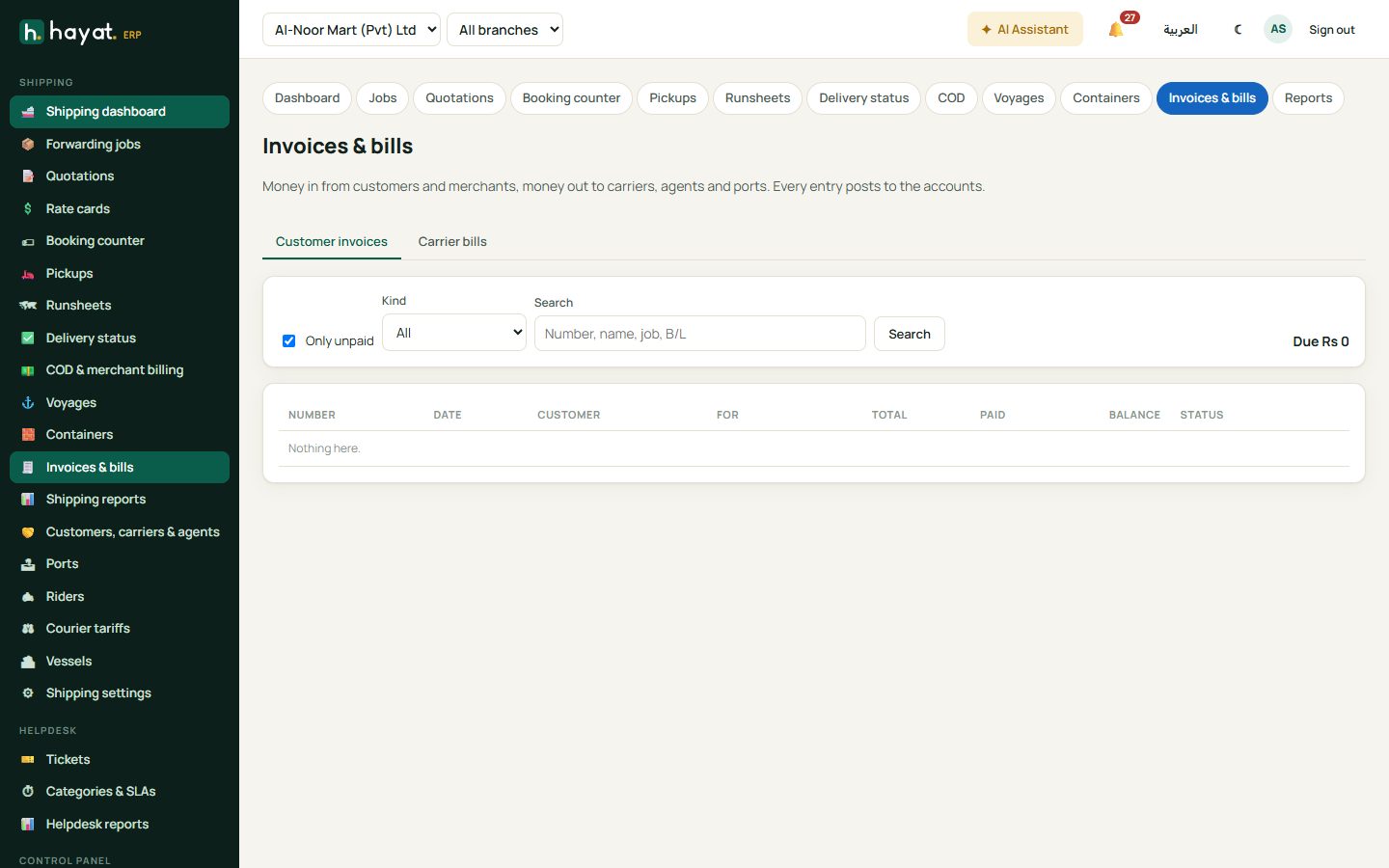
Invoices & bills has customer invoices (receive payments) and carrier bills (pay them). Every entry posts to the accounts. Shipping reports show, for a period, job sell, buy and profit by mode, top customers, lanes and loss-making jobs; parcels, deliveries and COD by status, city and merchant; voyage profit and loss; receivables ageing and payables.
Workflow
Where the money goes
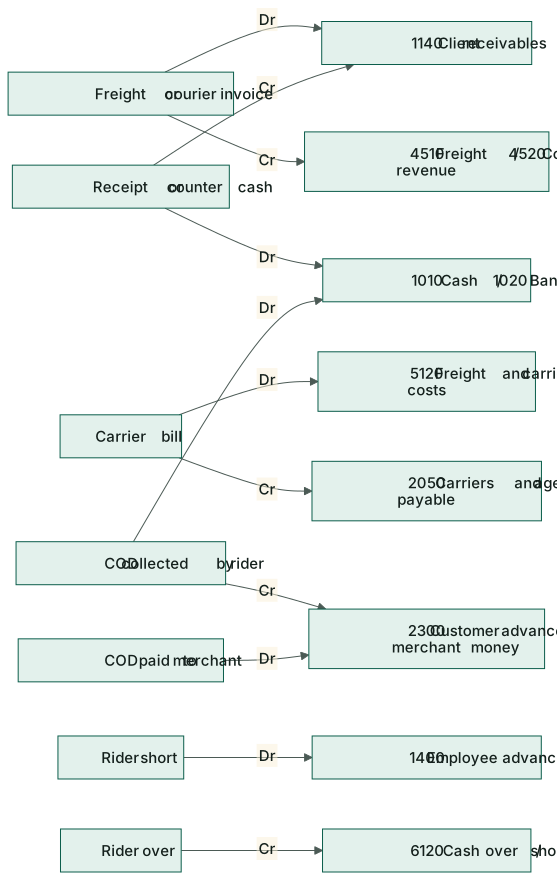
See How every module reaches the accounts.
| Event | Debit | Credit |
|---|---|---|
| Customer invoice (forwarding, freight) | 1140 Client receivables | 4510 Freight & forwarding revenue |
| Courier booking / courier invoice | 1140 Client receivables | 4520 Courier & delivery revenue |
| Payment received, counter cash | 1010 Cash / 1020 Bank | 1140 Client receivables |
| Carrier / agent bill, voyage cost | 5120 Freight & carrier costs | 2050 Carriers & agents payable (or cash paid) |
| Carrier paid | 2050 Carriers & agents payable | 1020 Bank |
| COD collected by the rider | 1010 Cash | 2300 Customer advances (merchant's money) |
| COD paid to the merchant | 2300 Customer advances | 1010 / 1020 |
| Rider short at runsheet close | 1400 Employee advances | 1010 Cash |
| Rider over | 1010 Cash | 6120 Cash over / short |
On the phone
The Hayat Shipping app has Today, Jobs, Courier, Runsheet and Voyages tabs. Riders open their runsheet, scan each parcel, take proof of delivery and record COD; counter staff book and scan parcels. See Mobile apps.