
Travel: GDS connection and ticket files
travel.hayaterp.com ↗Connect Sabre, Amadeus or Travelport (Galileo) — search, hold, import a PNR, issue and void tickets — and import AIR, MIR and IUR ticket files into booking files, with commission, BSP cost and the service fee.
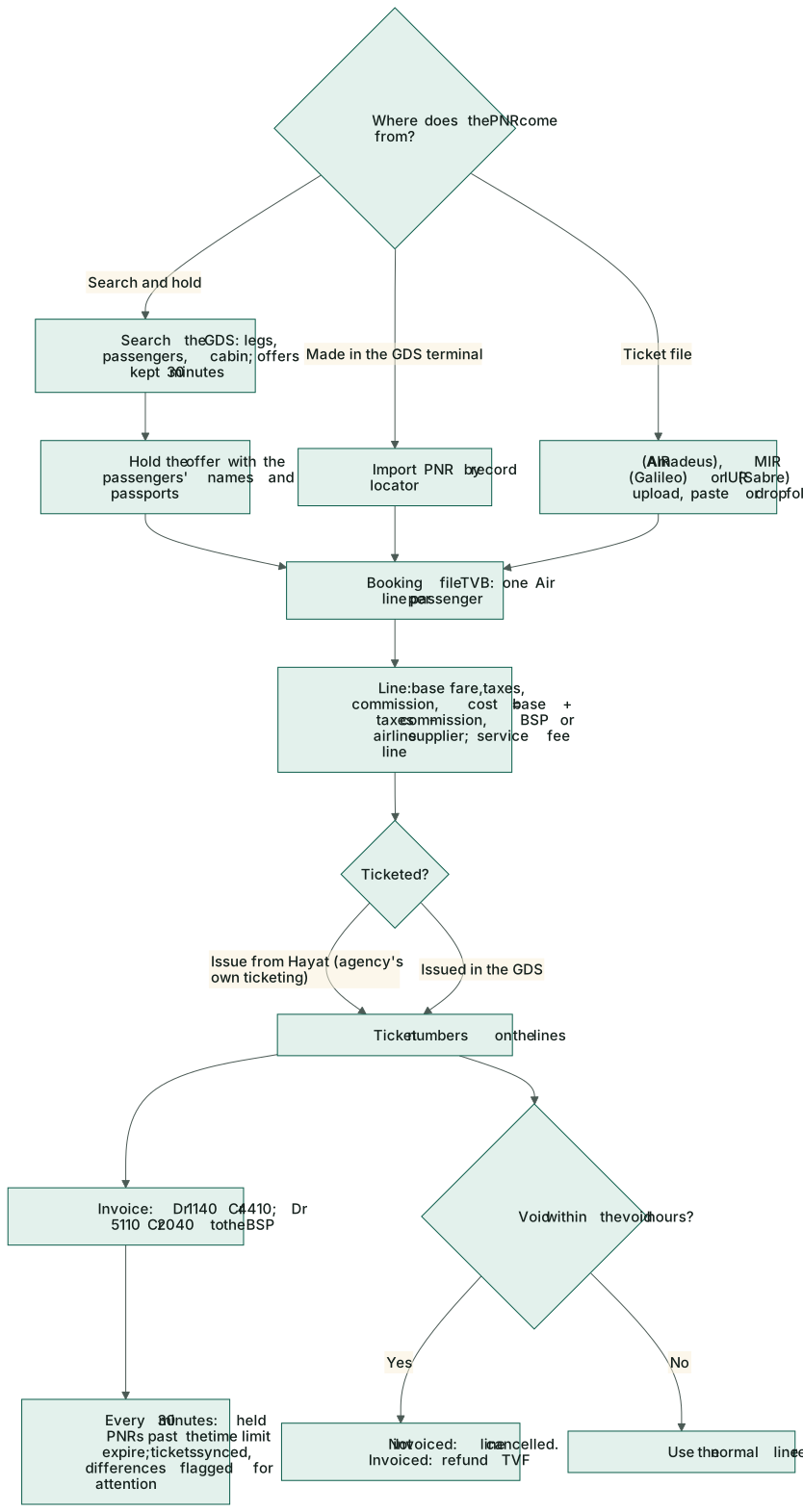
A GDS account connects the travel workspace to the agency's Sabre, Amadeus or Travelport (Galileo) access. A PNR — searched and held from Hayat, made in the GDS terminal, or read from a ticket file — becomes a normal booking file with one air line per passenger, priced with the fare, taxes, commission and the BSP cost, ready to invoice.
The screens are in the Travel menu: GDS fare search, GDS PNRs, GDS tickets, Ticket files (AIR / MIR / IUR) and GDS accounts. A booking file also has Import PNR and GDS fares buttons. Booking files made this way open and invoice on the normal Travel → Booking files screens.
Who does what
| Permission | Typical person | Can do |
|---|---|---|
| travel.view | Everyone in travel | PNRs, tickets and ticket files. |
| travel.bookings | Travel agent | Search, hold, import a PNR, refresh, sync a ticket, upload ticket files. |
| travel.ticketing | Ticketing desk | Issue, void and cancel a PNR. |
| travel.manage | Travel admin | GDS accounts and their test. |
The GDS account
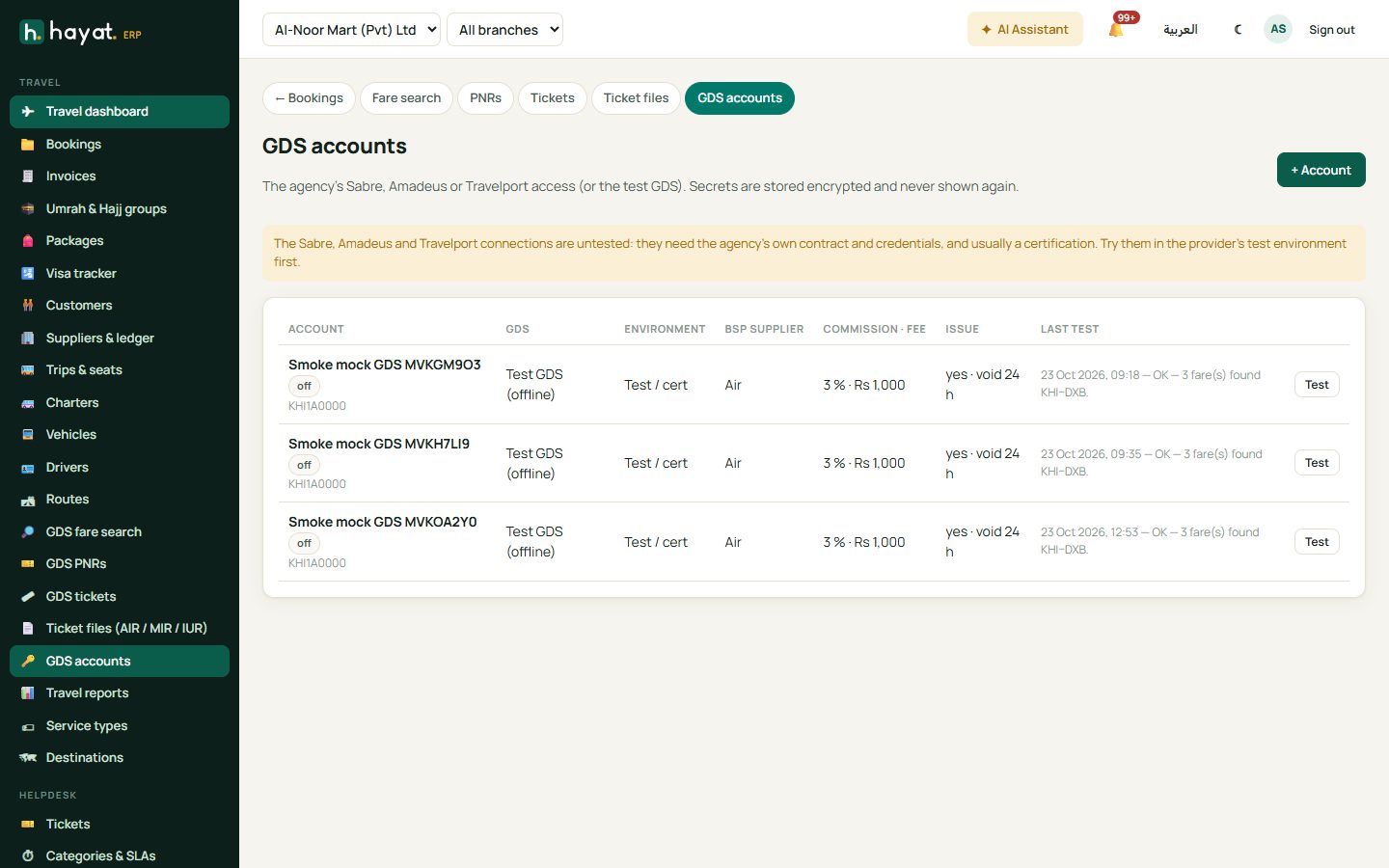
GDS accounts → + Account (travel.manage). Per company: a name, the provider (mock, sabre, amadeus, travelport), active / default, test (sandbox) or live, the base address (https only), client id and secret, user and password, pseudo city (PCC / office id), and extra fields the provider needs (for example Travelport's access group). Secrets are kept encrypted and never shown again.
Money settings on the account:
- the BSP supplier (e.g. IATA BSP Pakistan) — who the ticket cost is owed to; without one, the airline supplier whose reference is the airline code;
- the commission % — default, and per-airline rules;
- a service fee per ticket;
- allow issue (only when the agency has its own ticketing authority);
- void hours (default 24);
- a drop folder for ticket files.
In the form: Name, GDS, Environment, API address (blank = default), the Credentials the chosen GDS asks for, and under Money the BSP supplier, Default commission %, Service fee per ticket, Void window (hours), + Airline rule (airline and commission %), the Drop folder (ticket files), The agency issues its own tickets (ticketing authority), Default account and Active. Test searches Karachi → Dubai one way, 30 days out, and shows the answer under Last test.
From PNR to booking file
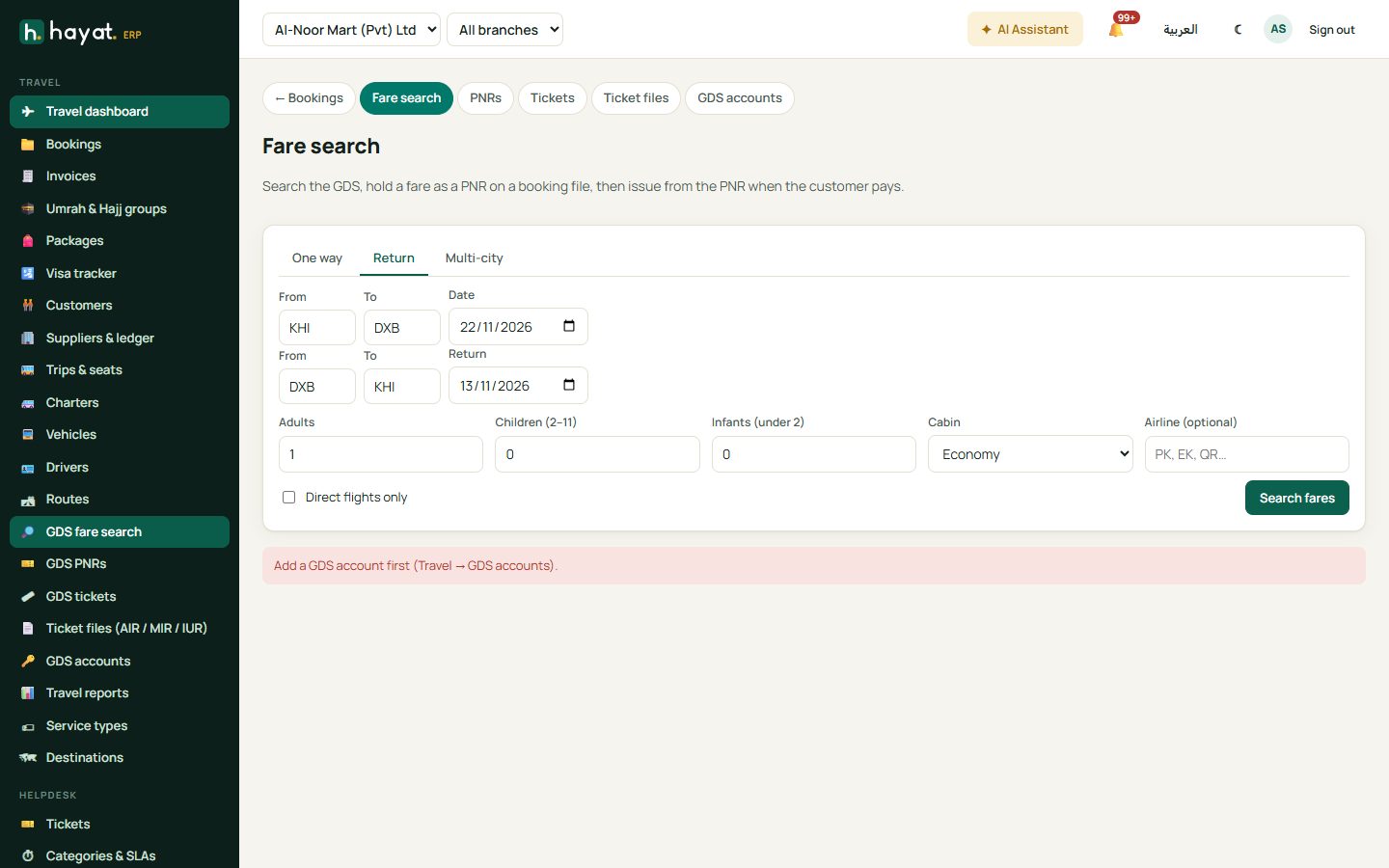
Fare search and hold
- GDS fare search: One way, Return or Multi-city (+ Flight, up to 6), From, To and the dates, Adults, Children (2–11), Infants (under 2), Cabin, Airline (optional), the GDS account and Direct flights only. Search fares.
- Each offer shows the airline, the flights, direct or the stops, refundable, the fare per passenger type and the total. Sort by lowest price, fewest stops or earliest departure. Offers are kept for 30 minutes.
- Hold opens Hold this fare: Find the customer (or the booking file you came from), then for each passenger the title, First name, Last name, gender, Date of birth (needed for children and infants), passport no., nationality and expiry; the Contact phone, email and Service fee per ticket. Hold & create PNR, then Open PNR.
Import a PNR
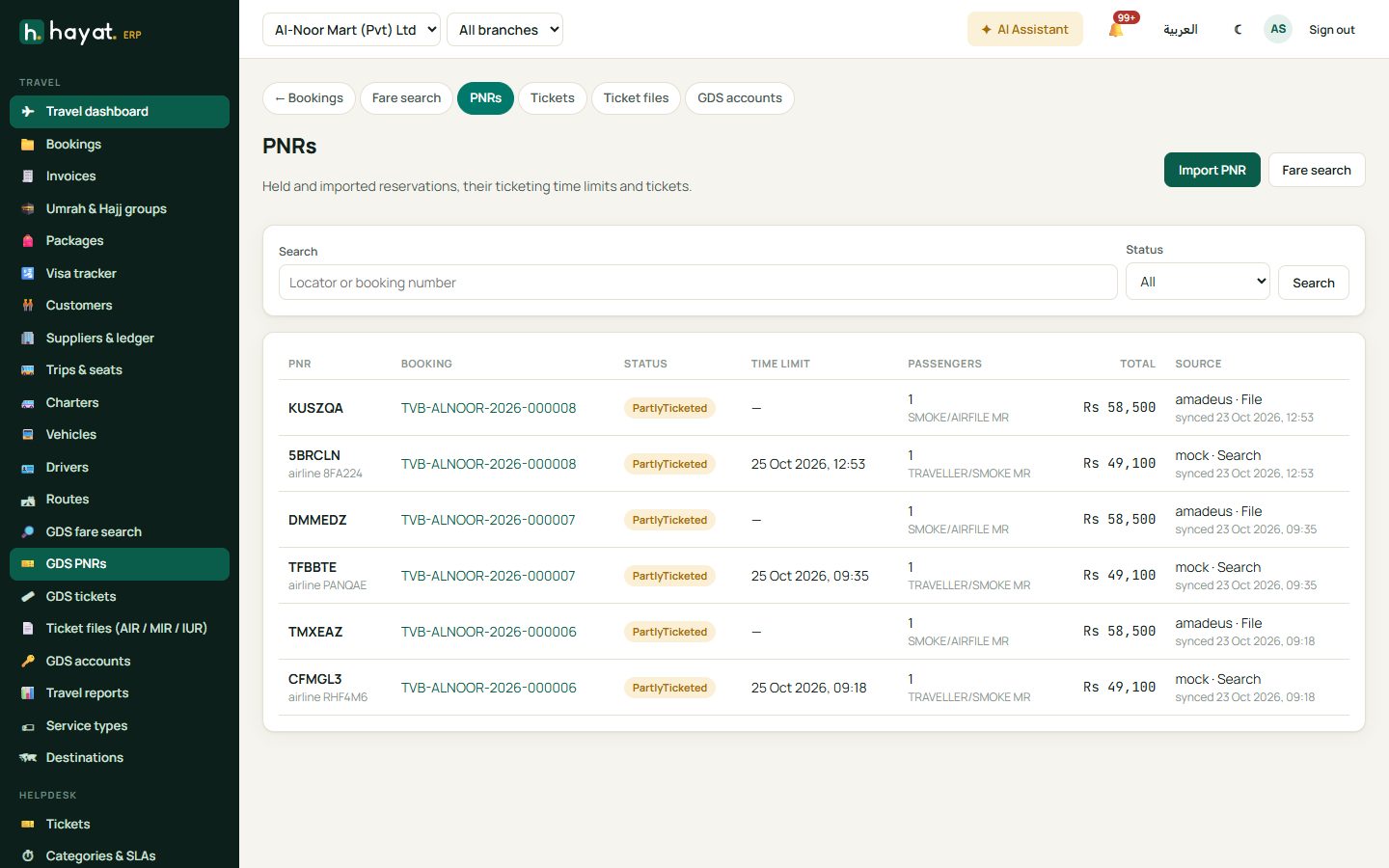
GDS PNRs → Import PNR (or Import PNR on a booking file): the Record locator (6 characters), the customer and phone, and Invoice the ticketed lines now. Amadeus Self-Service keys cannot read a PNR made elsewhere — use the AIR file instead.
GDS PNRs lists every PNR with its booking, status, ticketing time limit, passengers, total and source. Open one for the flights and tickets, Refresh from GDS, Issue tickets (with Invoice the booking), Cancel PNR, and per ticket Sync and Void.
Ticket files
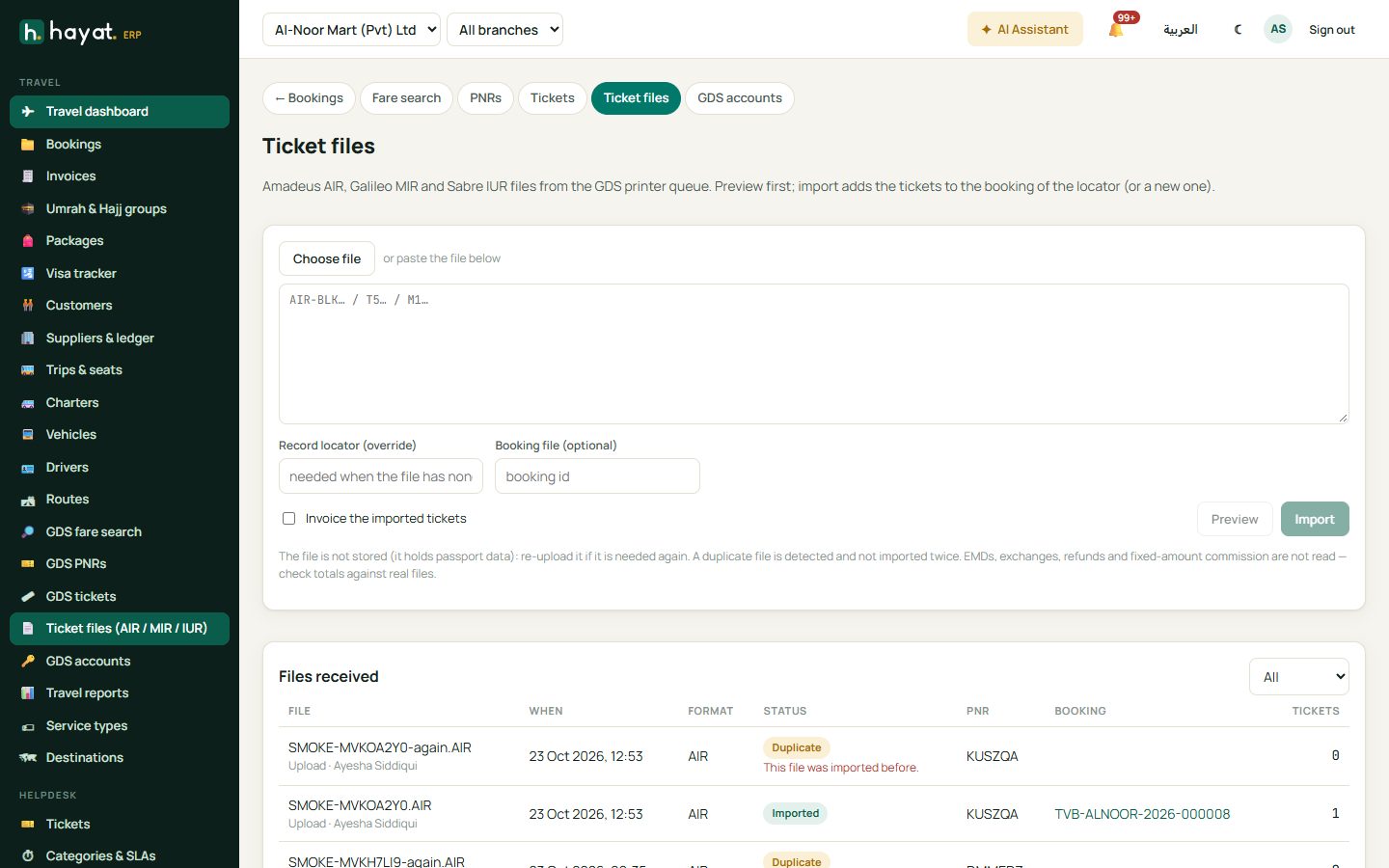
Ticket files (AIR / MIR / IUR): AIR (Amadeus), MIR (Galileo) and IUR (Sabre) from the GDS printer queue. Choose or paste a file (up to 512 KB), optionally a Record locator (override) and a Booking file, tick Invoice the imported tickets, then Preview (nothing is saved) and import. Files received lists each file with its format, tickets and result; the drop folder is read by itself. The same file is never imported twice, and the file itself is not kept, because it holds passport data.
Each passenger becomes one Air line on the booking file (TVB-…):
| Field | Value |
|---|---|
| Base fare, taxes | from the GDS or the file |
| Commission | base × commission % (from the ticket or file, else the account's airline rule, else its default) |
| Cost | base + taxes − commission, owed to the BSP supplier |
| Sale | base + taxes |
| Service fee | a separate Other line per ticket (sale only, no cost) when the account or the request has one |
The PNR, ticket number, sector (e.g. KHI-DXB-KHI), travel and return dates, class and airline are filled in. A new import, file or refresh for a locator that already feeds a booking updates that booking; invoiced lines keep their money and only get the ticket number and status.
Issue, void and sync
- Issue works only with allow issue on the account and a provider that can issue (not Amadeus Self-Service). The ticket numbers land on the lines; the booking can be invoiced in the same step.
- Void (on the ticket in the PNR: Reason, Charge the customer, Keep the service fee line, Already voided in the GDS terminal (only record it here)) within the void hours: a line not invoiced yet is cancelled; an invoiced one is refunded through the normal refund (TVF), with the customer charge you type and the full cost back from the supplier. The service-fee line is kept unless you say otherwise. After the void hours, use the normal line refund. A ticket already voided in the terminal is voided in Hayat with already voided at the GDS.
- Every 30 minutes held PNRs past their ticketing time limit are marked Expired, tickets issued in the last 3 days are checked with the GDS, and the drop folders are read. A difference (voided, refunded or exchanged in the GDS) only flags the ticket — GDS tickets with Needs attention ticked lists them. Sync never posts.
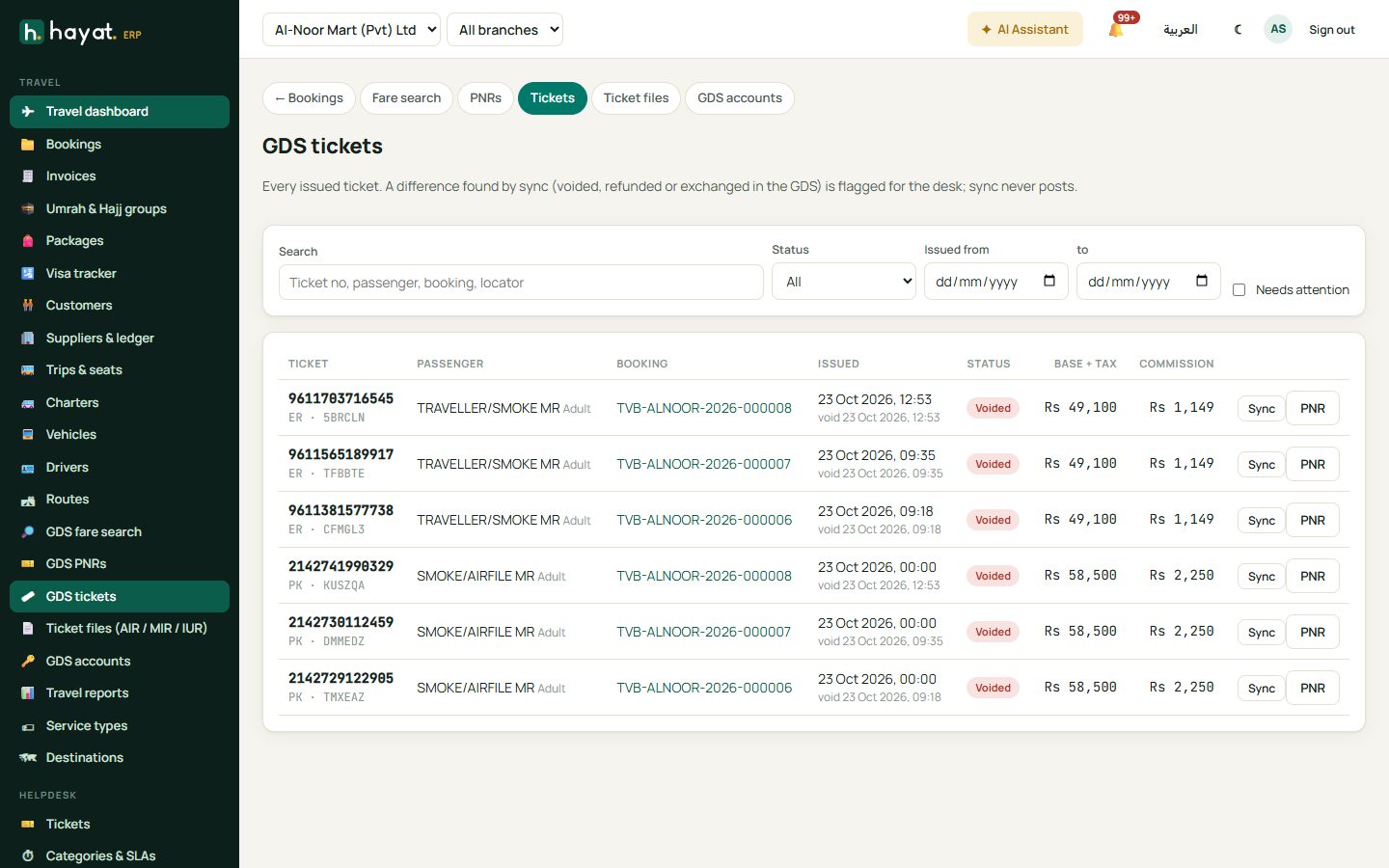
PNR statuses: Held, Ticketed, Partly ticketed, Cancelled, Expired, Imported.
What the files do not cover
EMDs, exchanges and re-issues, refund records, conjunction tickets after the first number, several fare quotes and fixed-amount commission are not read (a warning says so). Check the totals of your first real files against the GDS before relying on them.
Where the money goes
Nothing posts on search, hold, import, sync or file imports. Invoicing and voids use the existing travel postings — see Travel → Where the money goes:
| Event | Debit | Credit |
|---|---|---|
| Booking invoiced (TVI / TVS) | 1140 Client receivables | 4410 Travel services revenue |
| Ticket cost | 5110 Cost of travel services | 2040 Travel suppliers payable (the BSP or airline) |
| Void of an invoiced ticket (TVF) | 4410 revenue; 2040 payable | 1140 receivables; 5110 cost |
| BSP bill paid | 2040 | 1020 Bank |
Withholding tax on the BSP commission is not posted separately.